Case study
nuVector
The company website for nuVector, which sells software for tracking returnable containers, racks and tooling. It has nine client pages, three service pages and a blog of 20 posts, and every page leads to a demo request.
- Client
- nuVector LLC (Atlanta, Georgia)
- My role
- Design, front-end development and content
- Year
- 2024 to 2025
- Scale
- 17 fixed pages and 20 blog posts, plus the index, category and author pages built from them
- Status
- Not live in this form. The screens come from the build.
- 9 client pagesVolvo, Warner Bros. Discovery, Sonoco, Regal, ZF, Bosch, CHEP, UES and packIQ, all from one layout
- 20 postsMarkdown files that produce the post pages, the paginated index, the category pages and the author pages
- Astro on NetlifyPages rendered on demand and cached at the edge, with the blog index and its category and author pages built ahead of time
About the project
nuVector sells software that tracks returnable assets: the containers, racks and tooling that leave a plant and are supposed to come back. I worked there as a front-end developer and later in SEO and marketing, so I knew the customers before I started on the site. The site this one replaced was bad, and that is what drove the rebuild.
The company site had a different job from the LoopManager product site. LoopManager is nuVector's product, and that site explains what the software does. This one had to show that the company behind it is real and established, and then get a demo booked. That is why the client work sits high on the page and why every route ends at the same form.
Most of the build is about not typing anything twice. The nine client pages are one layout with the client name, the kind of result, a photograph and a quote passed into it. The blog posts are Markdown files, and the post pages, the index, the category pages and the author pages are all generated from those files. Publishing a post means adding a file.
I did the design, the front-end build and the 20 blog posts. The photography, the logos and the product claims are nuVector's.
Section by section
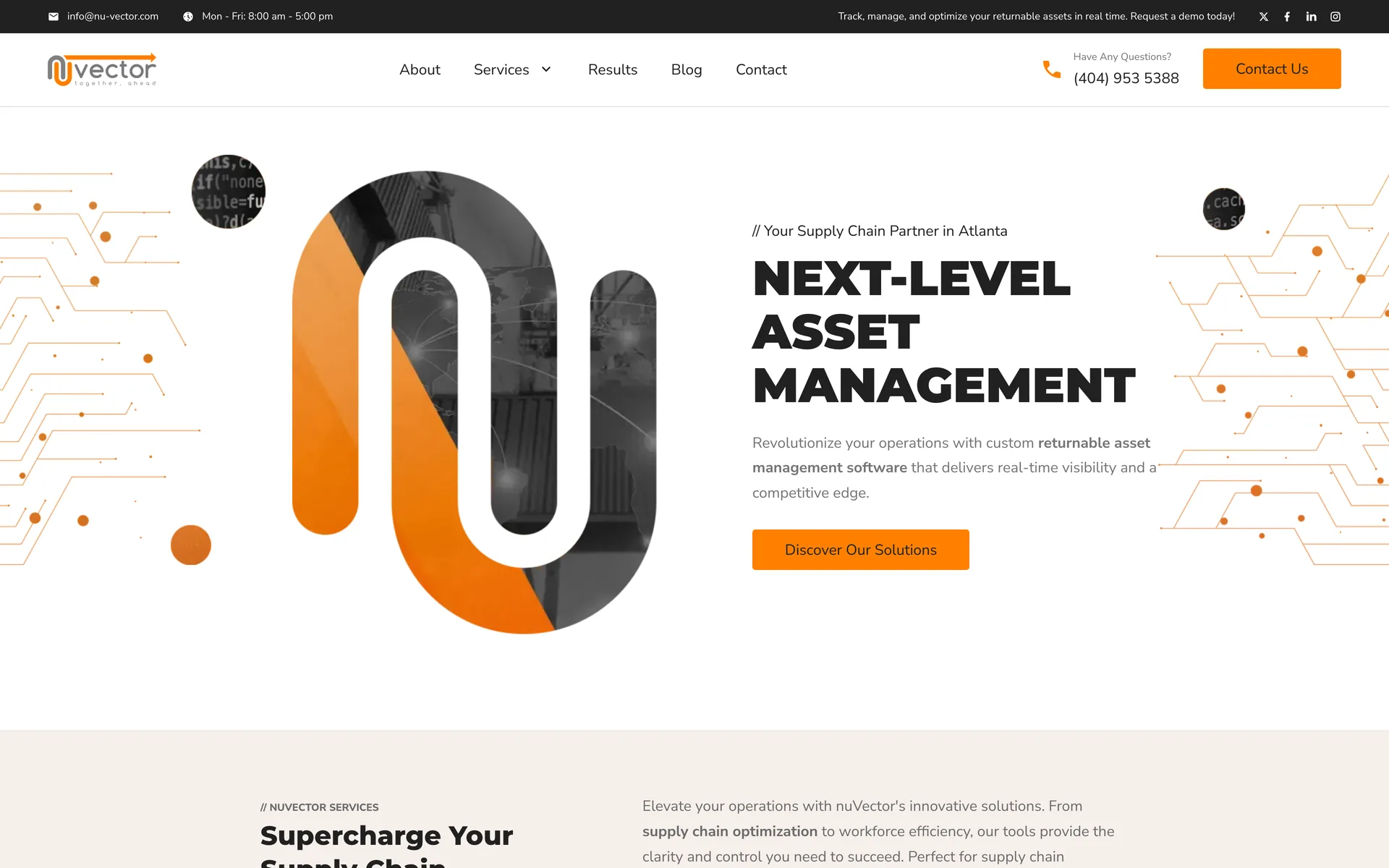
The homepage, section by section.
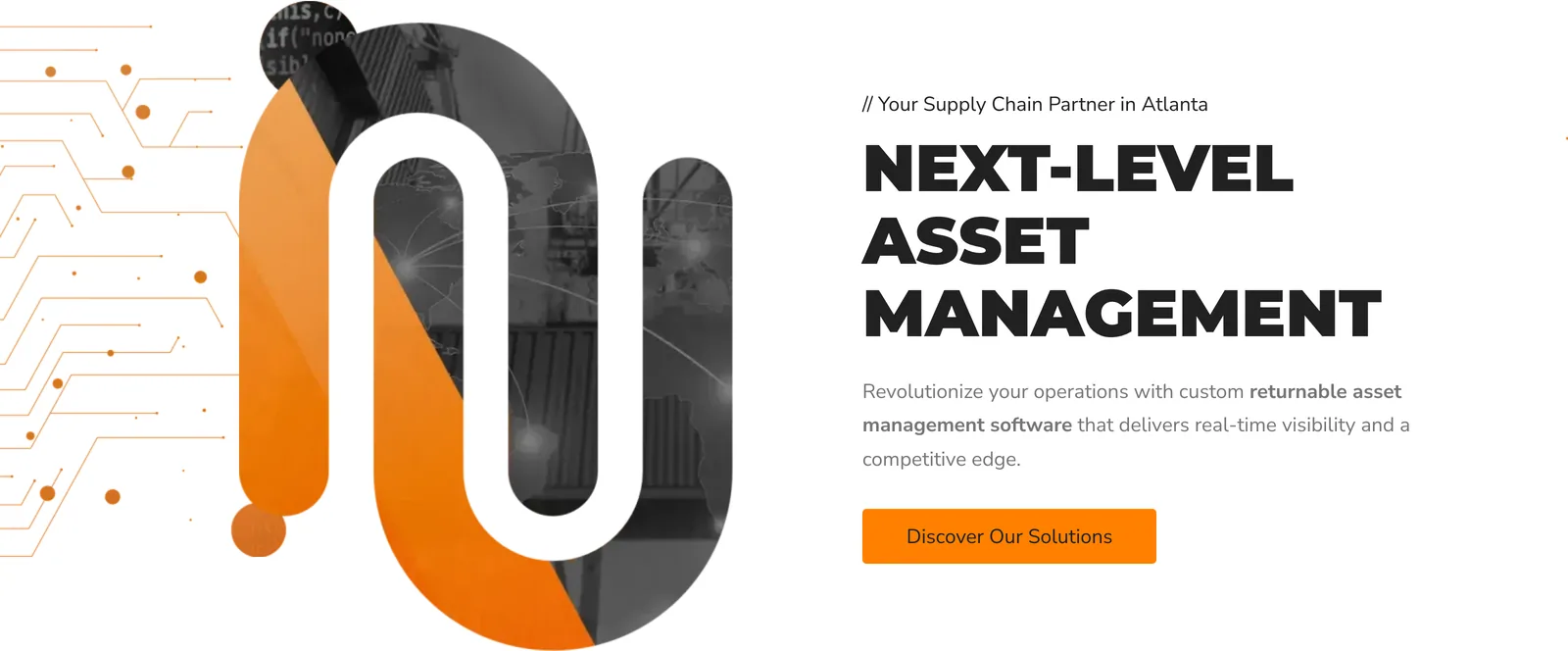
HeroOne headline, one sentence and one button. The button goes to the asset management service page, so the first click is to read more. The demo request is in the header and again at the bottom of the page for anyone who already knows what they want. 
ServicesThree services, numbered, each one a card that turns over on hover to show a sentence about what it covers and a link to its own page. Returnable asset management, workflow tracking, and data and infrastructure. On a phone the cards turn on tap. 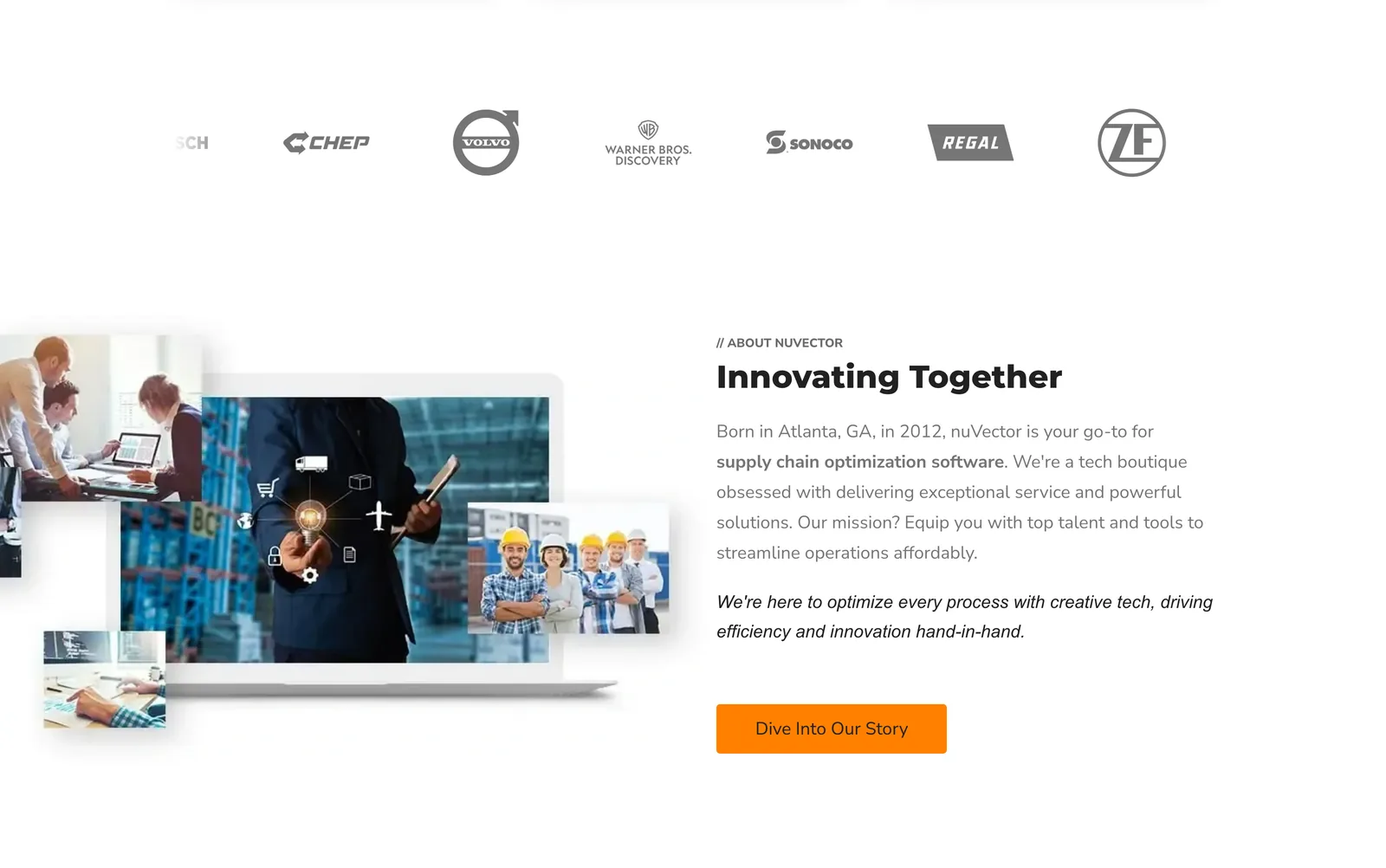
Clients and companyNine client logos on a loop, then a short piece of company history. The logos are drawn as masks so they all come out in one gray, which stops a row of nine different brand treatments from fighting each other. The row is duplicated so the loop has no visible join, and the copy is hidden from screen readers so the same nine names are not read out twice. 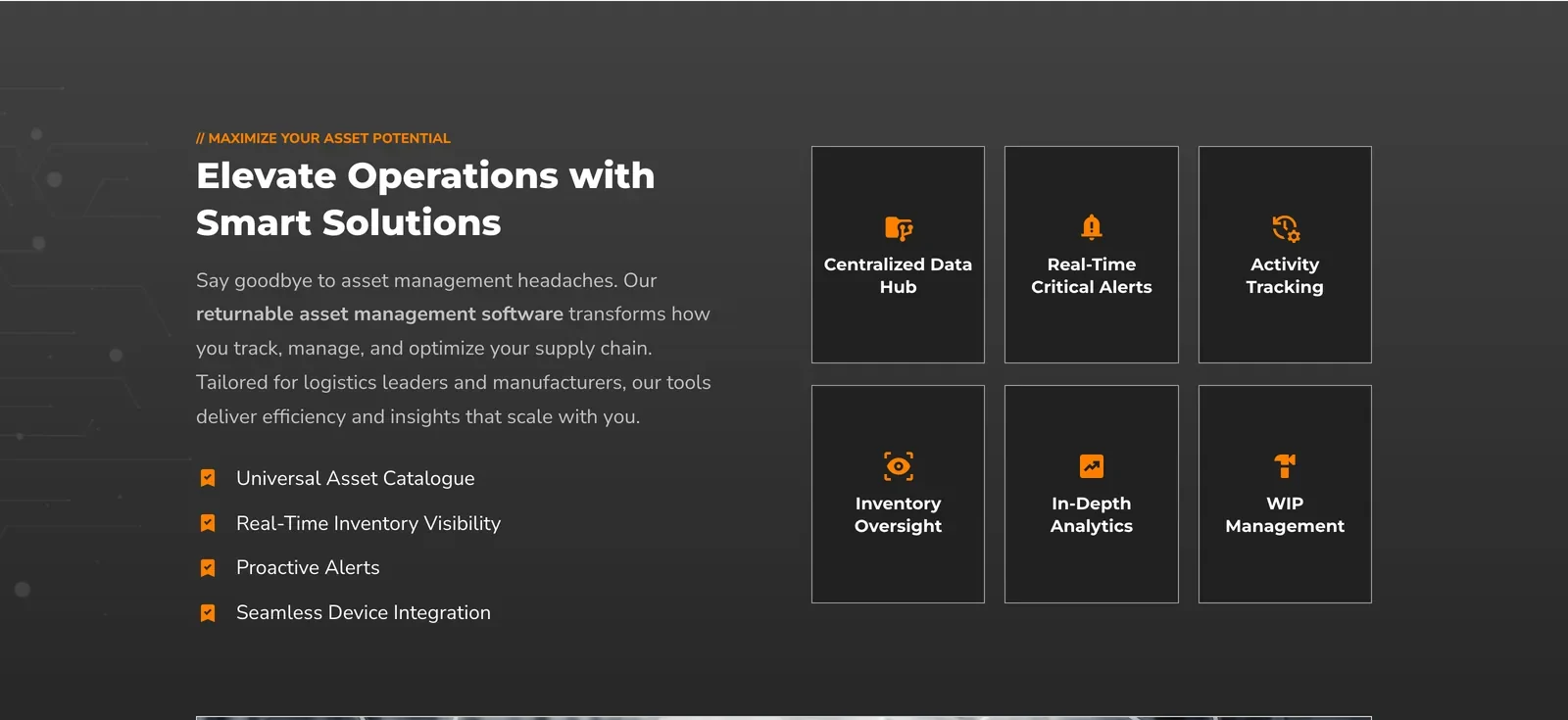
What the software doesA dark band across the page with four capabilities on the left and six tiles on the right, each tile a link into the asset management page. Three of the tiles carry a shorter heading that is used on narrow screens, so nothing wraps to three lines on a phone. 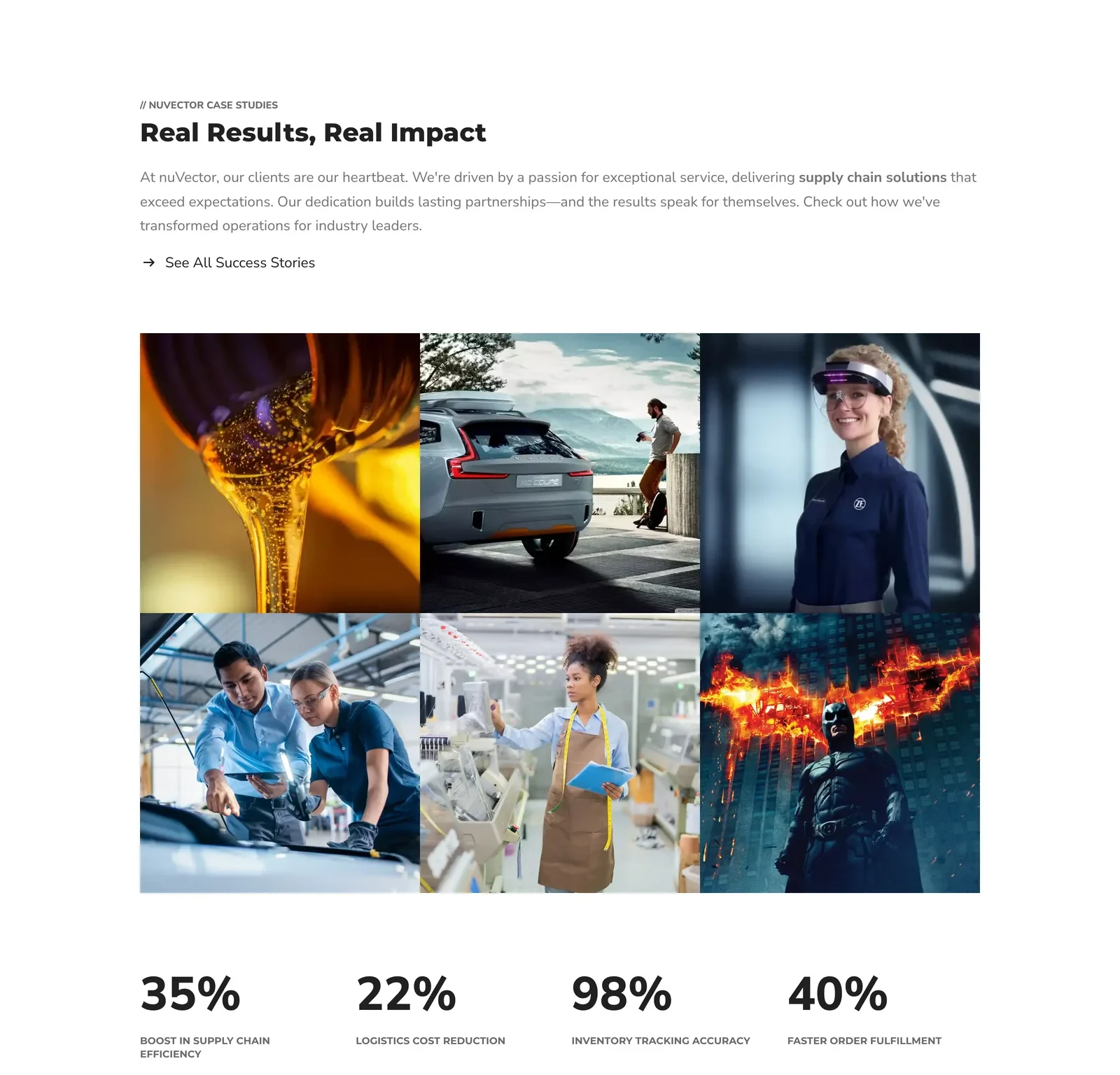
Client workSix clients, each one linking to a full page about that client, and four numbers underneath. The client name and the kind of work sit over each photograph and appear on hover, which is why a still like this reads as six pictures. The four numbers are nuVector's claims about what their software does for their customers. They are not results of my work on the website and I am not presenting them as mine. 
BlogThe six most recent posts, read from the Markdown files at build time and sorted by date. One file produces the card, the post page, the category page and the author page, so publishing is a matter of adding a file. 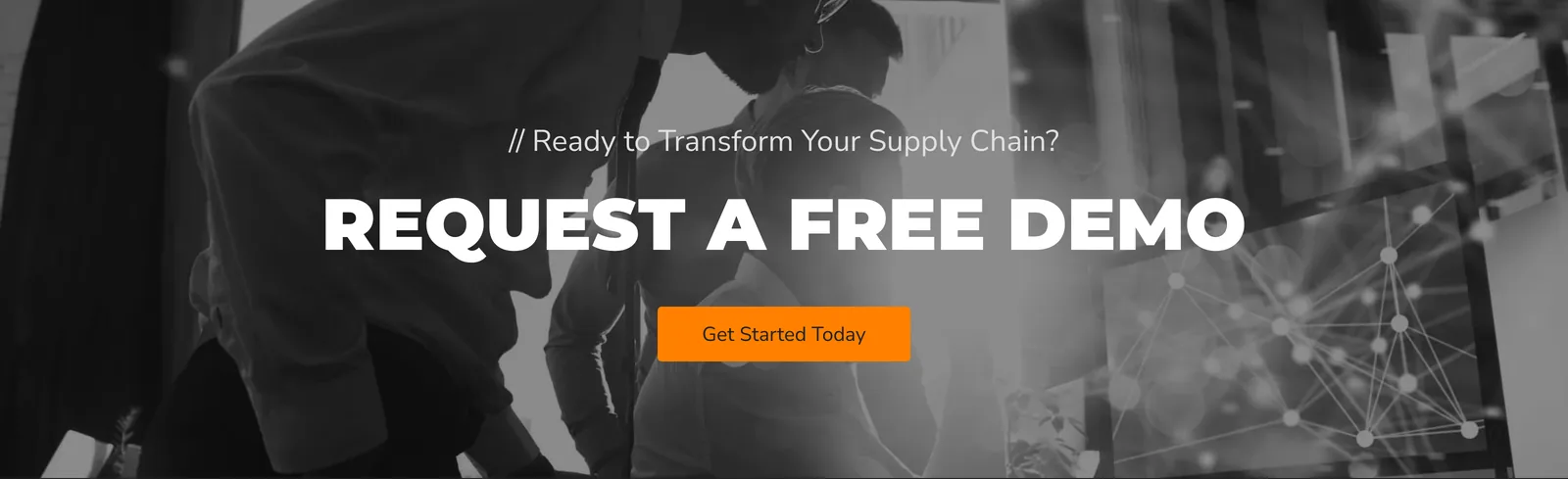
Demo requestThe page ends on the same request the header opens with. One line, one button, no form fields.
The rest of the site
Every page below the homepage gets its banner and its breadcrumb from one component, so you can always see how deep in the site you are.
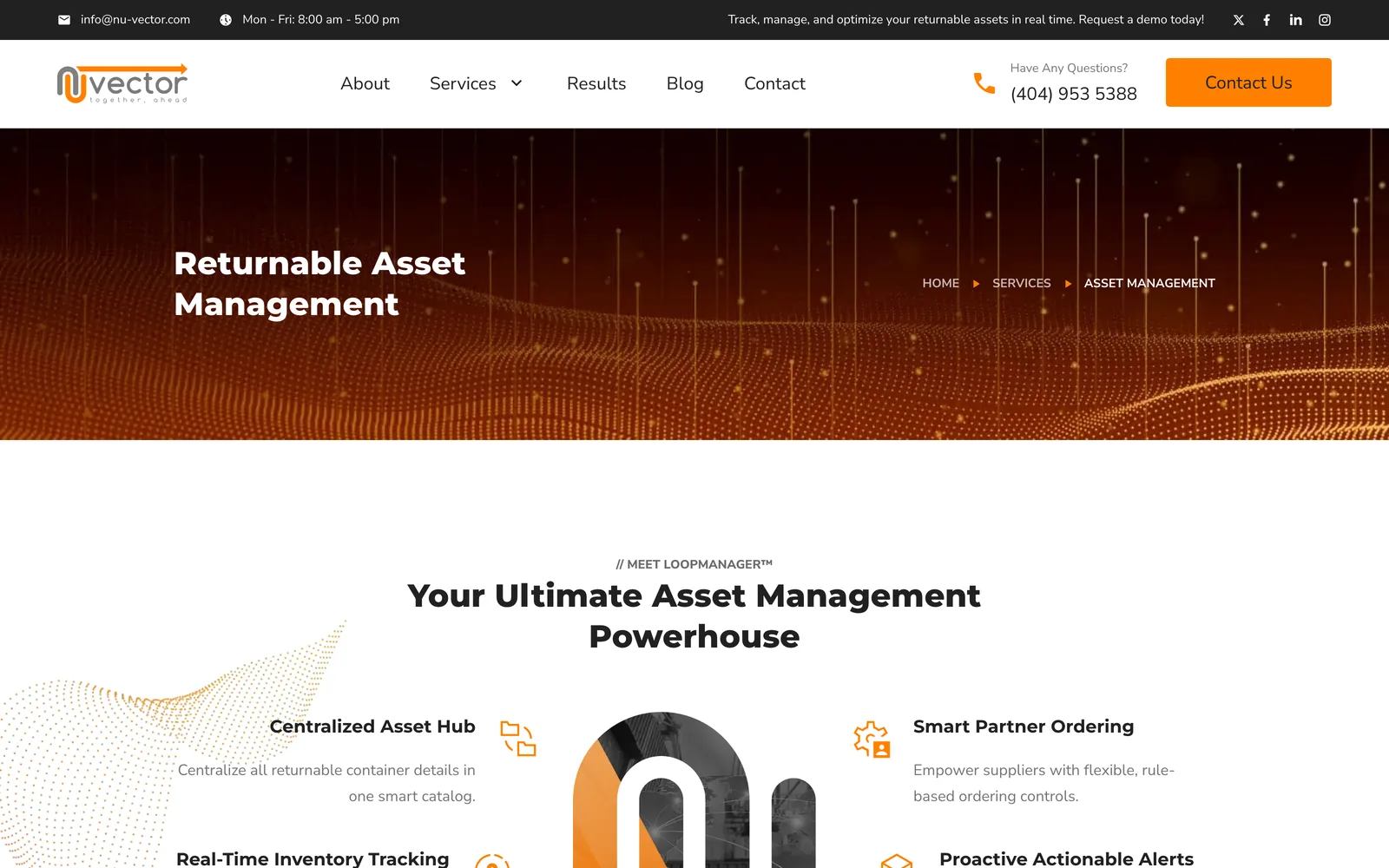
One of the three service pages. This one opens with LoopManager, which is nuVector's product and the subject of the other case study. 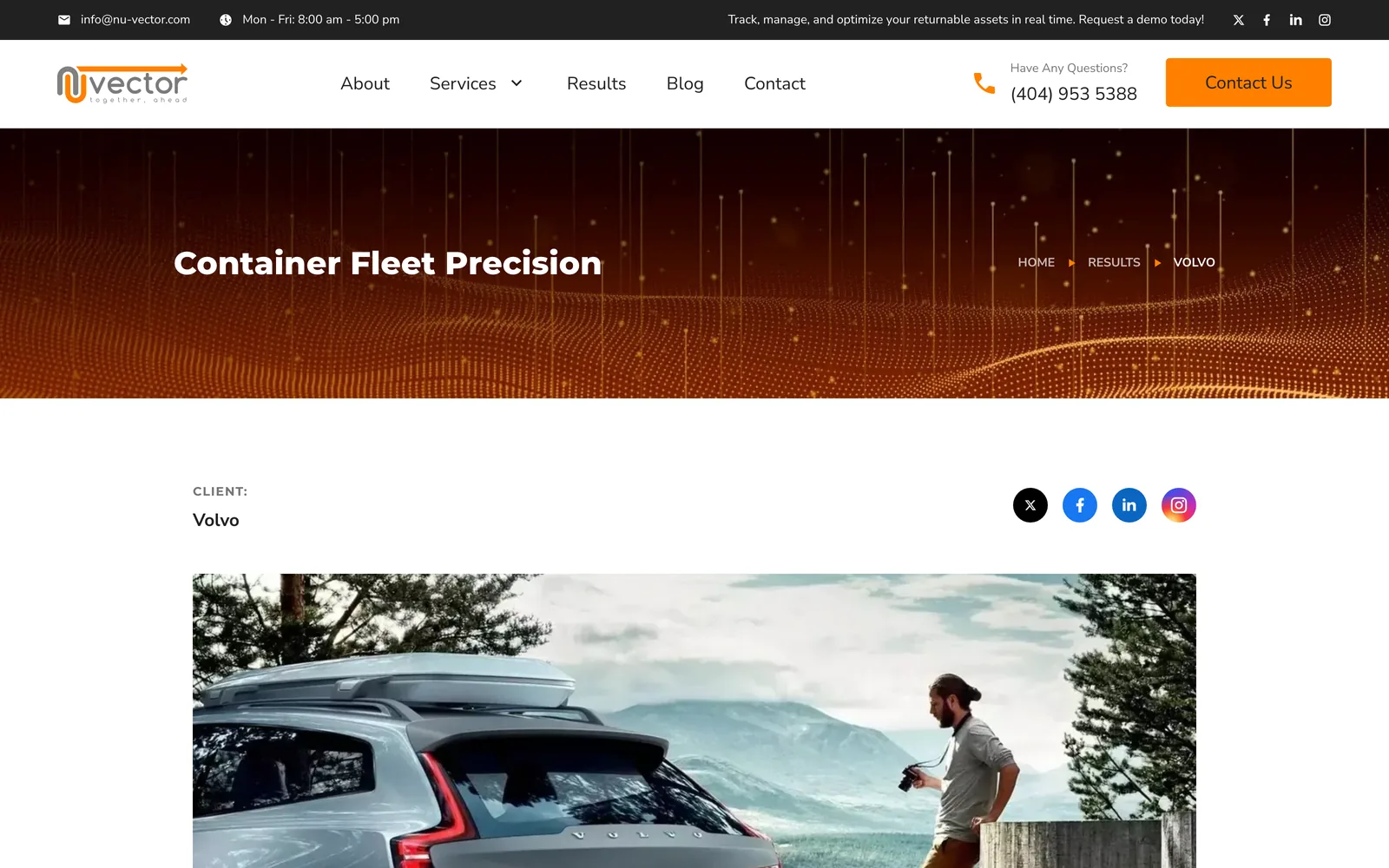
A client page. The layout takes the client name, the kind of result, a photograph, a pull quote and the body copy. Nine clients use it. 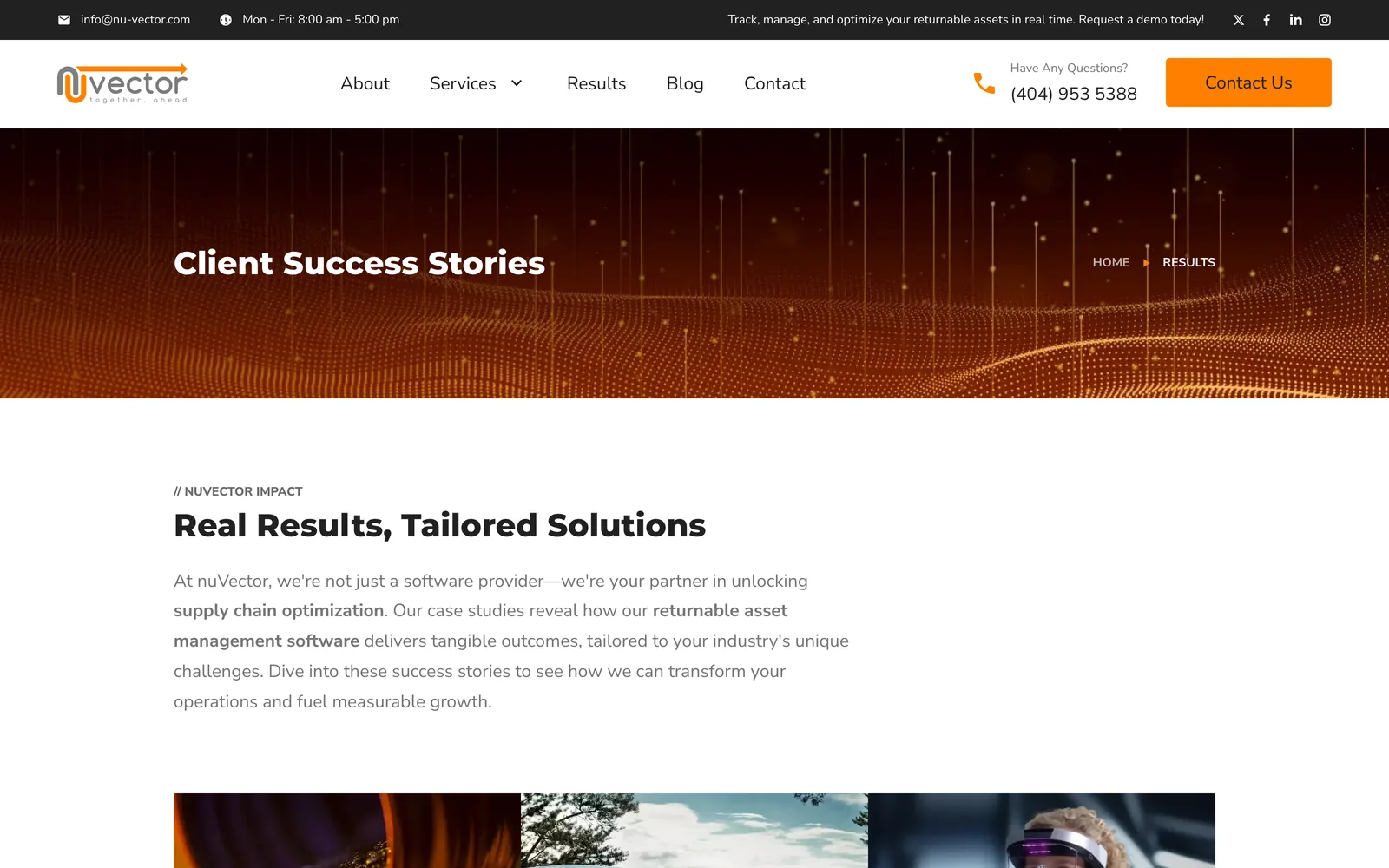
The index that holds all nine of them. 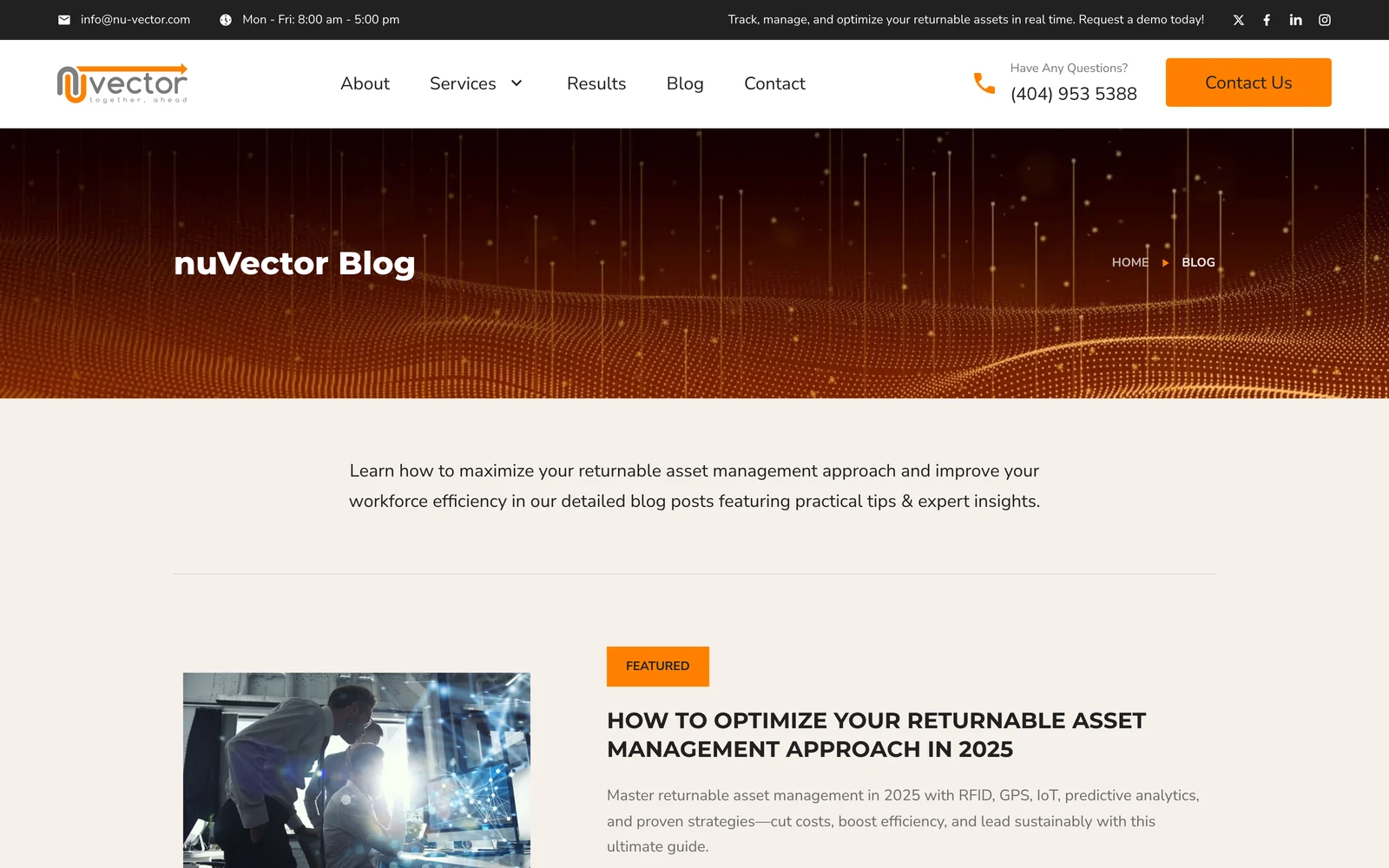
The blog index: a featured post, then six posts to a page with pagination and a list of categories. The category and author pages are generated from the same files. 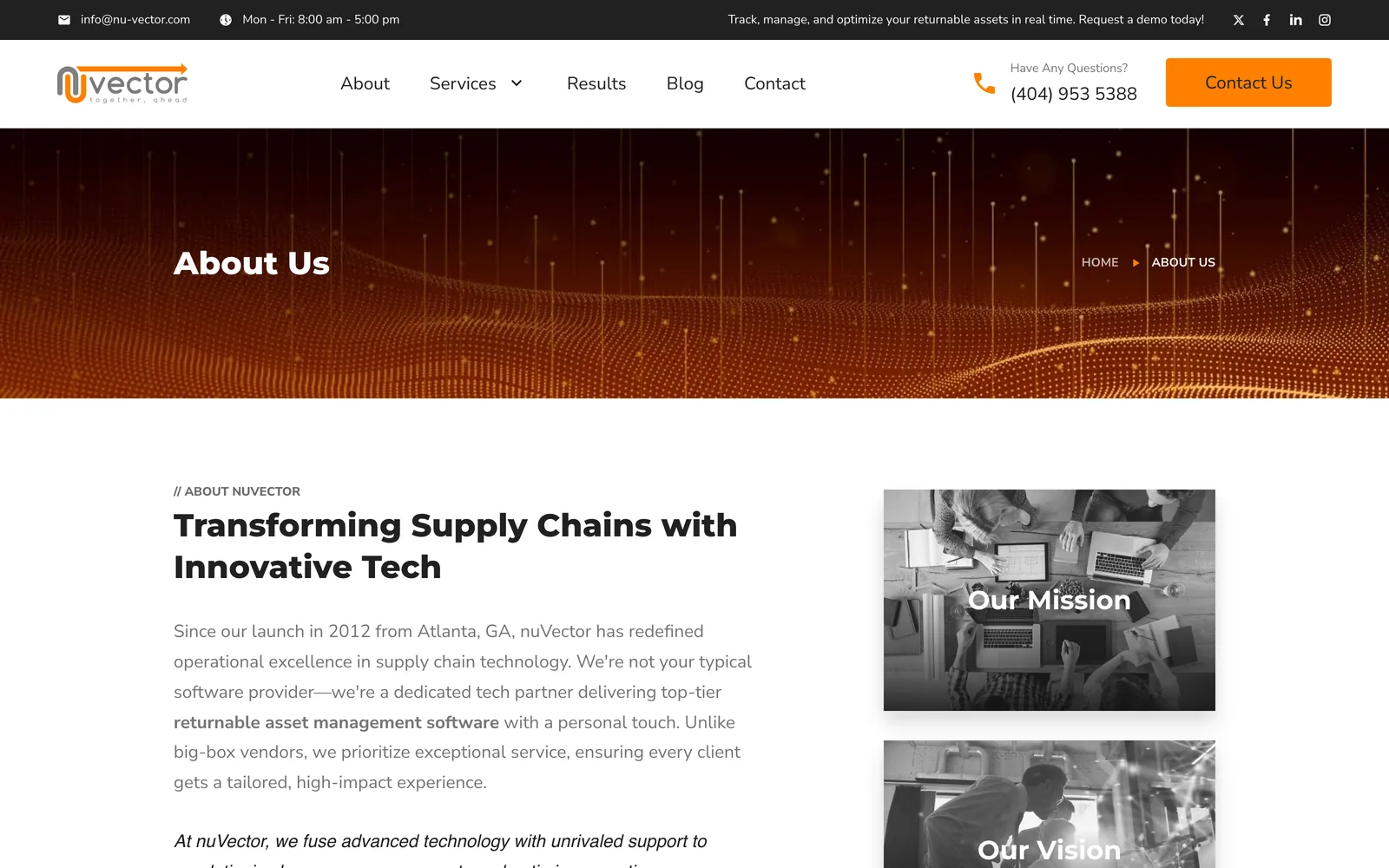
About, which is where the company history goes in full. 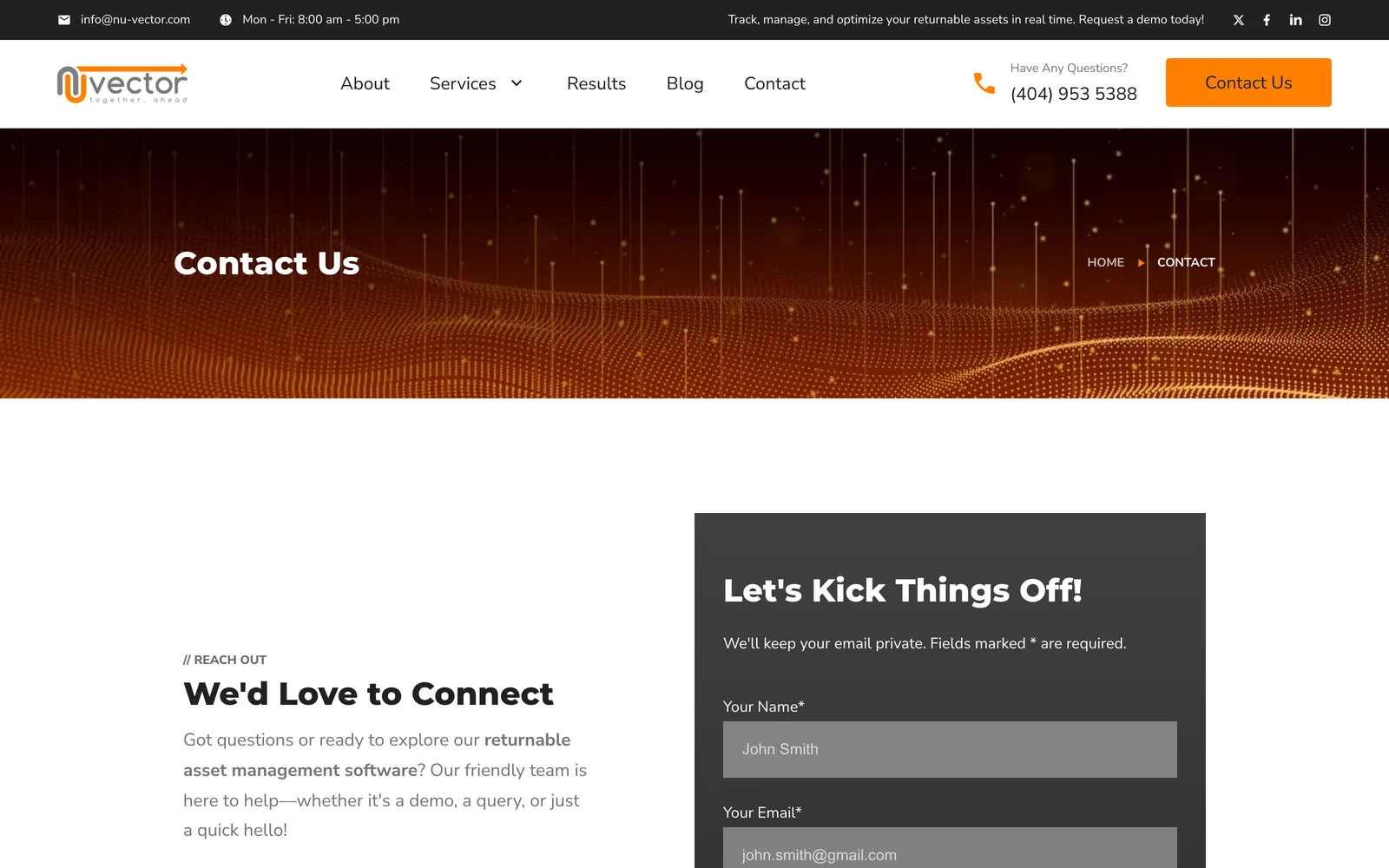
The contact page. The form marks its required fields and says what happens to the address, and it posts to a serverless function.
On a phone
The strip above the navigation is dropped on a phone, so the logo and the menu button are the only things above the content.

The homepage. The monogram moves above the headline and the copy runs full width. 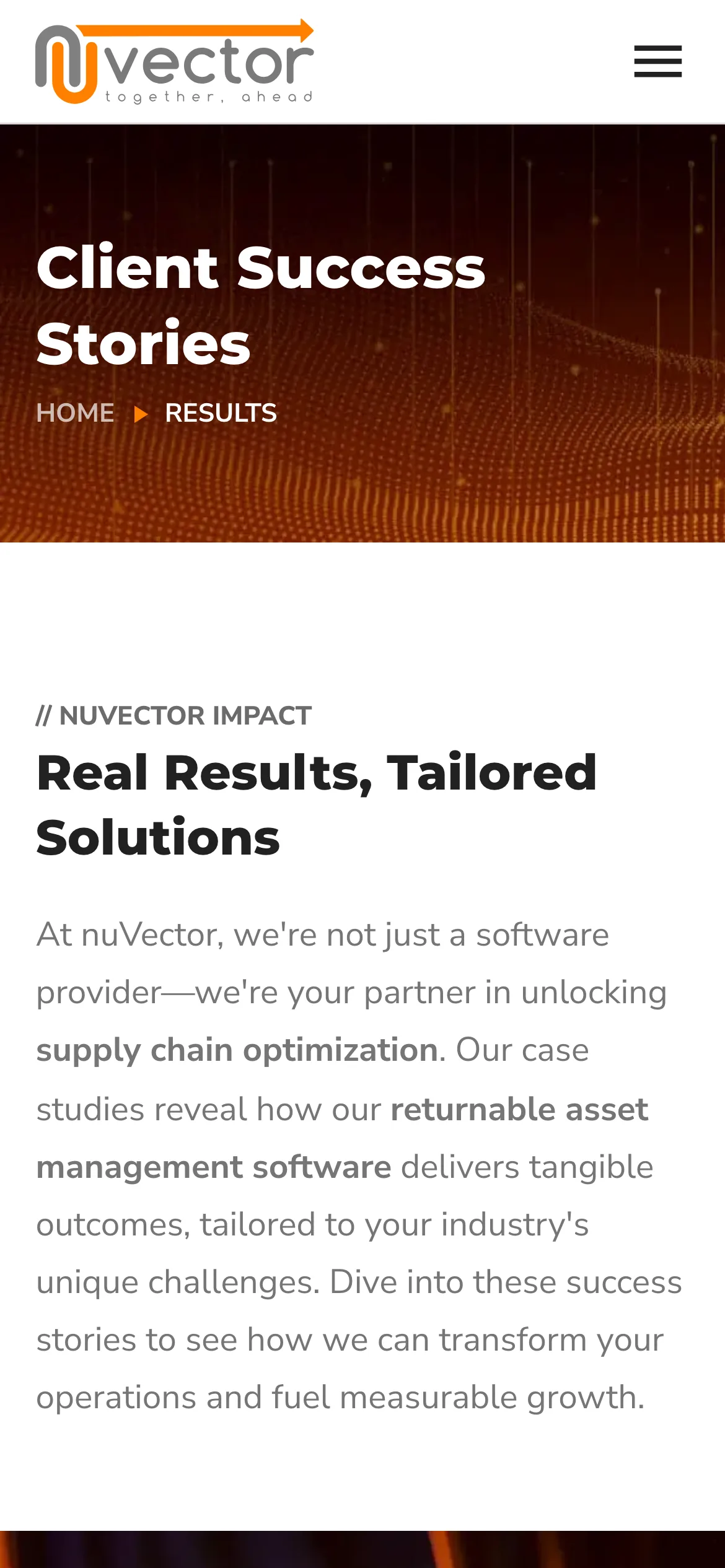
The client index. The banner and the breadcrumb hold their shape at this width. 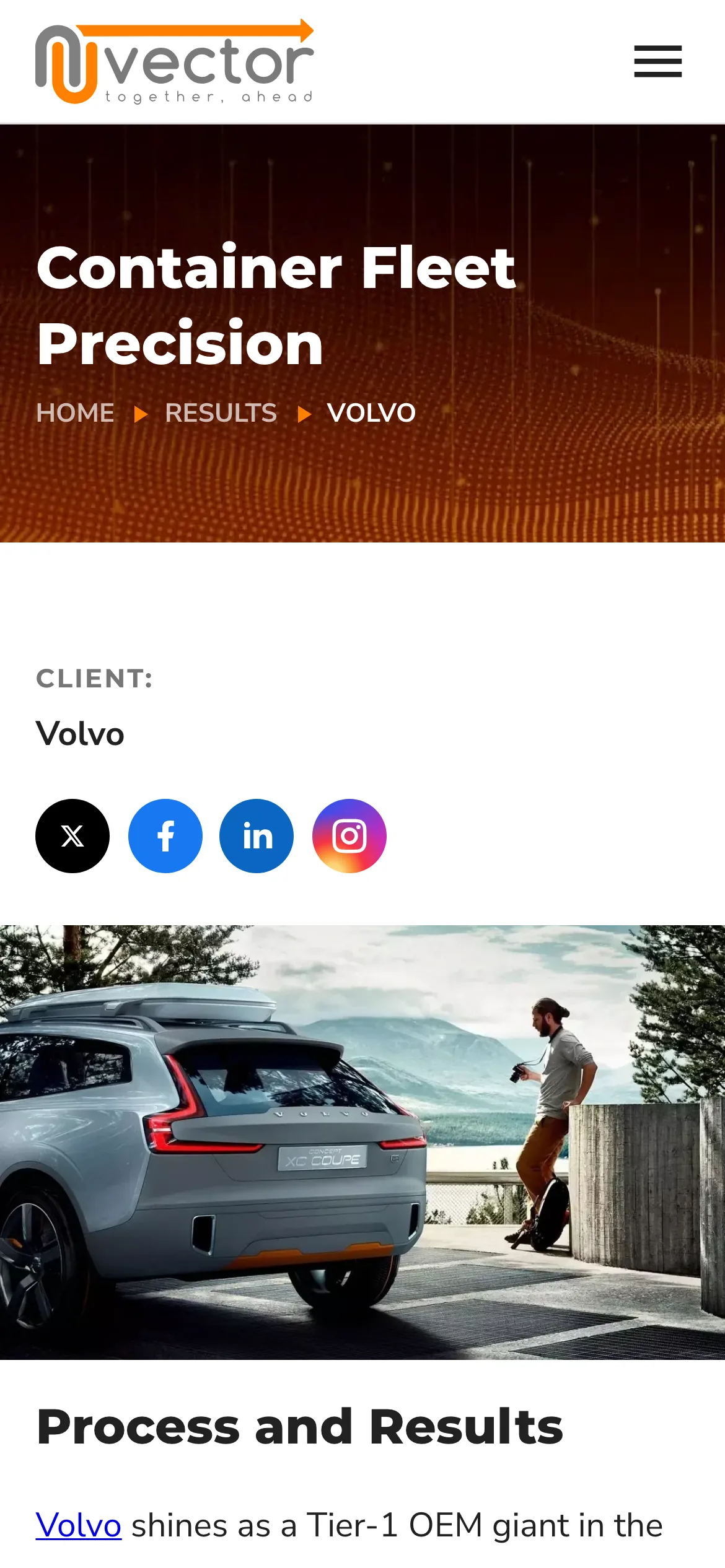
A client page. The photograph moves between the client name and the write-up. 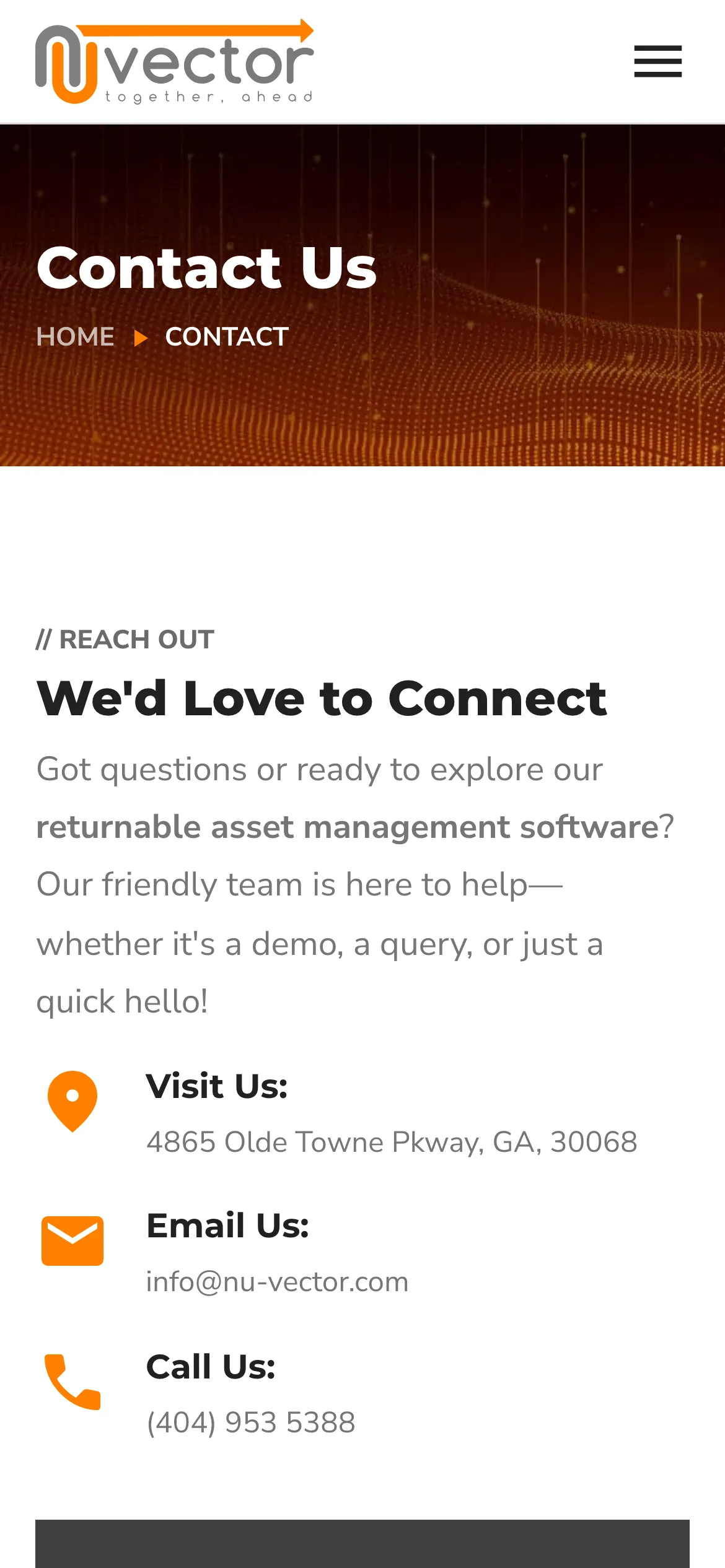
Contact. The address, the email and the phone number come before the form, because on a phone most people want to call.
What went into it
Design
- Montserrat for headings and Nunito Sans for body text, both self-hosted and preloaded.
- The brand's existing orange and charcoal.
- Every section opens with a small double slash label above its heading, so someone scanning the page can tell where they are.
- Client logos are drawn as single color masks, so a row of nine different brand treatments reads as one row.
- Every page below the homepage takes its banner and breadcrumb from one component, so the size of the site is visible from anywhere in it.
Build
- Astro 4 with MDX, the sitemap integration and astro-icon, using three icon sets.
- Hosted on Netlify through the Netlify adapter. Pages are rendered on demand and cached at the edge. The paginated blog index, the category pages and the author pages are built ahead of time, since they come from a fixed set of files.
- SCSS with one variables file and one mixins file. No CSS framework.
- The nine client pages are a single layout that takes the client name, the kind of result, a photograph, a pull quote and the body copy.
- Posts are Markdown. The frontmatter carries the title, date, author, category, description, image and a table of contents, and on 14 of them a list of questions and answers.
- Drafts and posts dated in the future are filtered out at build, so a post can be written early and dated for later.
- The contact form posts to a serverless function on Netlify, which sends the mail.
Marketing
- Structured data is generated for each page: BlogPosting on posts, LocalBusiness on the homepage, and FAQPage merged into the 14 posts that carry questions and answers.
- Canonical URL, Open Graph and Twitter card tags on every page, with a per page switch to mark one noindex.
- 20 posts across four categories, published from February 2023 to March 2025, each aimed at one search and ending at the demo form.
Tools used
- Astro
- SCSS
- TypeScript
- JavaScript
- Figma
- Netlify
- SEO