Case study
TimeClick
I redesigned timeclick.com, built the CRM, checkout and email systems behind it, and ran the SEO program that took organic traffic from about 4,000 to over 30,000 visitors a month.
- Client
- TimeClick (Utah, US)
- My role
- Design, front-end development, SEO and email marketing
- Year
- 2024 to present
- SEO program
- December 2025 to April 2026
- 4,000 to 30,000+Monthly organic visitors, December 2025 to April 2026 (Google Analytics)
- Full redesignHomepage, feature pages, pricing and the free trial flow
- Email campaignsLaunched the trial and post-trial sequences, plus Zoho CRM, WooCommerce and Stripe
About the project
TimeClick sells desktop time clock software to small businesses. Unlike most competitors, it is sold for a one-time price with no subscription. The website has to explain that quickly, show that the product is trusted, and get the right visitors to start the 14-day free trial, which does not need a credit card. I redesigned the site with that goal, and then ran the SEO program that brought the visitors to it.
The homepage starts with the offer and the trial button, followed by the proof: a 4.7 out of 5 rating from more than 1,000 reviews, customer logos, and a feature section that covers time tracking, PTO, job codes, reports, mobile apps, geofencing and payroll integrations with QuickBooks, ADP and Gusto. Reviews and a second trial button close the page. The site is responsive and built to load quickly on the laptops and phones that small business owners use.
I also built the systems around the site. I integrated a Zoho CRM newsletter signup into the blog. The original embed was being broken by WordPress content filters, so I replaced it with a plain JavaScript fetch() call. I fixed a WooCommerce and Stripe ACH microdeposit problem on the purchase site with a small script. I wrote and launched the trial and post-trial email campaigns, and the first newsletter to the existing customer base.
Separately from the website, I led a screen-by-screen redesign of the TimeClick 25 admin interface and delivered interactive HTML, CSS and JavaScript mockups that the development team built from.
SEO results, December 2025 to April 2026
I ran the SEO program for five months and handed it off in April 2026. The numbers below come from Google Analytics and from Ahrefs.
- 4,000Monthly organic visitors in December 2025 (Google Analytics)
- 30,000+Monthly organic visitors in April 2026 (Google Analytics)
- 2,400Keywords ranking, 472 of them in the top 3 (Ahrefs, September 2026)
- 753Google AI Overviews that cite timeclick.com (Ahrefs, September 2026)
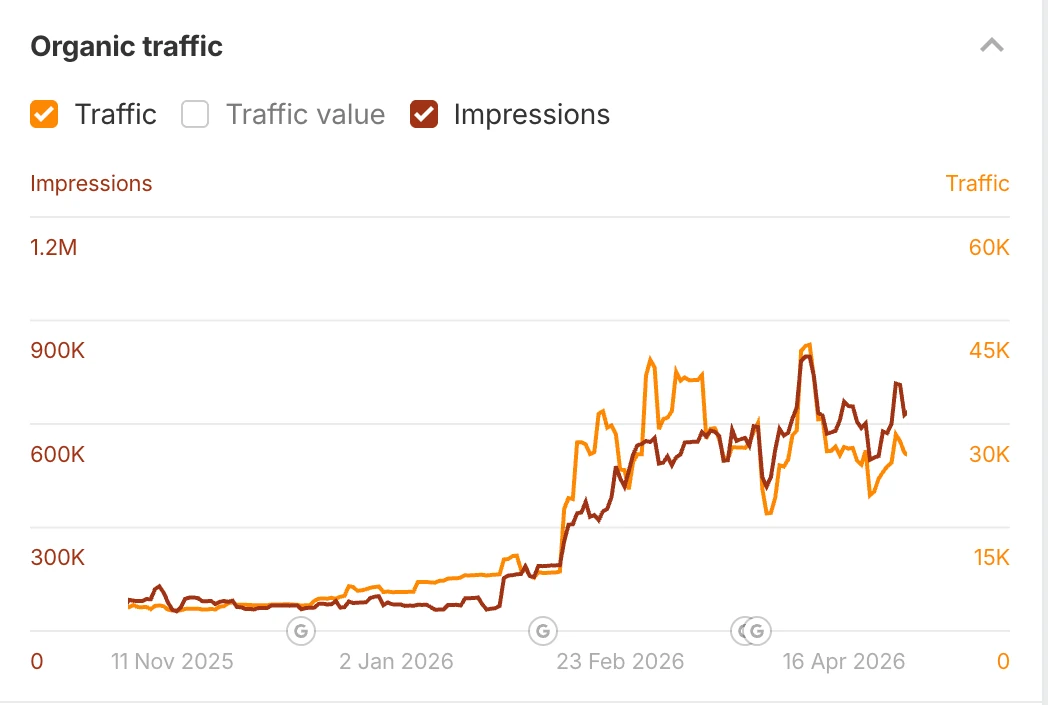
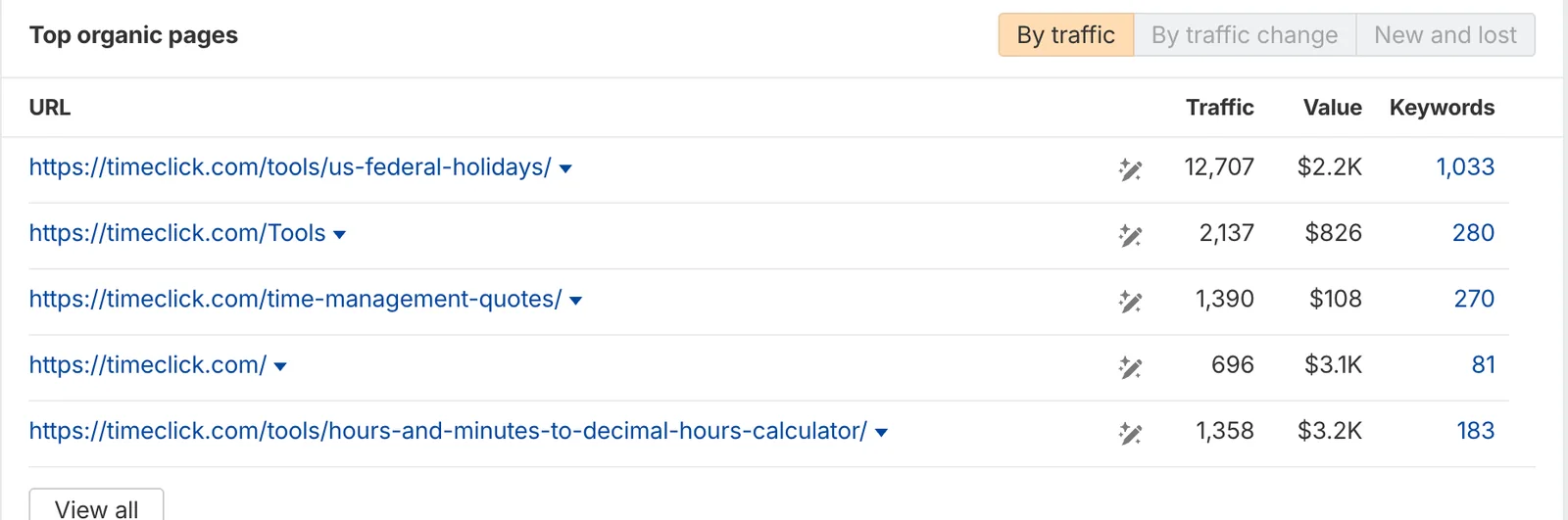
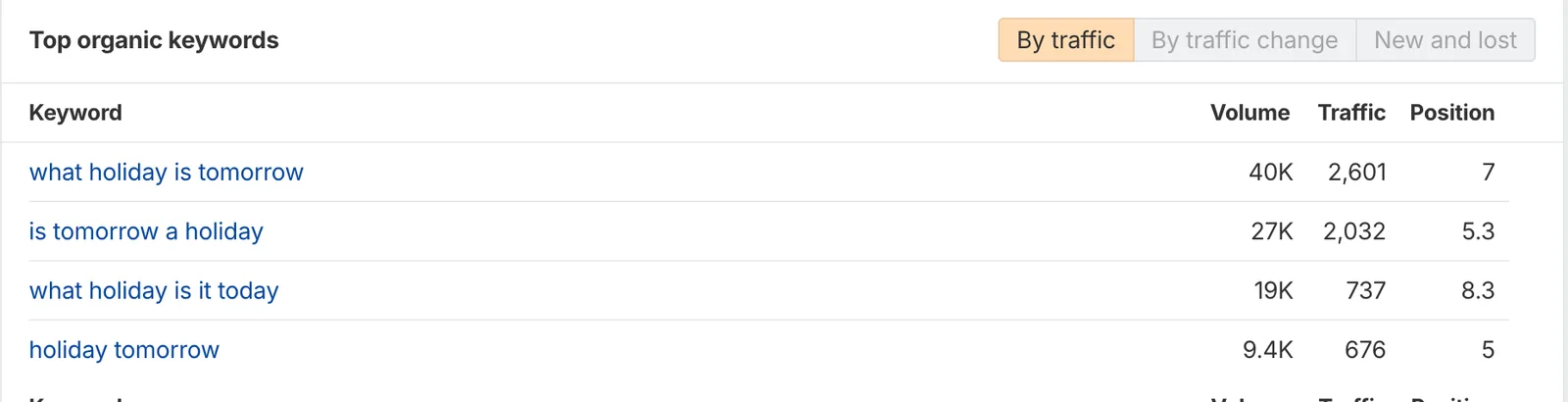
The work: free tools and resource pages built for searches people make every day (a federal holidays calendar, a time card calculator, an hours to decimal calculator, a military time converter and others), articles for searches like "easy to use time clock software", on-page fixes across the site, schema markup fixes (the site was marked up as a local business; it is a national software company), new backlinks, and internal links from the tools pages to the product pages and the free trial.
Most of the new traffic is informational: people looking up holidays or converting hours. The tools pages link to the product and the trial, so that traffic feeds the top of the funnel. Ahrefs shows the same picture from the outside: estimated organic traffic went from about 2,000 visits a month in late 2025 to a peak near 45,000 in April 2026, and has stayed between roughly 20,000 and 40,000 since. Ahrefs numbers are estimates; the Google Analytics figures above are the measured ones.
Section by section
The homepage, top to bottom.
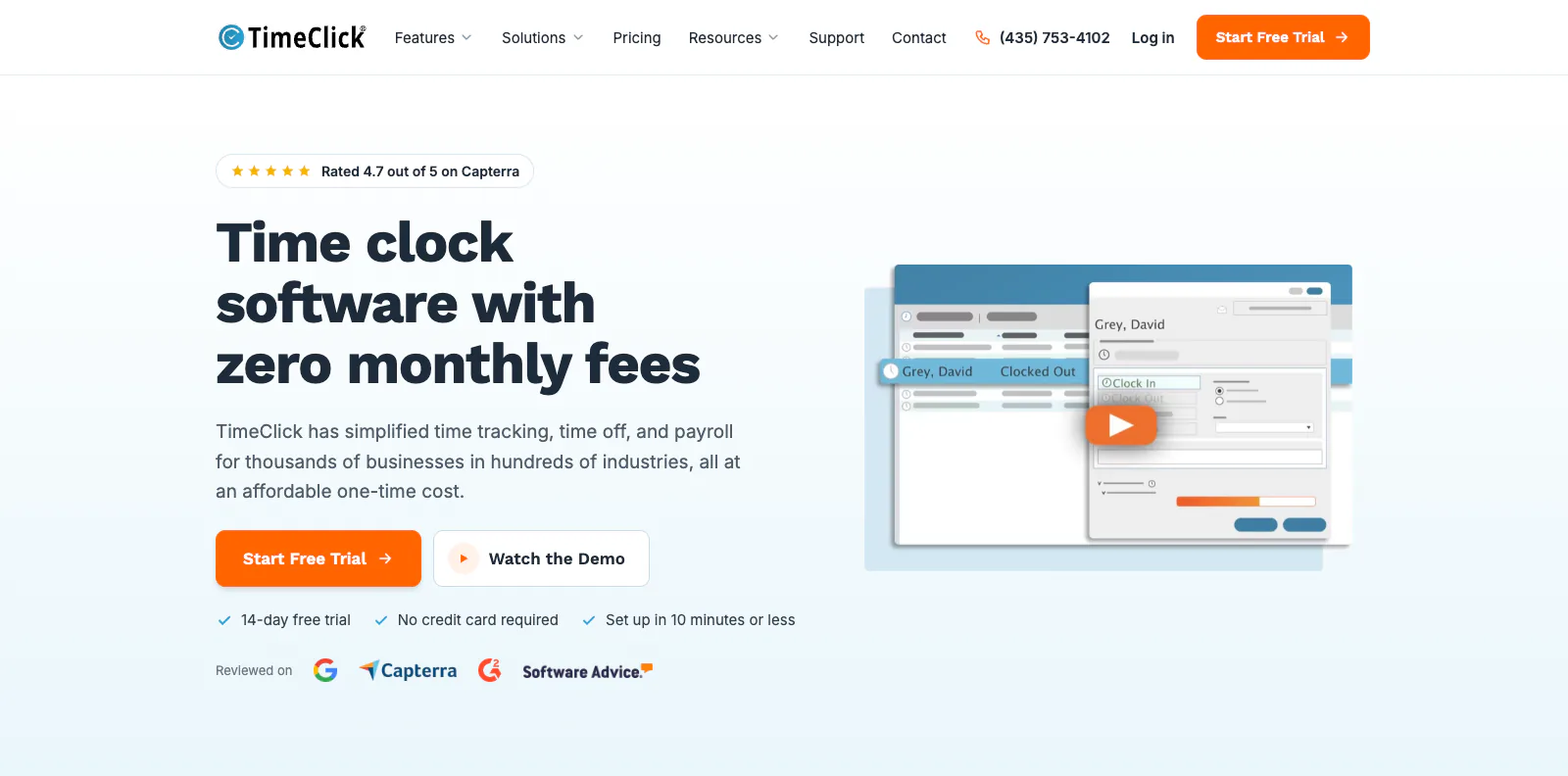
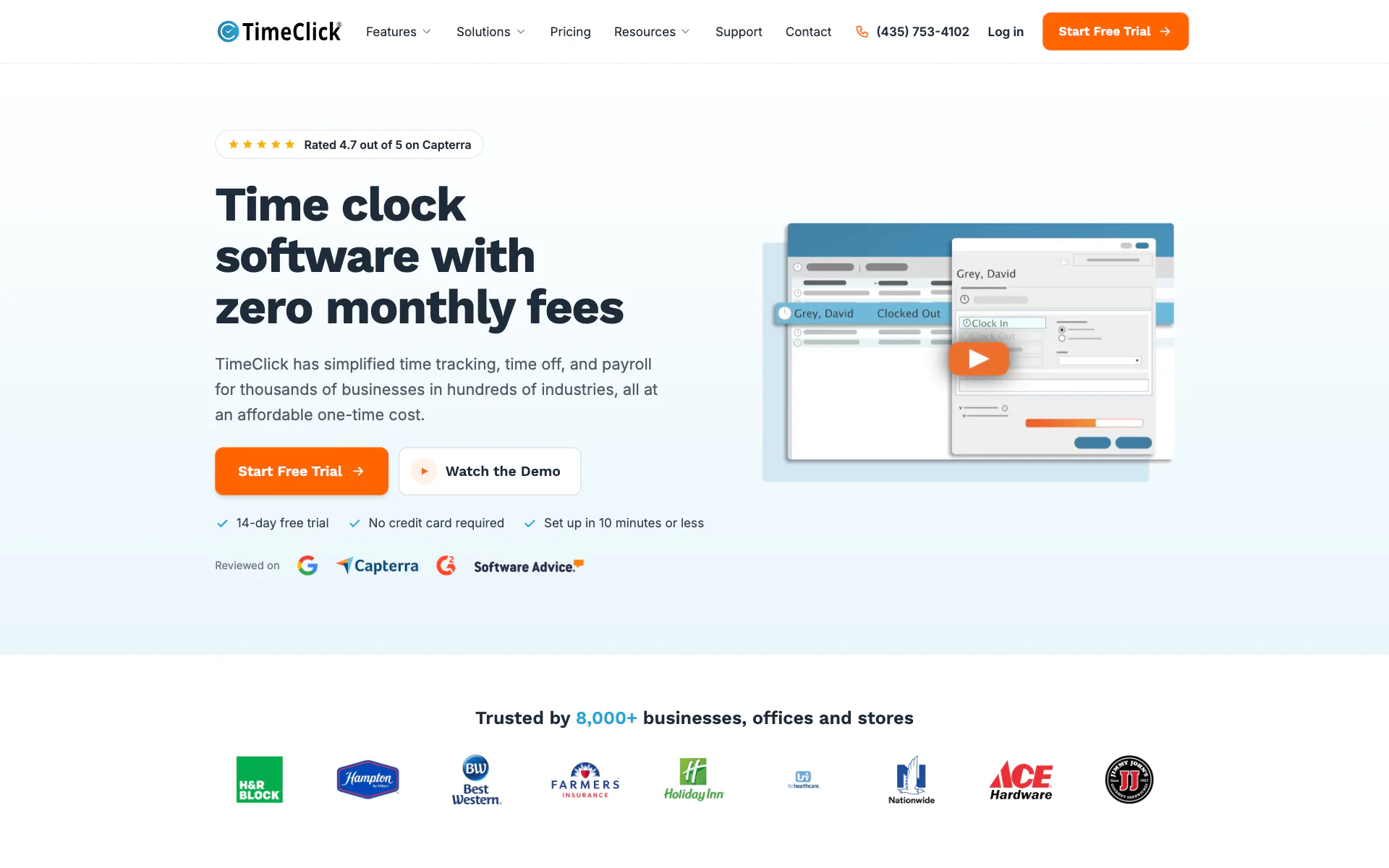
Header and heroThe offer in one line: time clock software with zero monthly fees. One orange button to start the trial, the 4.7 rating with the review sites it comes from, and a screenshot of the actual software with a play button for the product video. 
Proof: 8,000+ businessesCustomer logos right under the hero, before any feature talk. Best Western, Farmers Insurance, Holiday Inn, Nationwide, Ace Hardware, H&R Block and Hampton. Small business owners recognize the names. 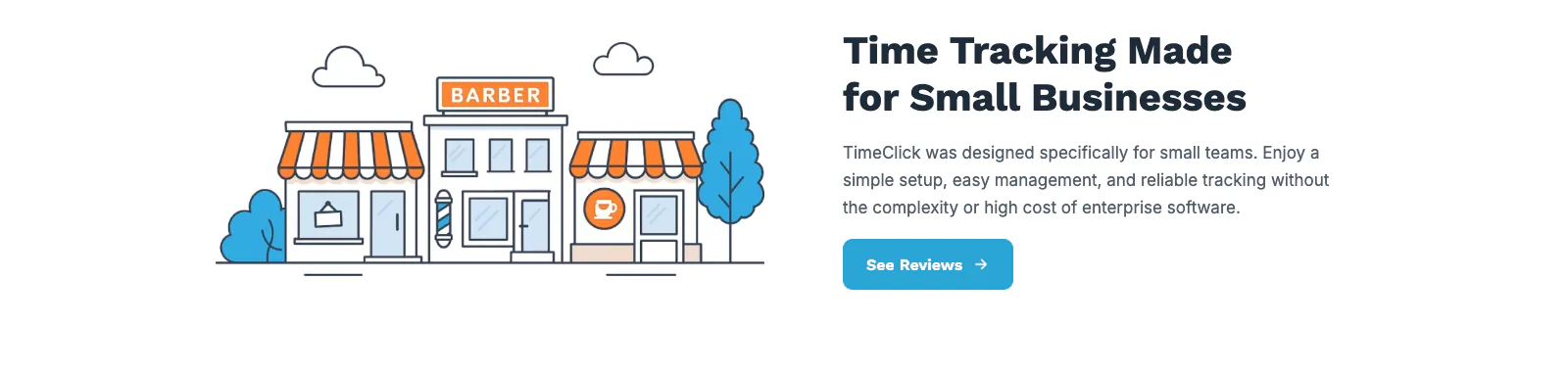
Made for small businessesThe first of three alternating rows. A short statement about who the product is for, a button to the reviews, and a custom illustration. 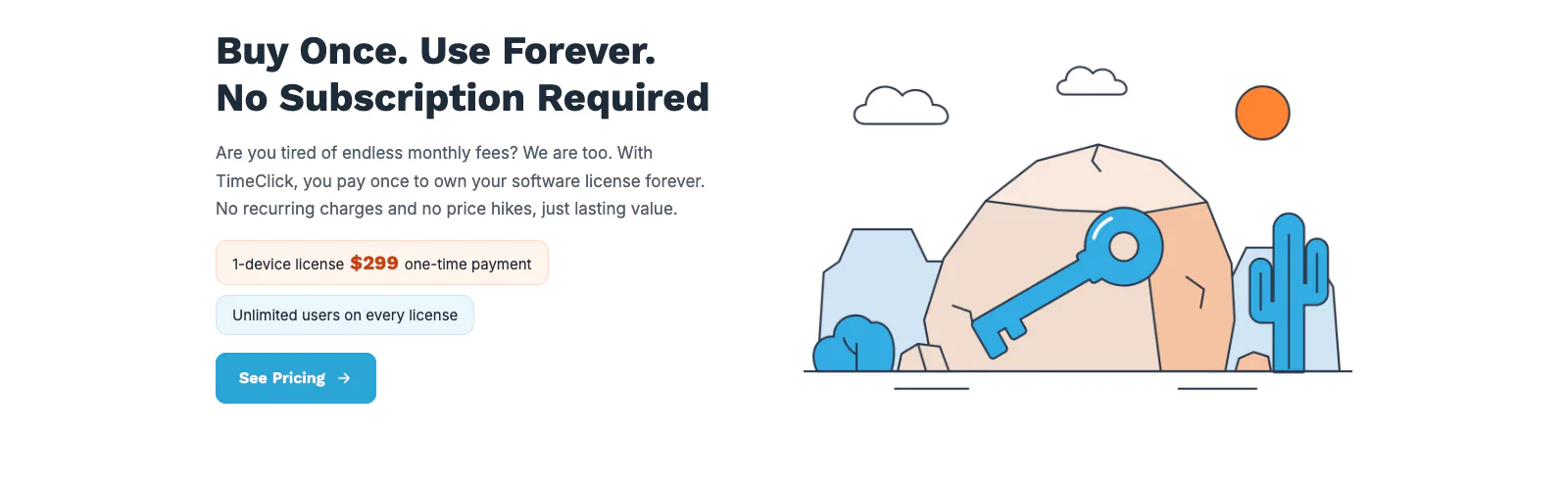
Buy once, use foreverThe main difference from every competitor gets its own row: you pay once and own the license. The button goes to pricing, which is where a visitor who likes this idea wants to go next. 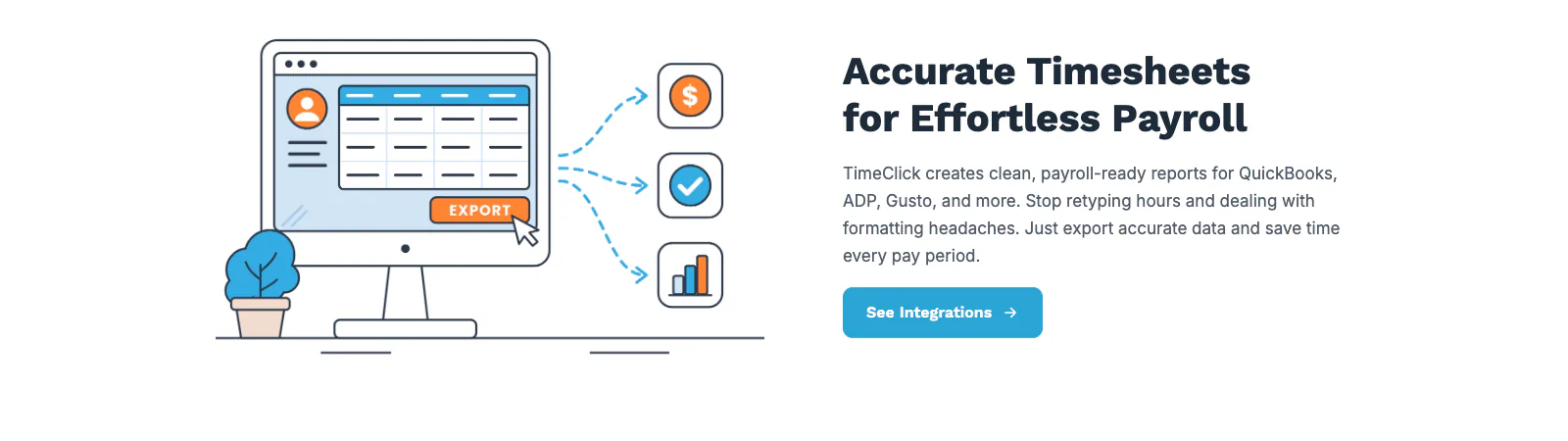
Payroll integrationsThe third row answers the practical question: does it work with my payroll? QuickBooks, ADP and Gusto logos, one sentence, one button to the integrations page. 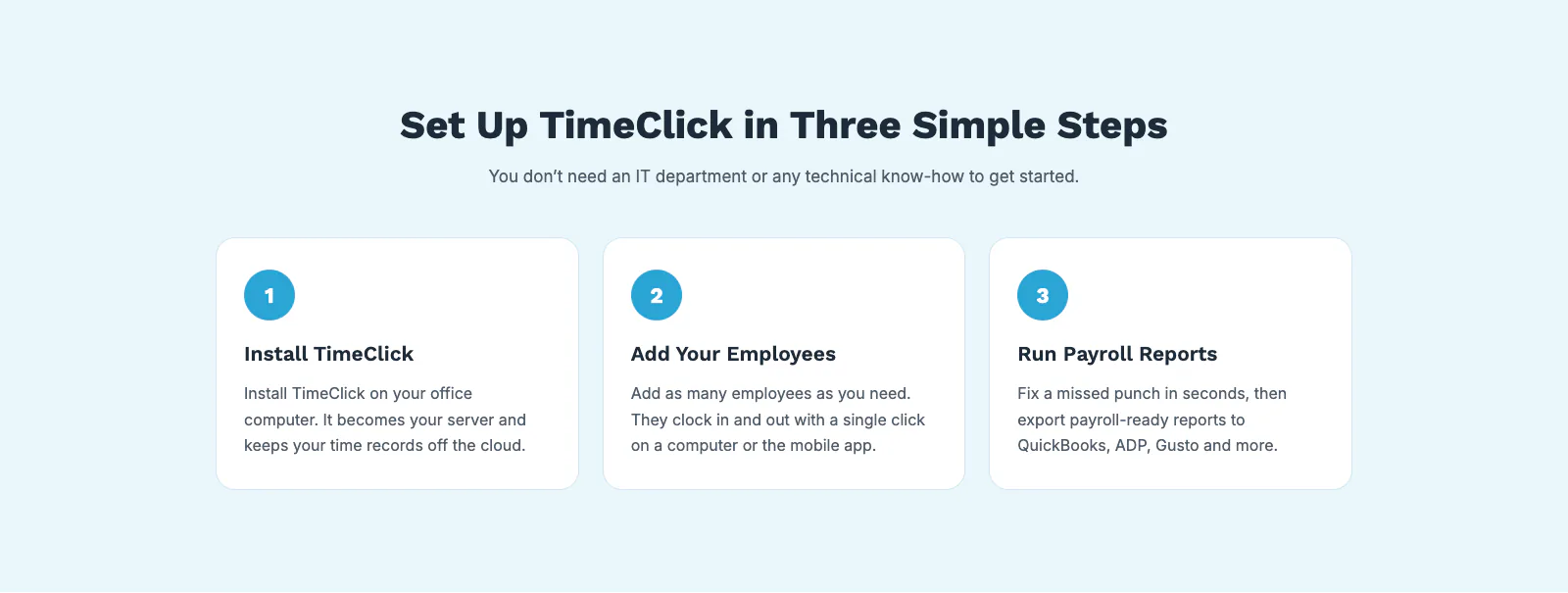
Setup in three stepsThree numbered cards cover setup: install TimeClick on the office computer, add employees, and run payroll reports. The line under the heading tells small business owners they do not need an IT department or technical know-how. 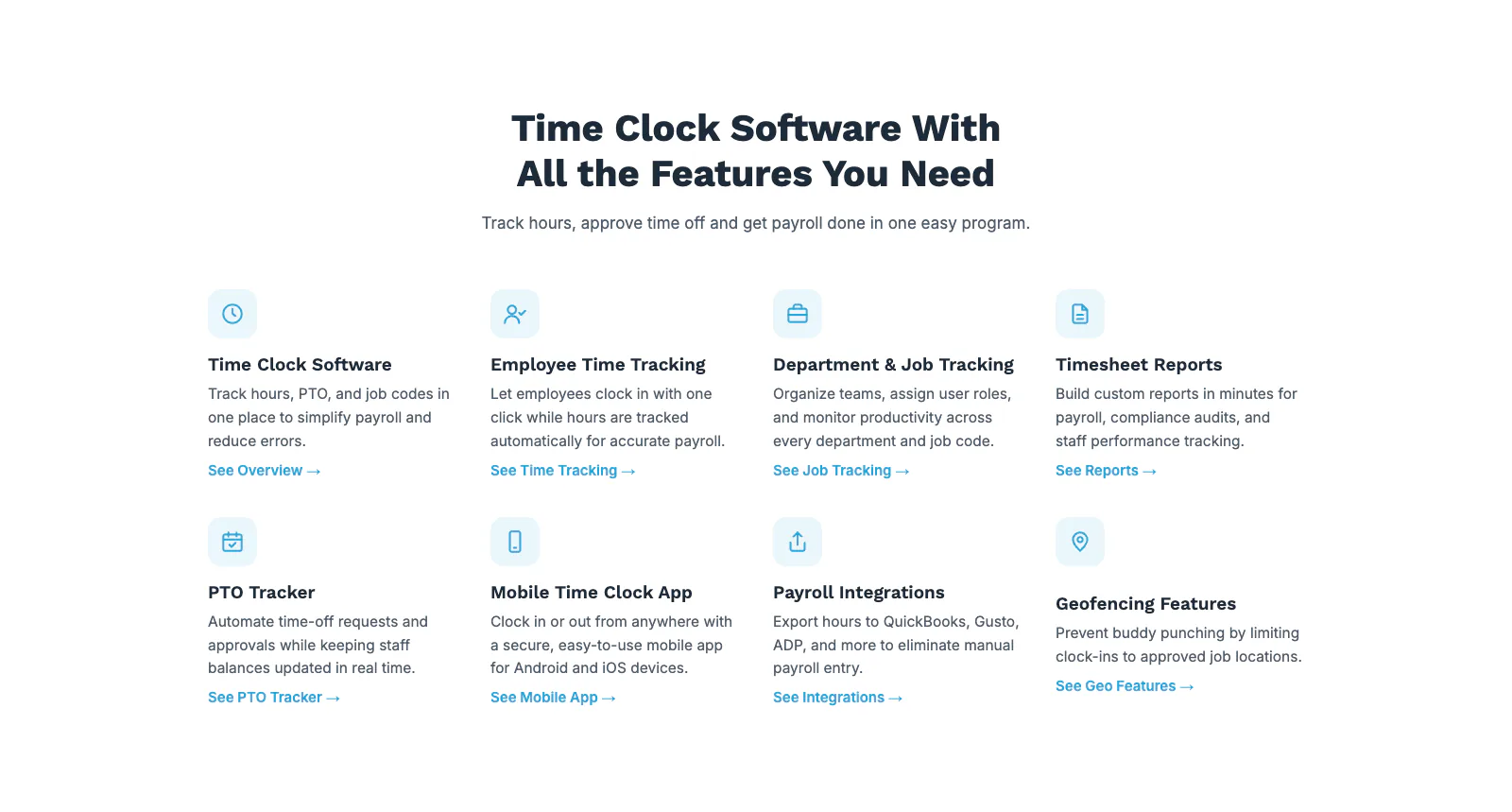
The feature gridEvery feature in two rows of four: time clock, employee time tracking, department and job tracking, timesheet reports, PTO, the mobile app, payroll integrations and geofencing. Each one is two sentences and a link to its own page, which is also where the SEO traffic for those terms lands. 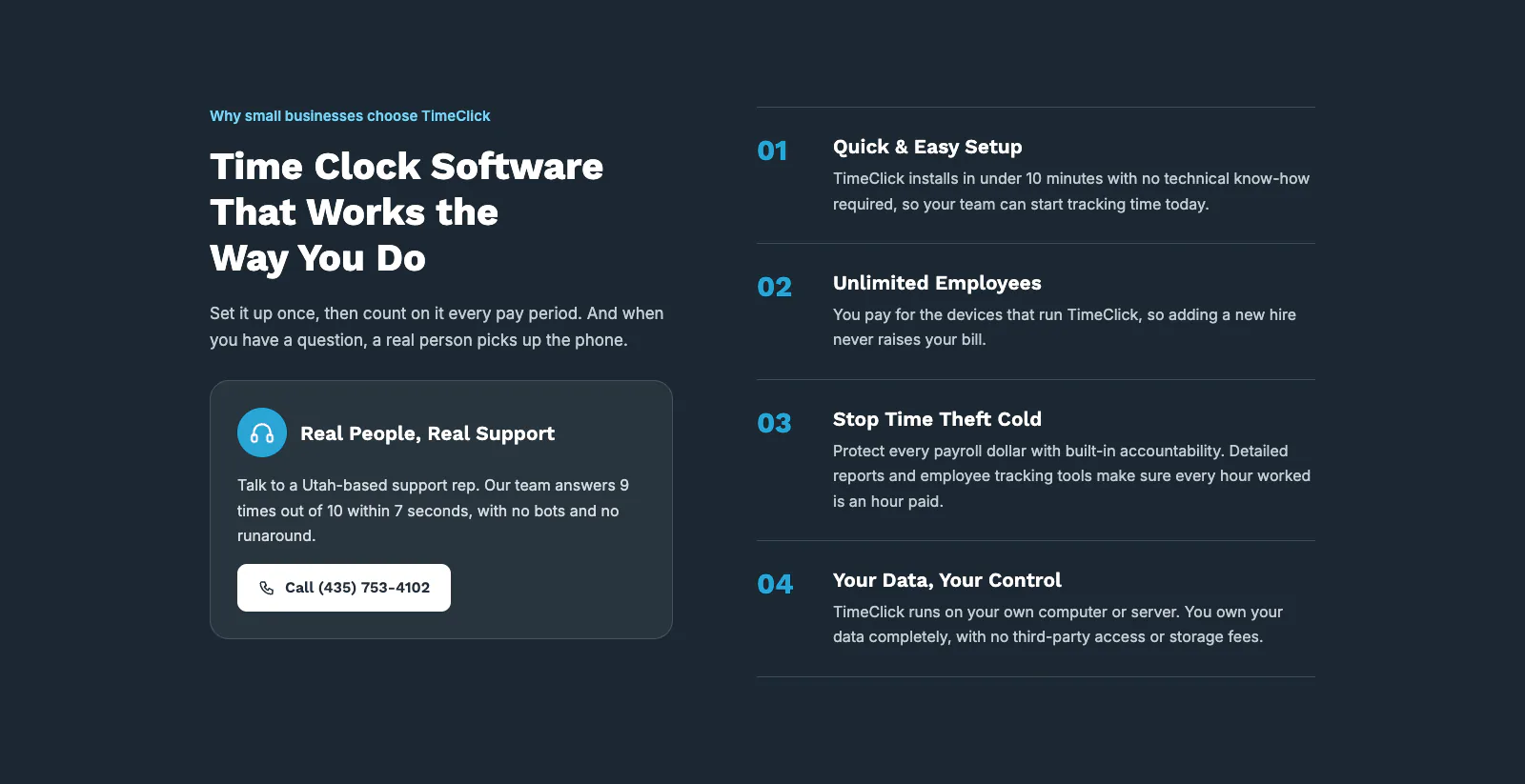
Works the way you doShort answers to four objections: setup takes under ten minutes, employees are unlimited, built-in accountability stops time theft, and your data stays on your own computer or server. A support card beside them says a real person answers the phone and gives the number. 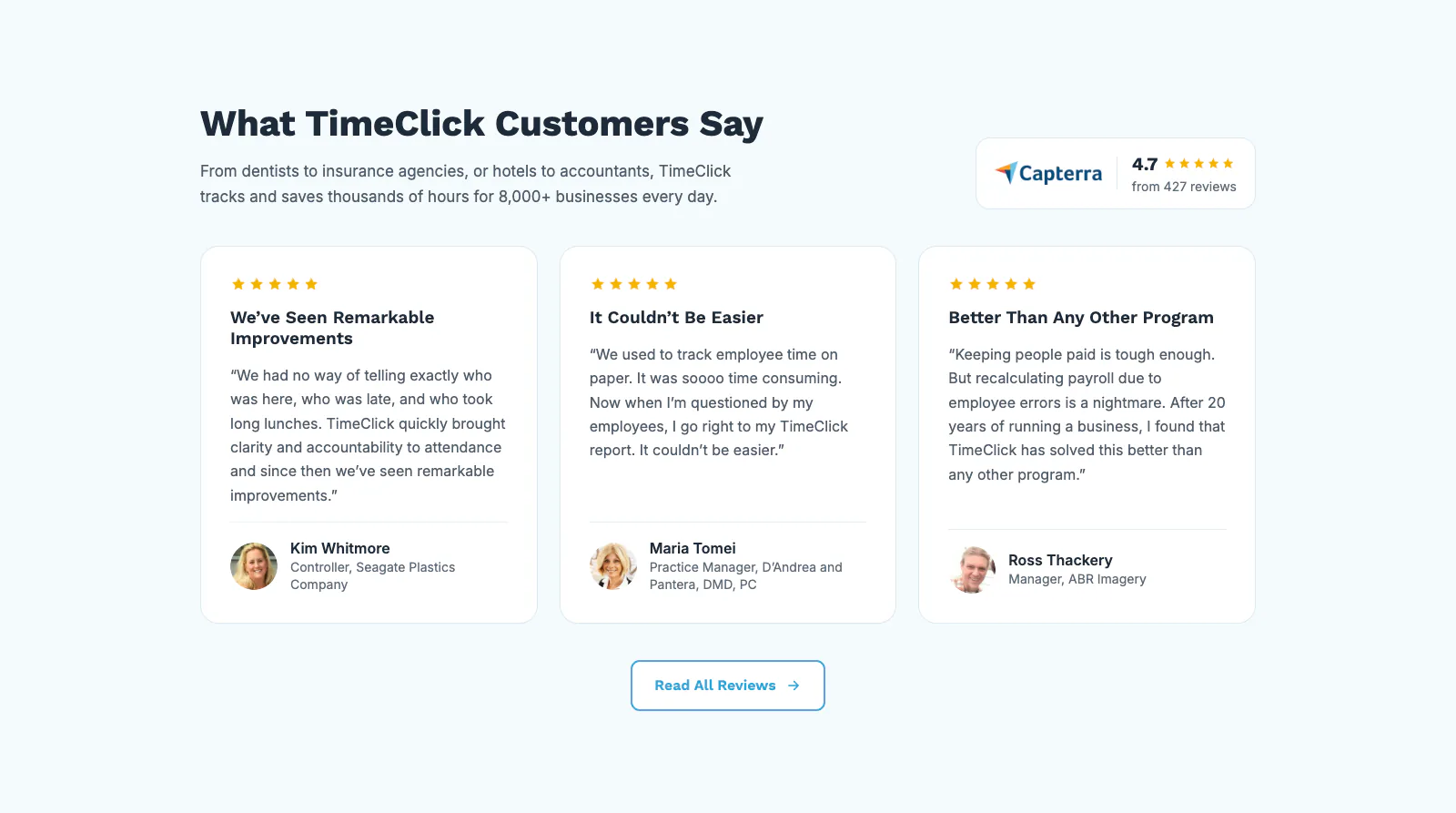
ReviewsThree reviews with names, roles and companies, from a plastics company, a dental practice and an imaging business, with the Capterra rating beside the heading. They sit on a light blue band just before the last call to action. 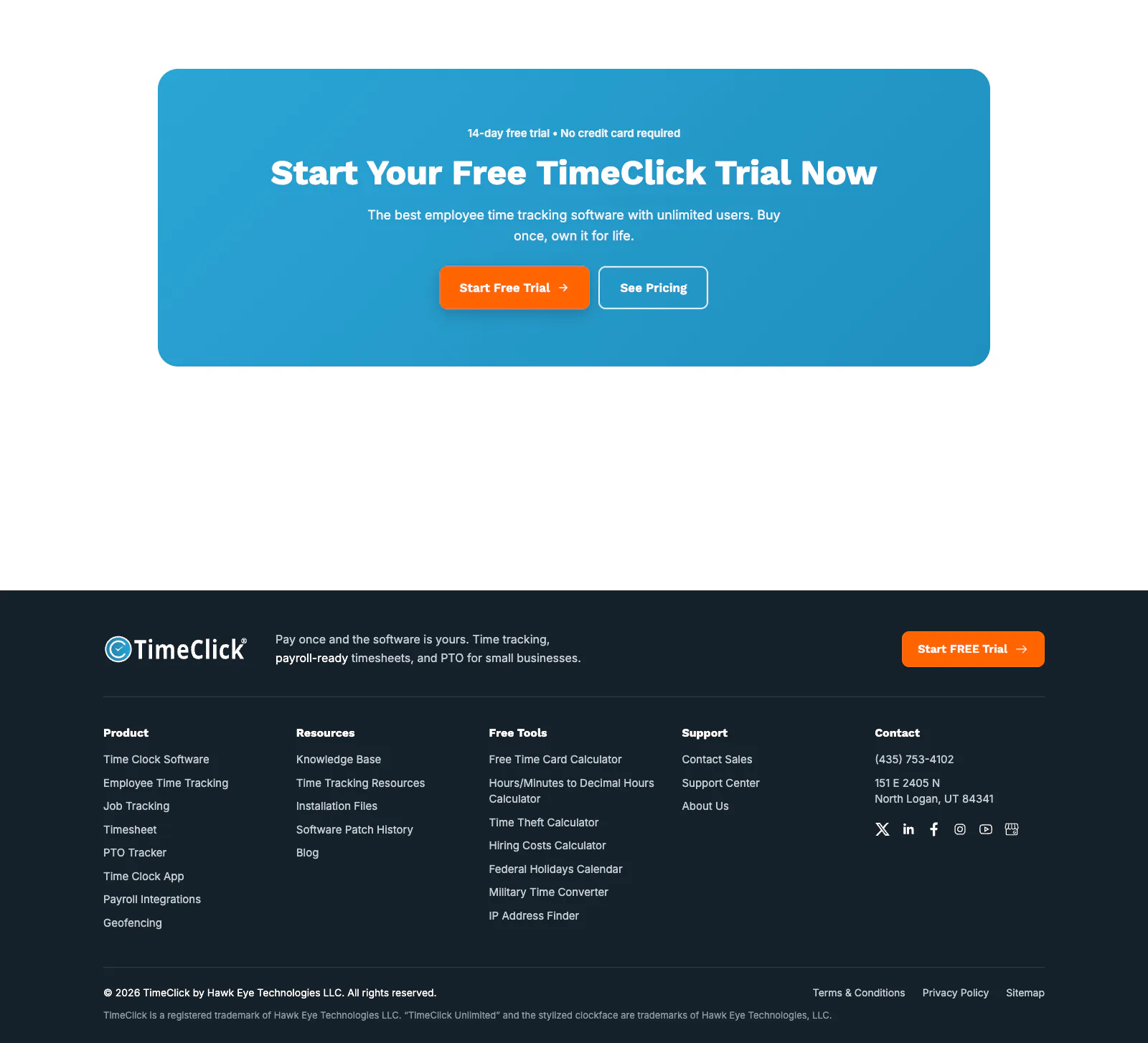
Last call to action and footerThe trial offer again, with the two facts that matter (14 days, no credit card) above the headline. The footer lists every product page and every free tool, which also gives those pages internal links from every page on the site.
Pages built for search and for the trial
Five of the other pages I designed and wrote: two free tools built for search traffic, and the pricing, no-subscription and free trial pages.
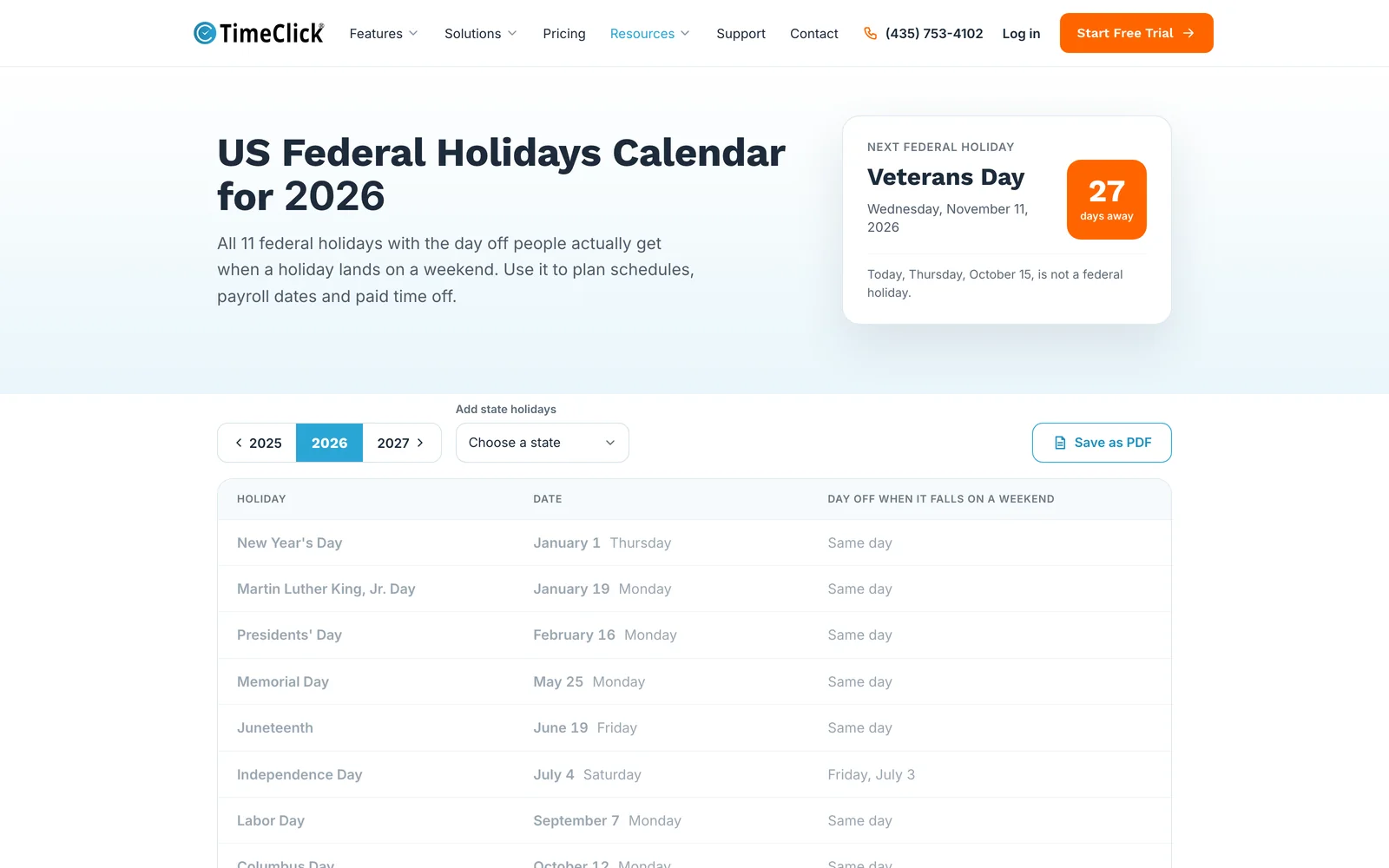
The US Federal Holidays Calendar is the biggest source of organic traffic on the site, about 12,700 estimated visits a month (Ahrefs, September 2026). 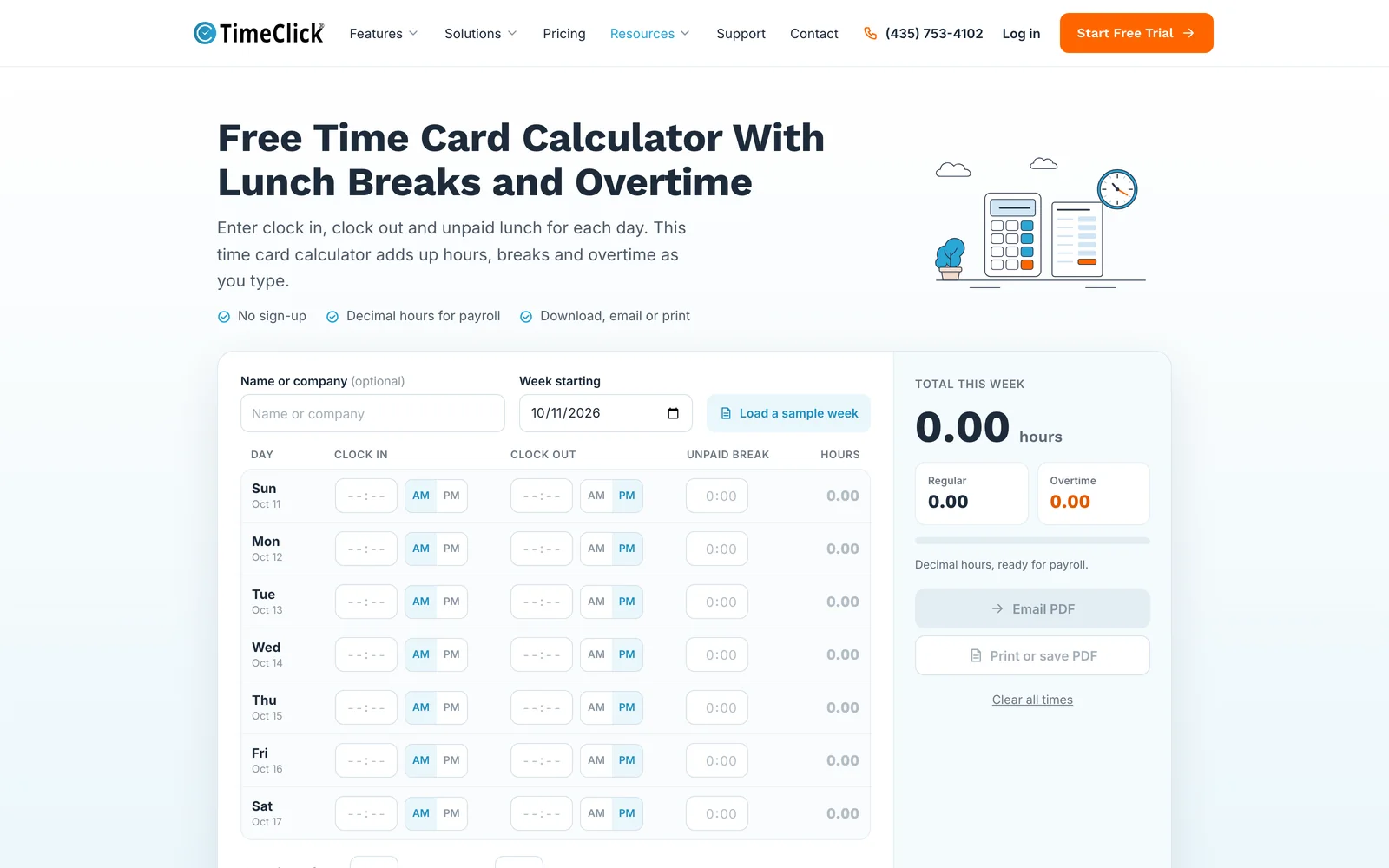
The Free Time Card Calculator handles breaks, lunch and overtime. I built it for the searches small business owners make every payday. 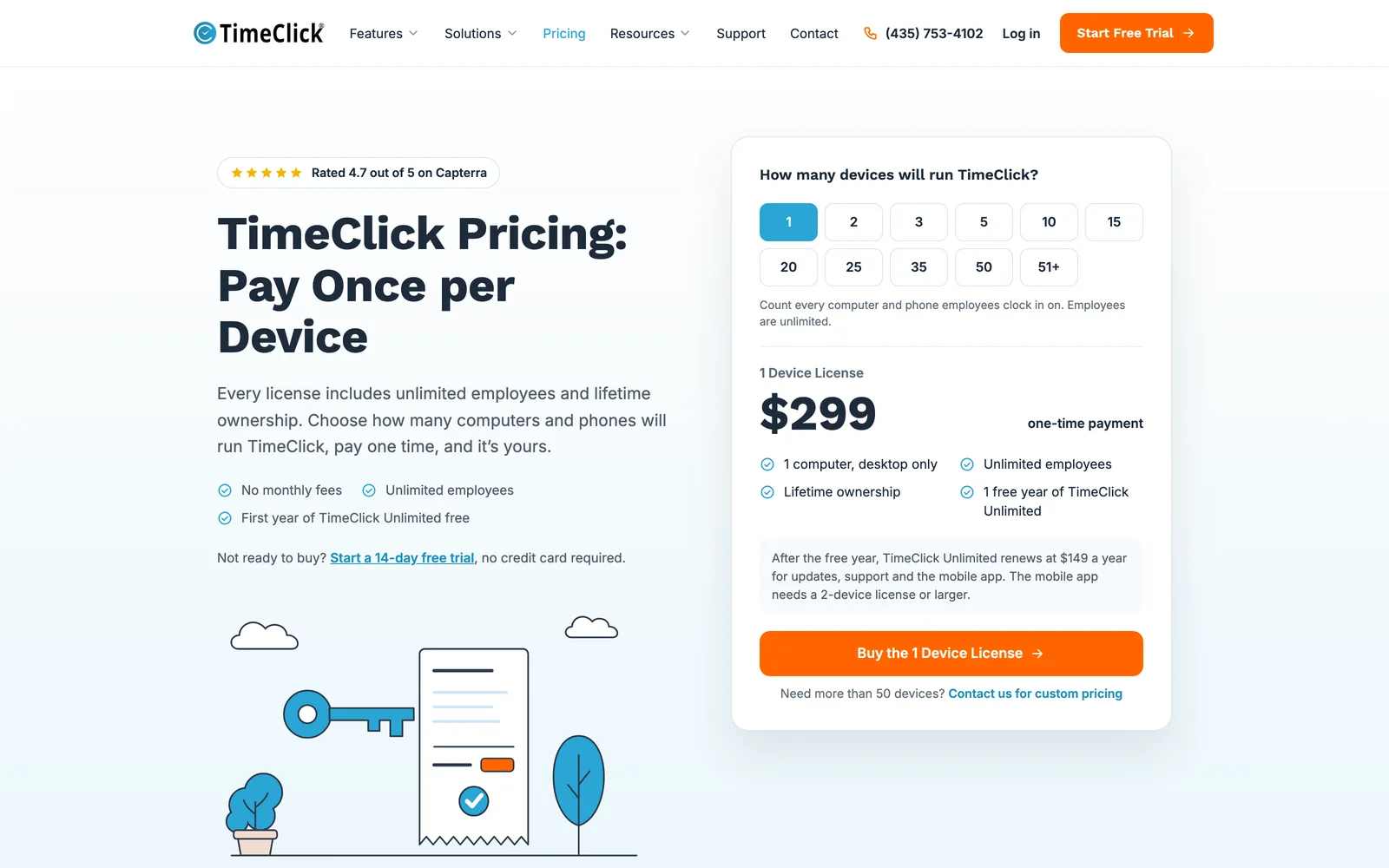
The pricing page shows the one-time price per device, what is included and what a renewal costs. 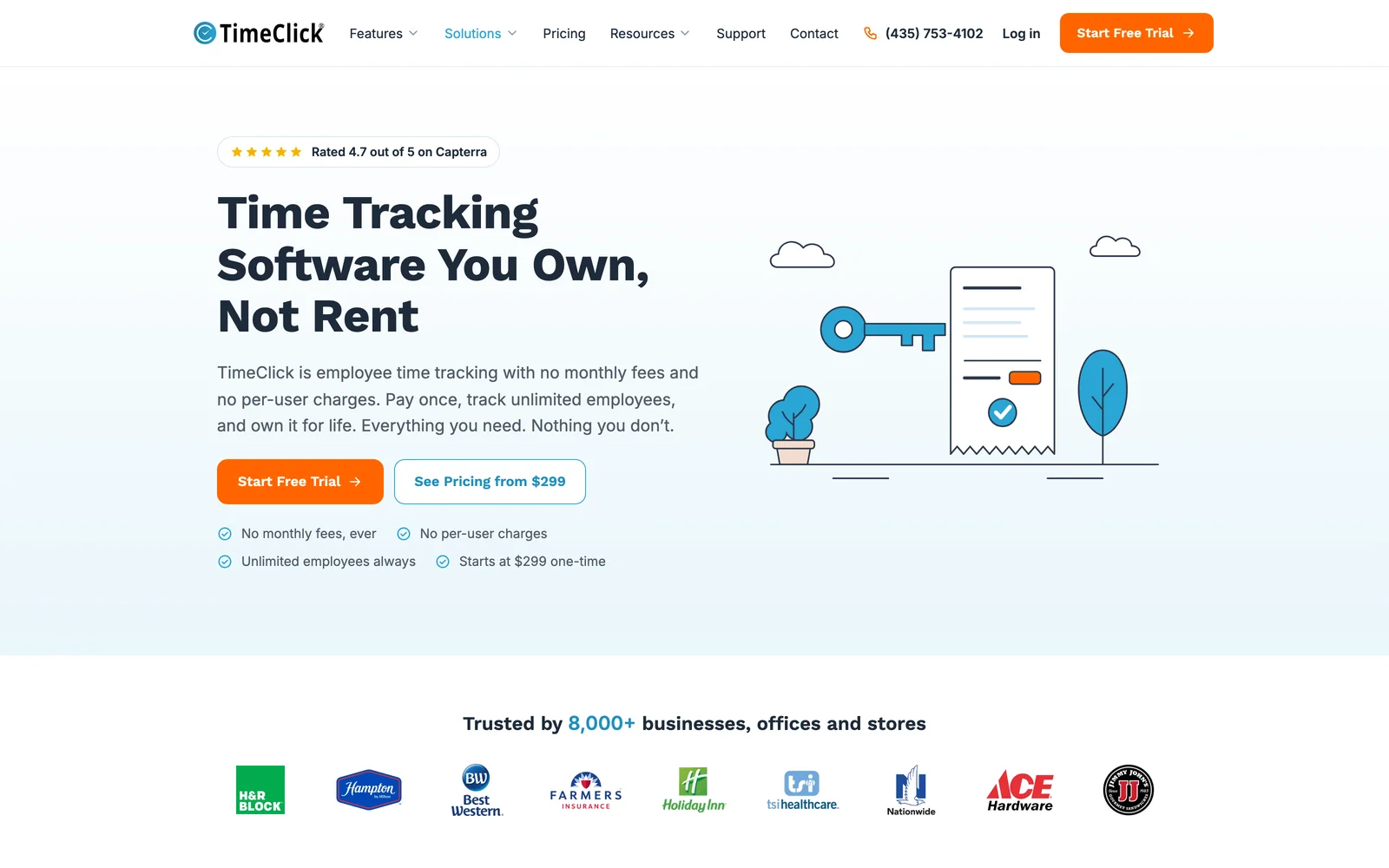
The no-subscription page makes the one argument competitors cannot make, with a cost comparison over time. 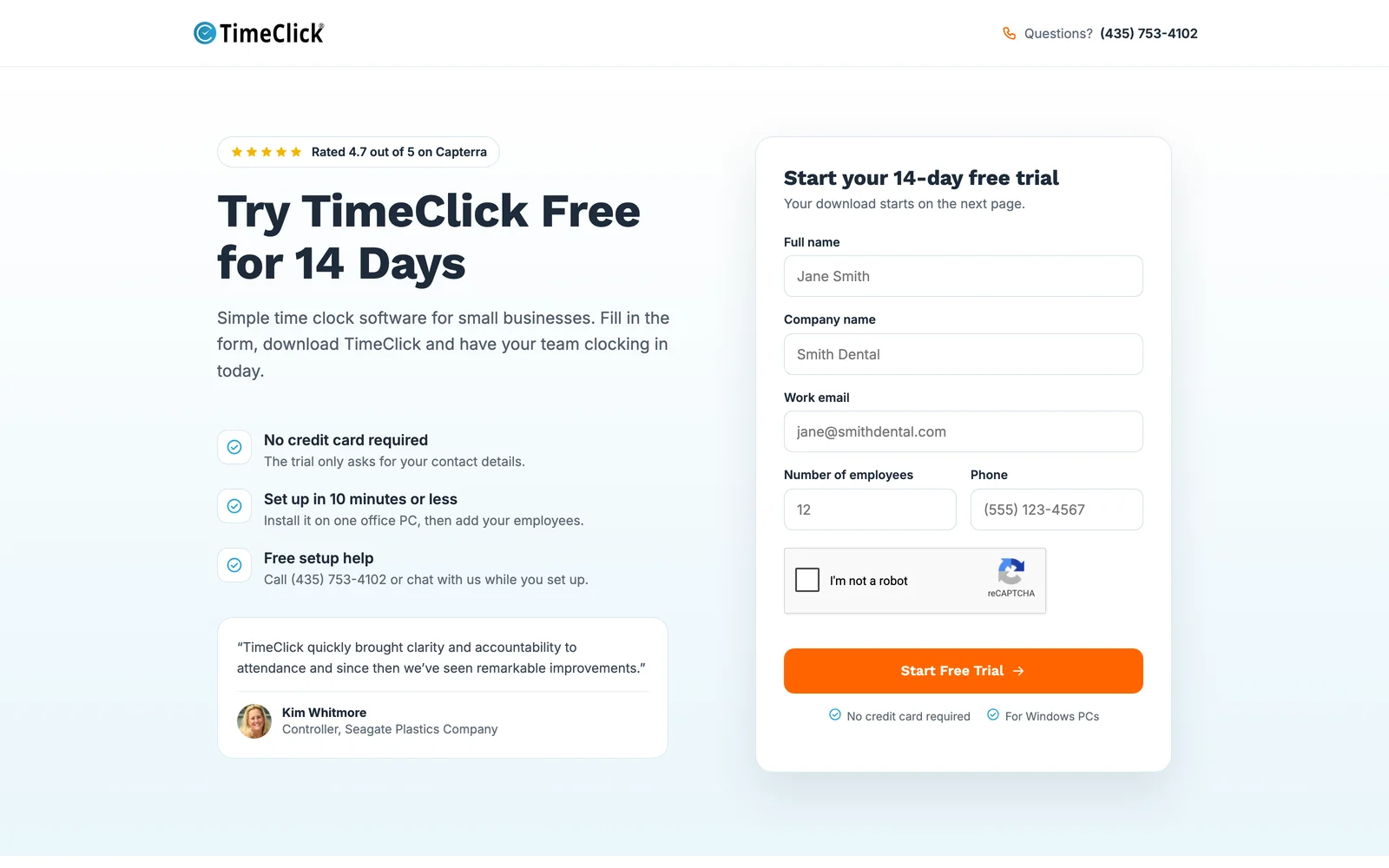
The free trial page, where every page on the site points: one short form and no credit card.
On a phone
The homepage on a phone: one column, the trial button within reach of a thumb, and the feature list as cards.
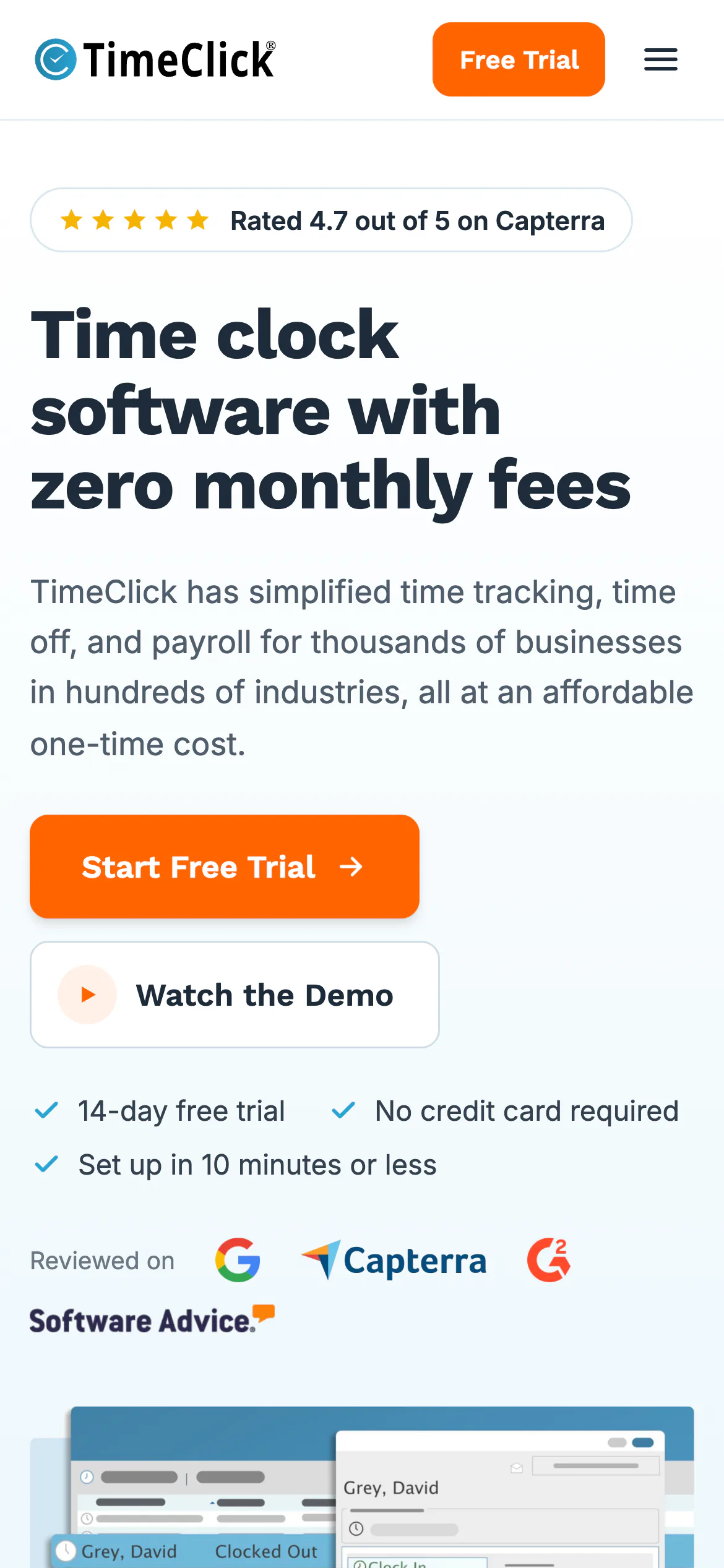
The hero: headline, button and rating fit on the first screen. 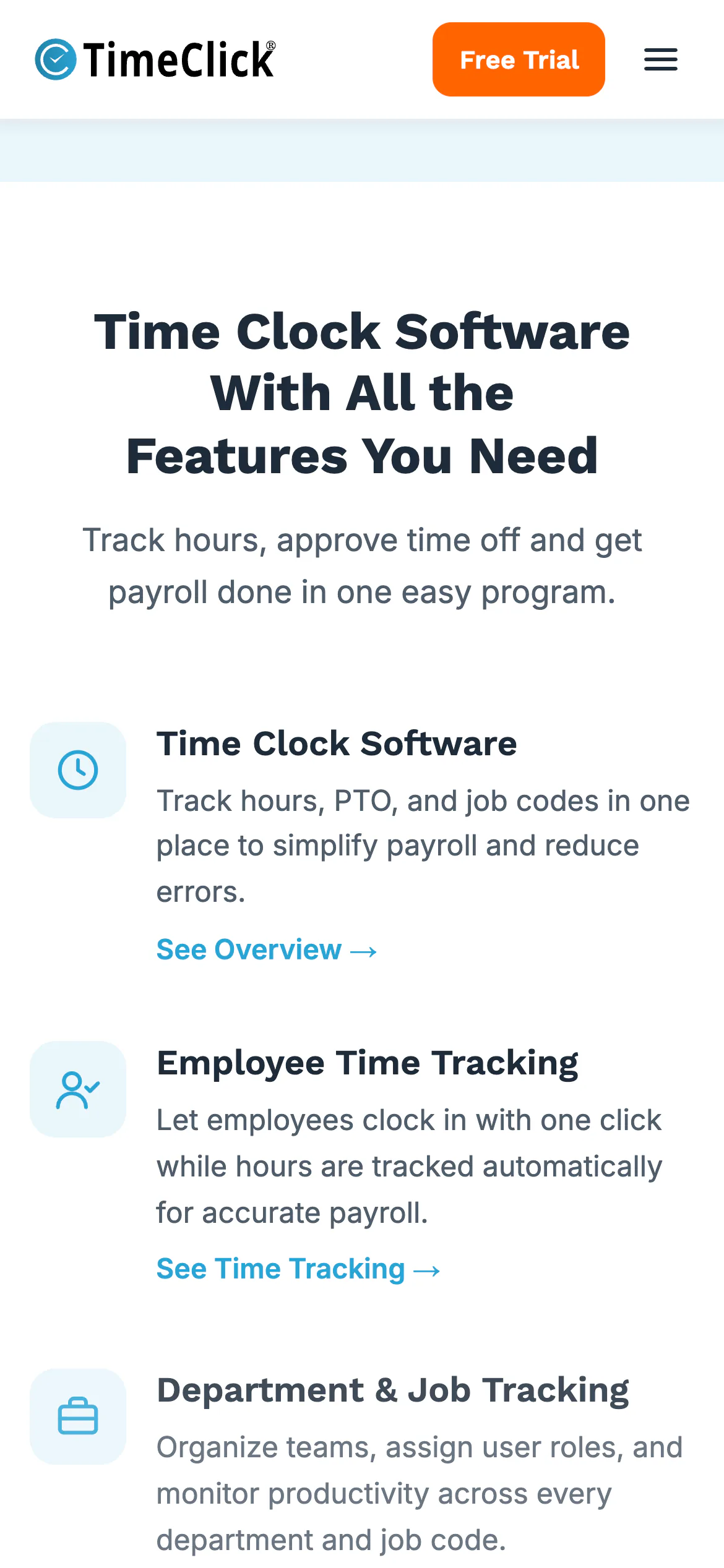
The feature grid becomes a single column. 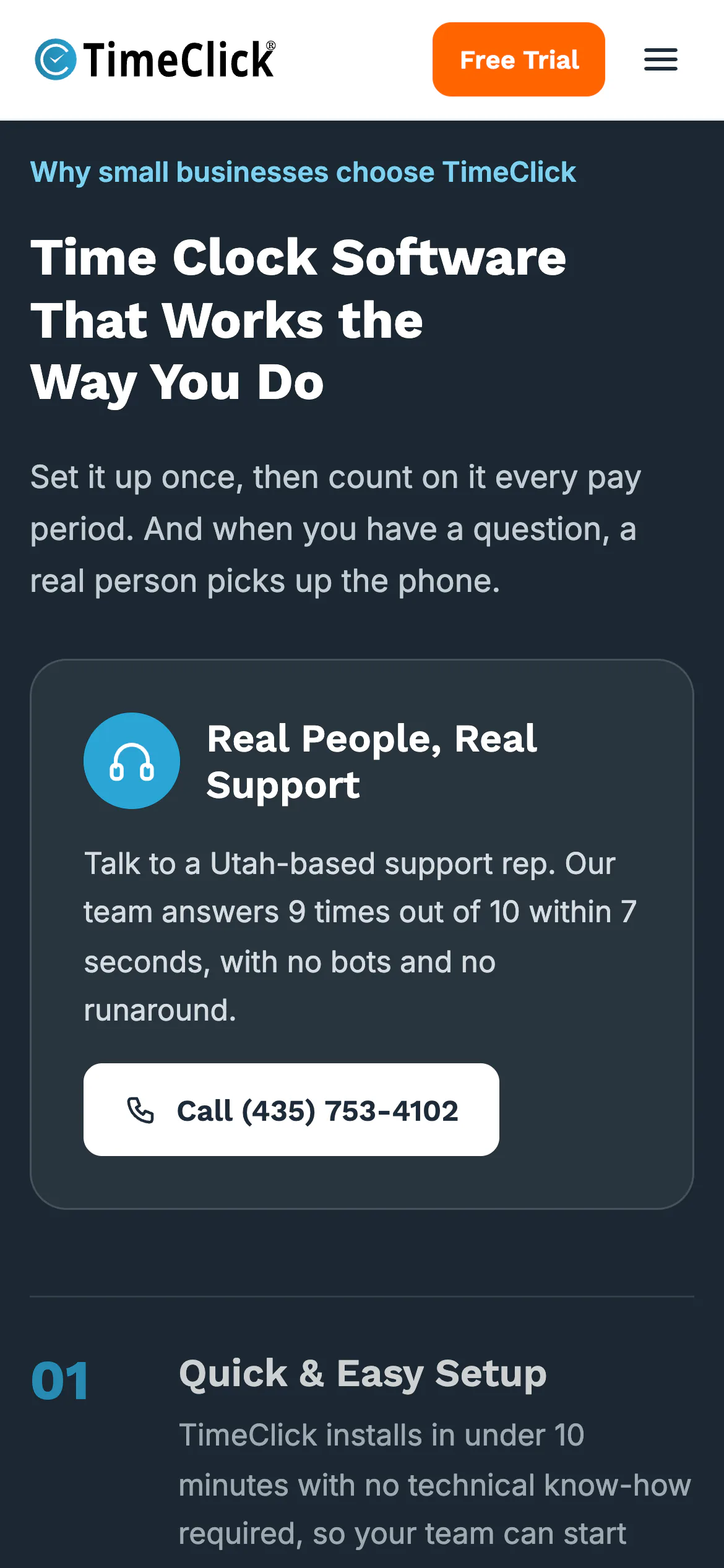
The objections section, with the support card first and the four points stacked below it. 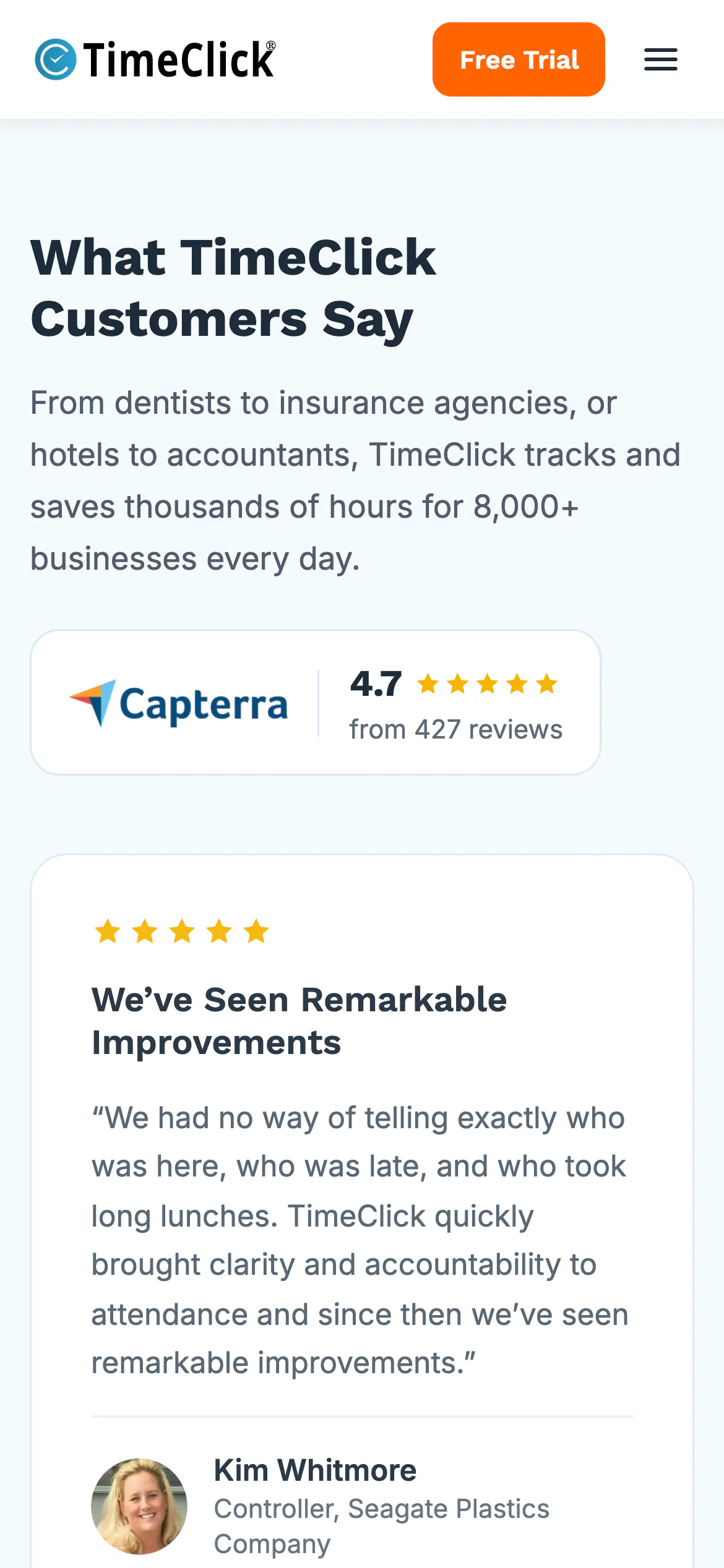
Reviews stack as full-width cards.
What went into it
Design
- One message at the top: no monthly fees, free trial, no credit card. Everything else on the page supports that.
- Proof before features: the rating, the review count and the customer logos come right after the hero.
- The hero shows a screenshot of the software, and the three rows under it use custom illustrations.
- Large text and high contrast, because the buyers are small business owners reading on laptops and phones.
Build
- WordPress child theme with hand-coded page templates, styled with Tailwind CSS. No page builder on the pages I built.
- A Zoho CRM signup on the blog rebuilt as a plain JavaScript
fetch()call after WordPress filters kept breaking the embed. - A small script that fixed the WooCommerce and Stripe ACH microdeposit flow on the purchase site.
- Free tools pages (calendar, calculators, converters) built as their own post type, each with FAQ and WebApplication schema.
Marketing
- Five-month SEO program: tools and resource pages, articles, on-page fixes, schema fixes, backlinks and internal linking. Organic traffic went from about 4,000 to over 30,000 visitors a month.
- Launched the trial and post-trial email campaigns, and the first newsletter to the existing customer base.
- Monthly reporting from Google Analytics 4, Search Console and Ahrefs.
Tools used
- WordPress
- HTML & CSS
- Tailwind CSS
- JavaScript
- Zoho CRM
- WooCommerce
- Stripe
- Figma
- Google Analytics 4
- Search Console
- Ahrefs
- SEO
- Email marketing