Case study
Landscaper Templates
Three complete landscaping websites built as a sales tool. A business owner picks the layout they like, and I customize it with their name, photos and service area.
- Client
- My own project, for landscaping businesses
- My role
- Design and development
- Year
- 2026
- Complete sitesThree finished websites to compare, each one live
- One switcherVisitors move between templates without leaving the page
- Free customizationIncluded when a business owner chooses a template
About the project
Most landscaping business owners want to see what their website would look like before they commit to anything. I built three complete landscaping websites and put them behind a switcher that stays visible while you scroll, so an owner can compare them in a minute.
All three cover the same ground: a headline that says what the company does and where, services, a gallery of past work, reasons to choose the company, customer reviews and a quote request. Each one orders and styles it differently, and each adds a section of its own (seasonal tips in one, a blog and a team page in another, service areas in the third), so an owner can pick the one that fits how they sell.
The templates are generic on purpose. The text and photos are placeholders. Once a business owner picks a template, I replace the placeholder content with their business name, photos and service area. That customization is free.
The templates are hand-coded HTML, CSS and JavaScript hosted on Netlify. Each finished site loads quickly, costs nothing to host and has no plugins or page builder to maintain.
Section by section
Template 1, top to bottom. Templates 2 and 3 cover the same ground in a different order and style.
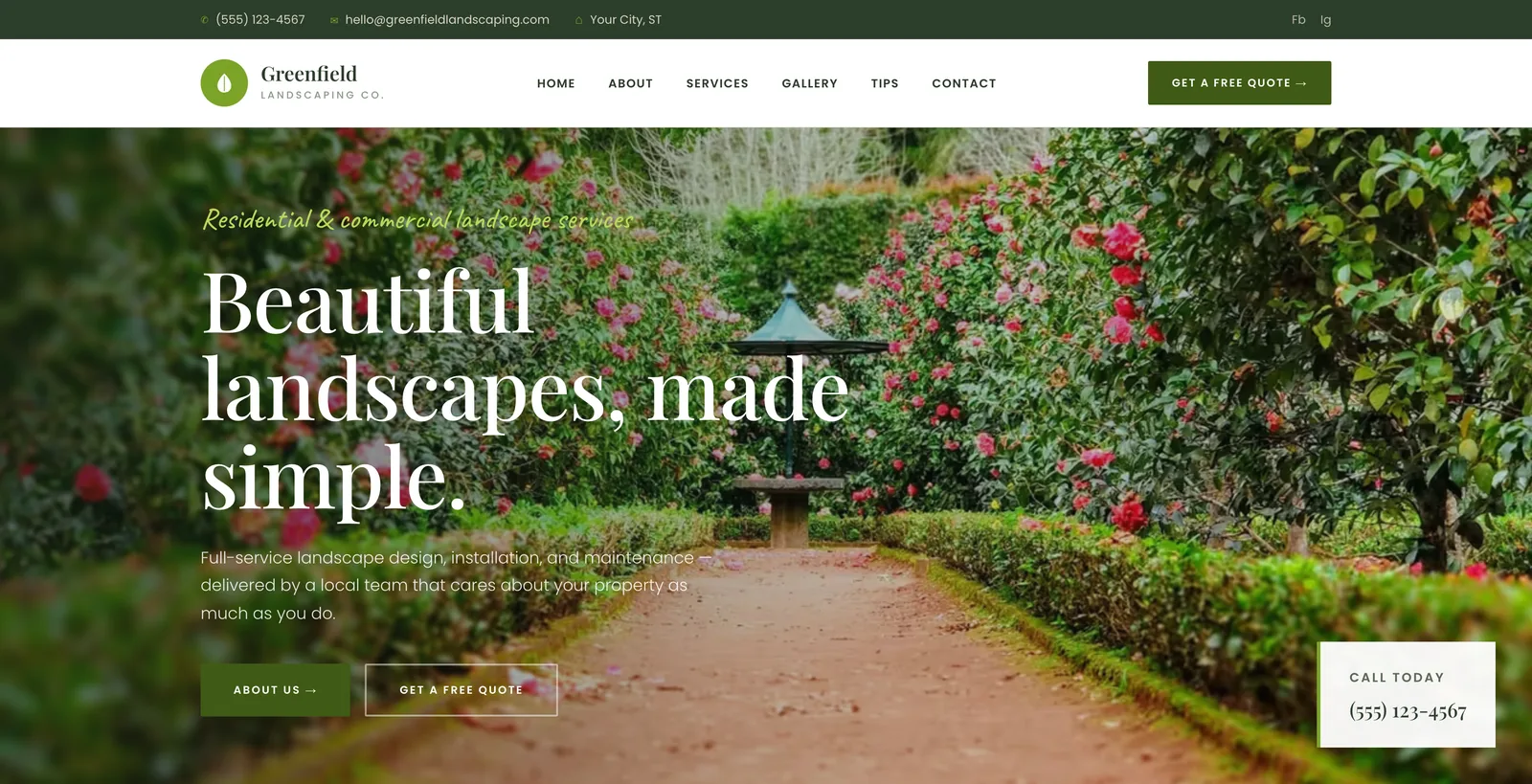
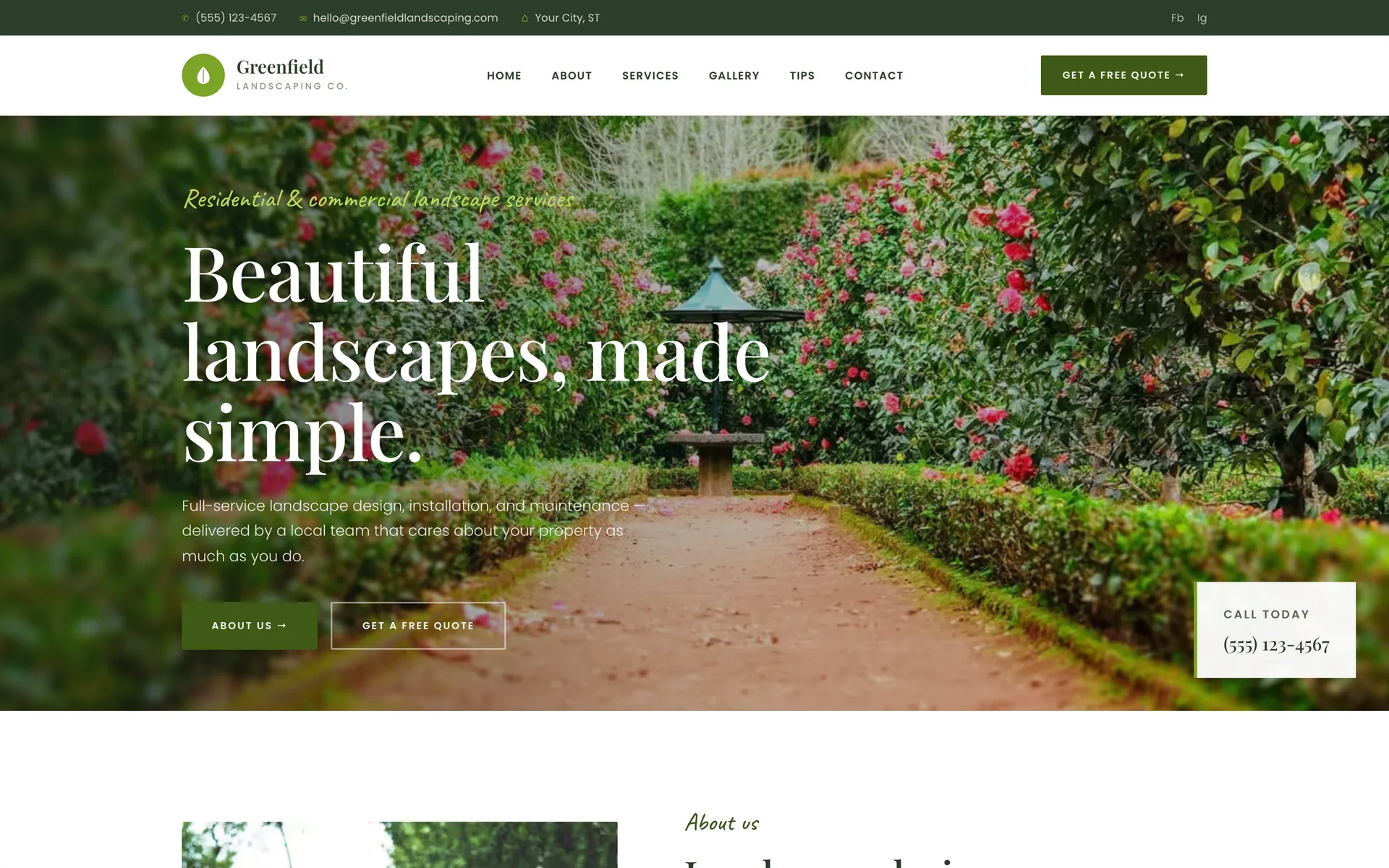
Top bar, header and heroA thin bar with the phone, email and city, then the logo, six links and a quote button. The hero is one photo, one headline, two buttons and a call-today box, so the number is on screen before anyone scrolls. 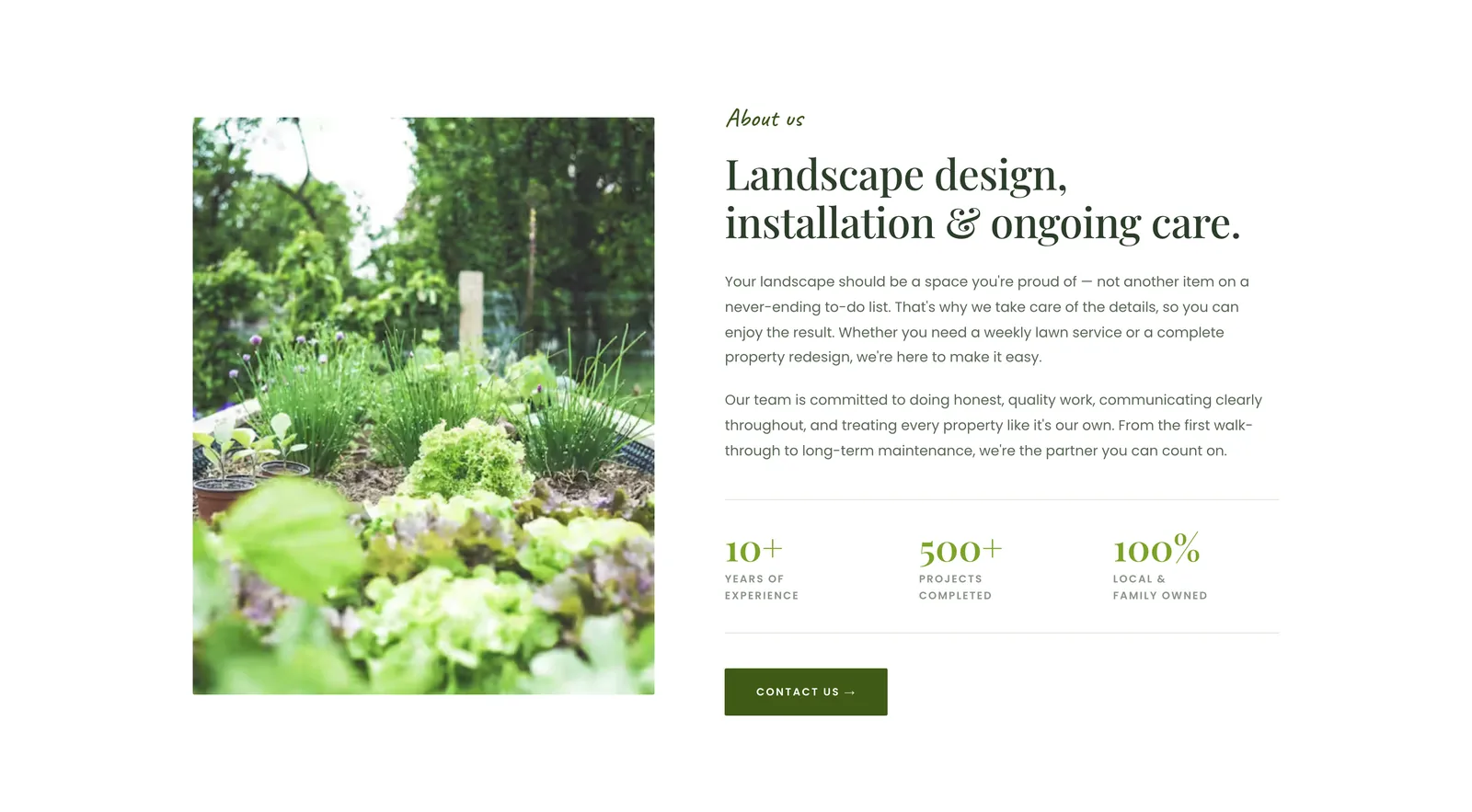
About, with three numbersA photo, two short paragraphs and three numbers (years in business, projects completed, local and family owned). The numbers are placeholders the owner replaces with their own. 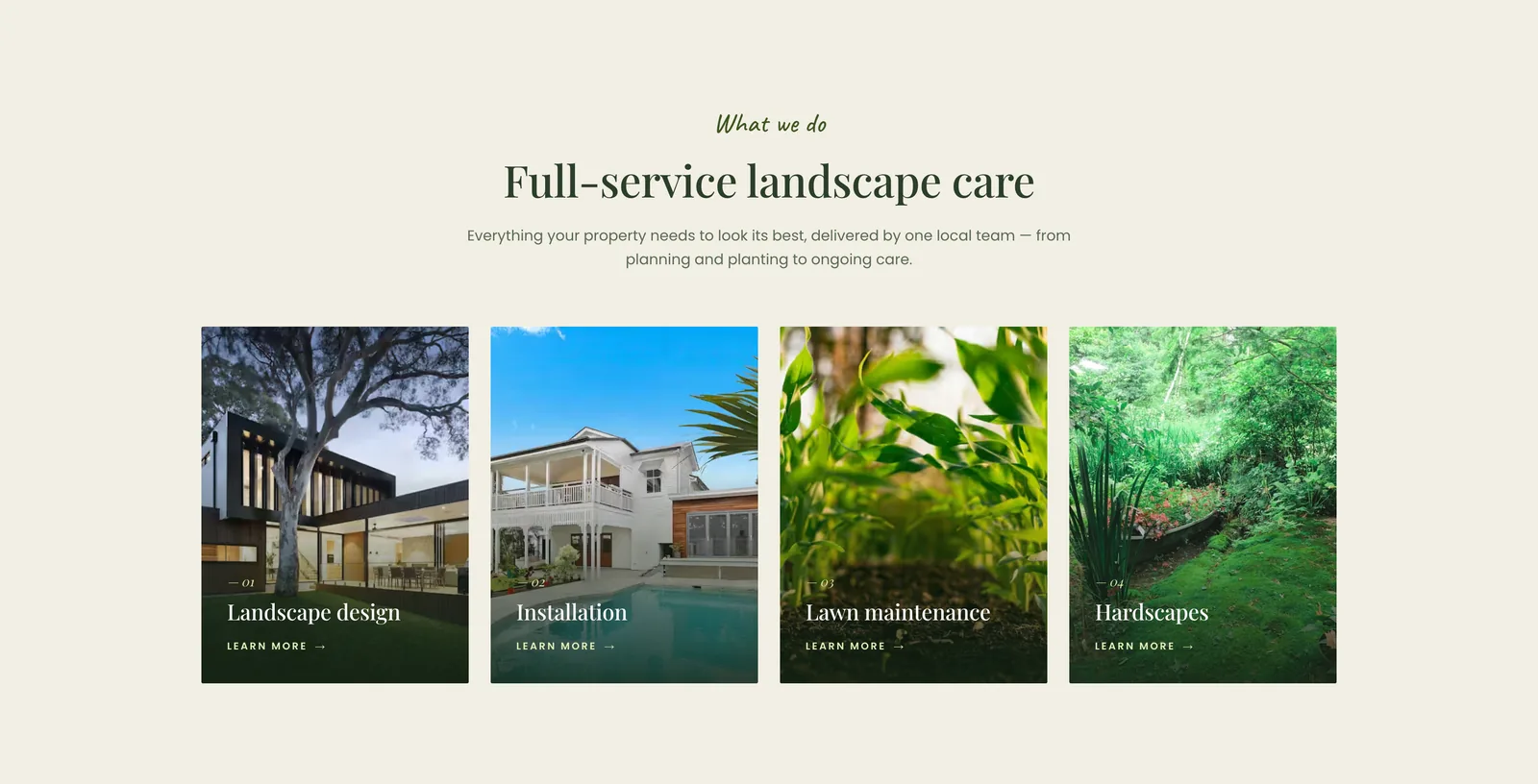
Four servicesLandscape design, installation, lawn maintenance and hardscapes as four photo cards, each with one line of text. The owner's real services and photos go here. 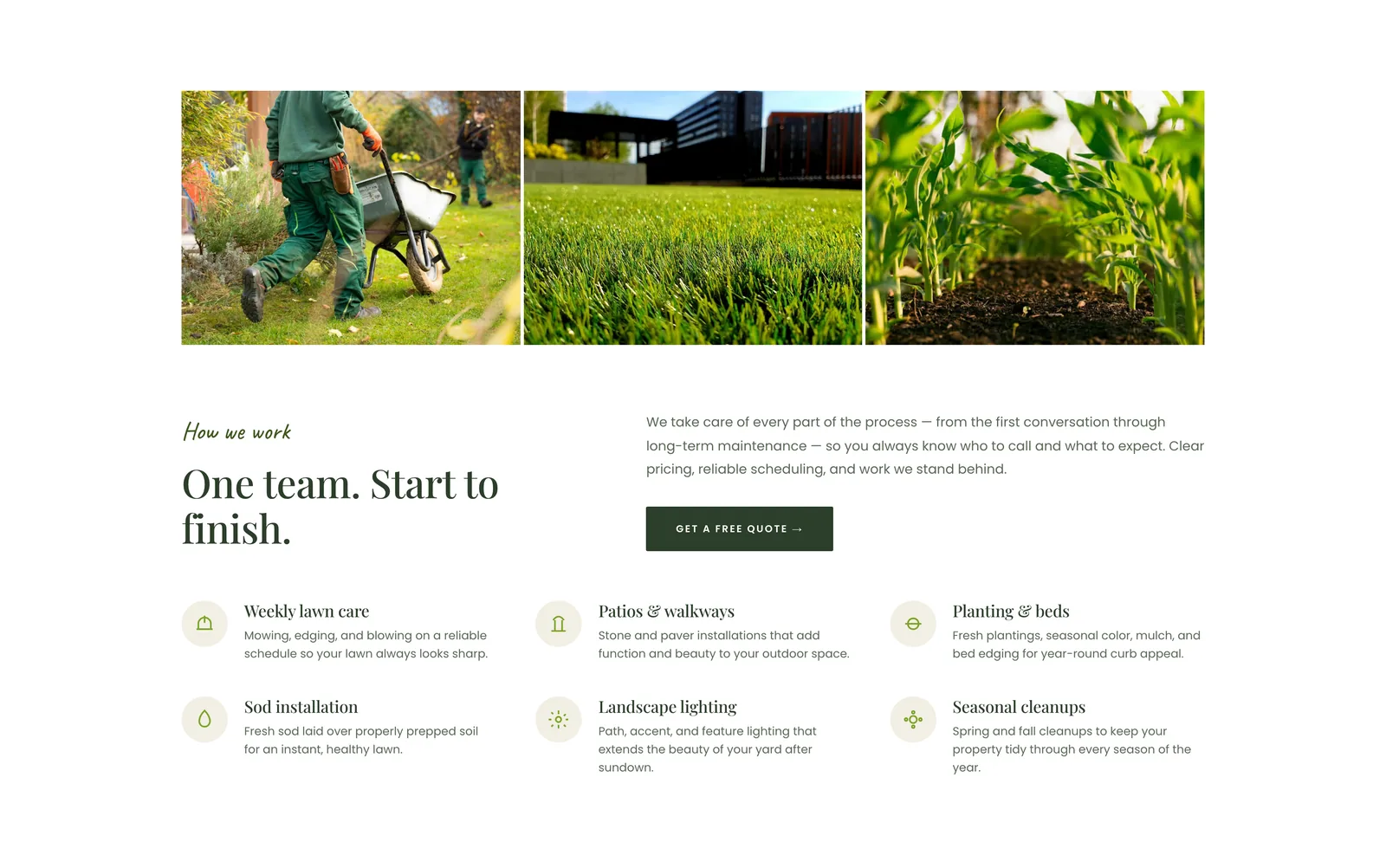
One team, start to finishThree photos, then six things the company handles, each with an icon and one sentence. This is where an owner lists what they do. 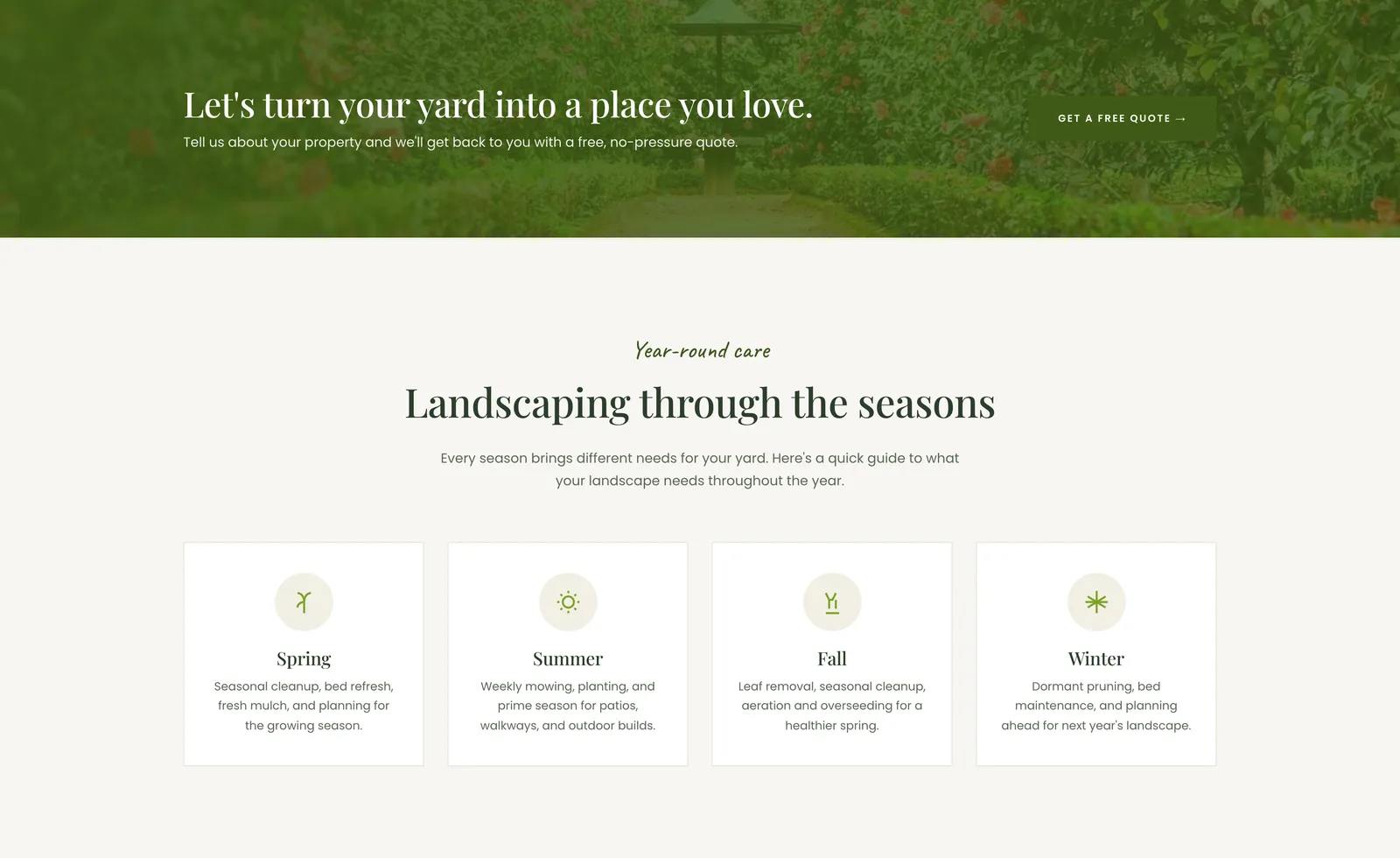
Banner and seasonal tipsA green banner with the quote button, then four cards, one per season, with what the yard needs. The cards give the site something to say all year and give search engines something to rank. 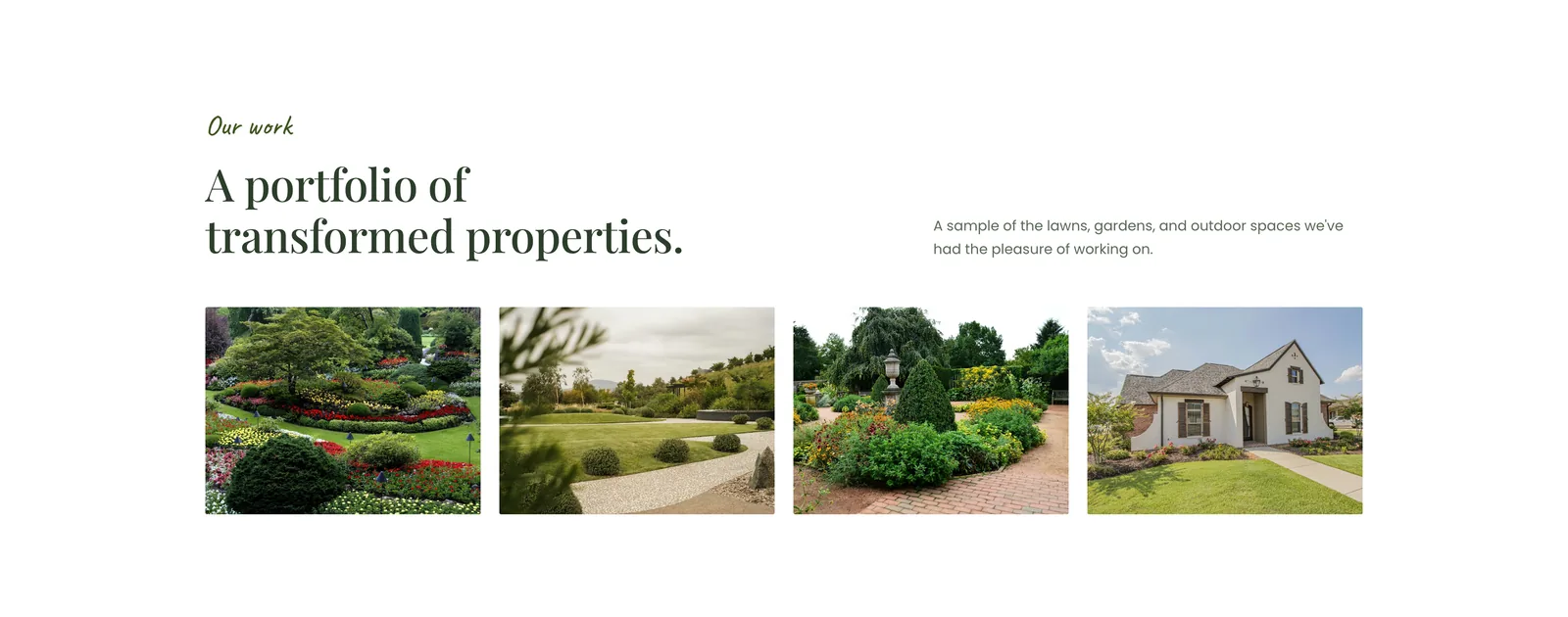
PortfolioFour project photos in a row. The owner sends their own and I swap them in. 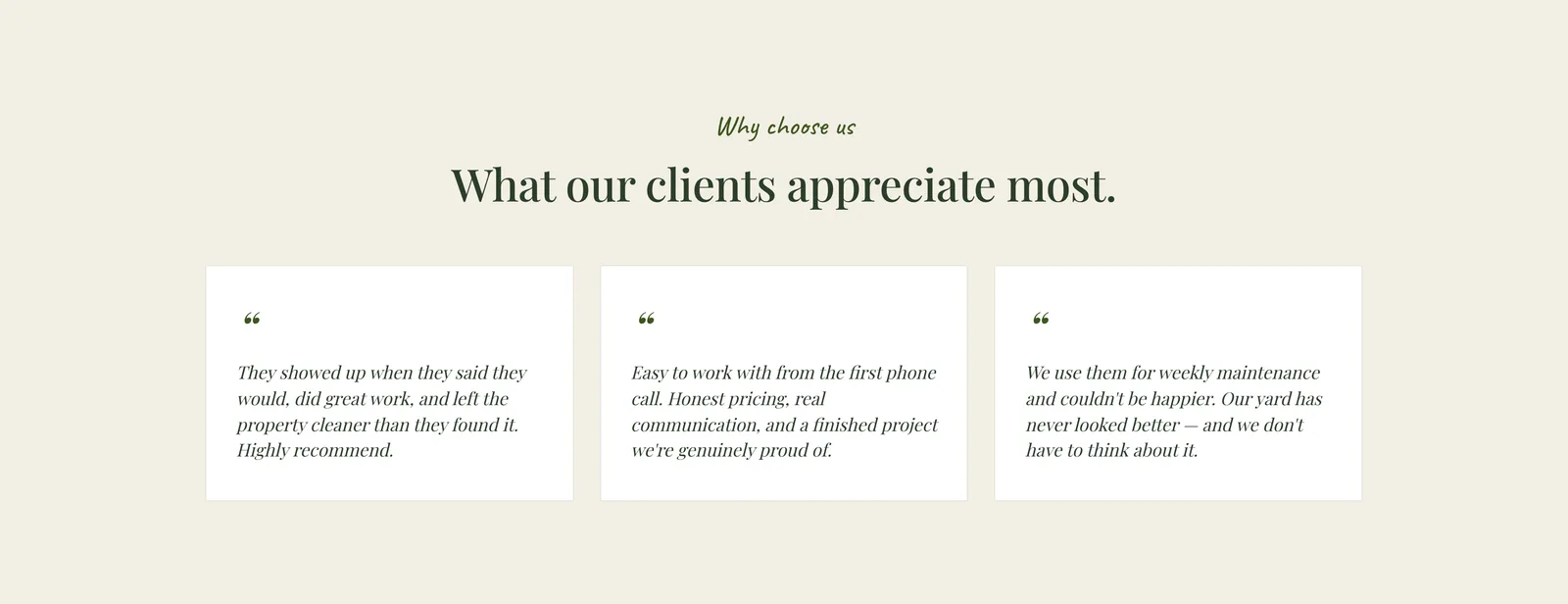
ReviewsThree short quotes on a cream background. Placeholders until the owner sends their real reviews. 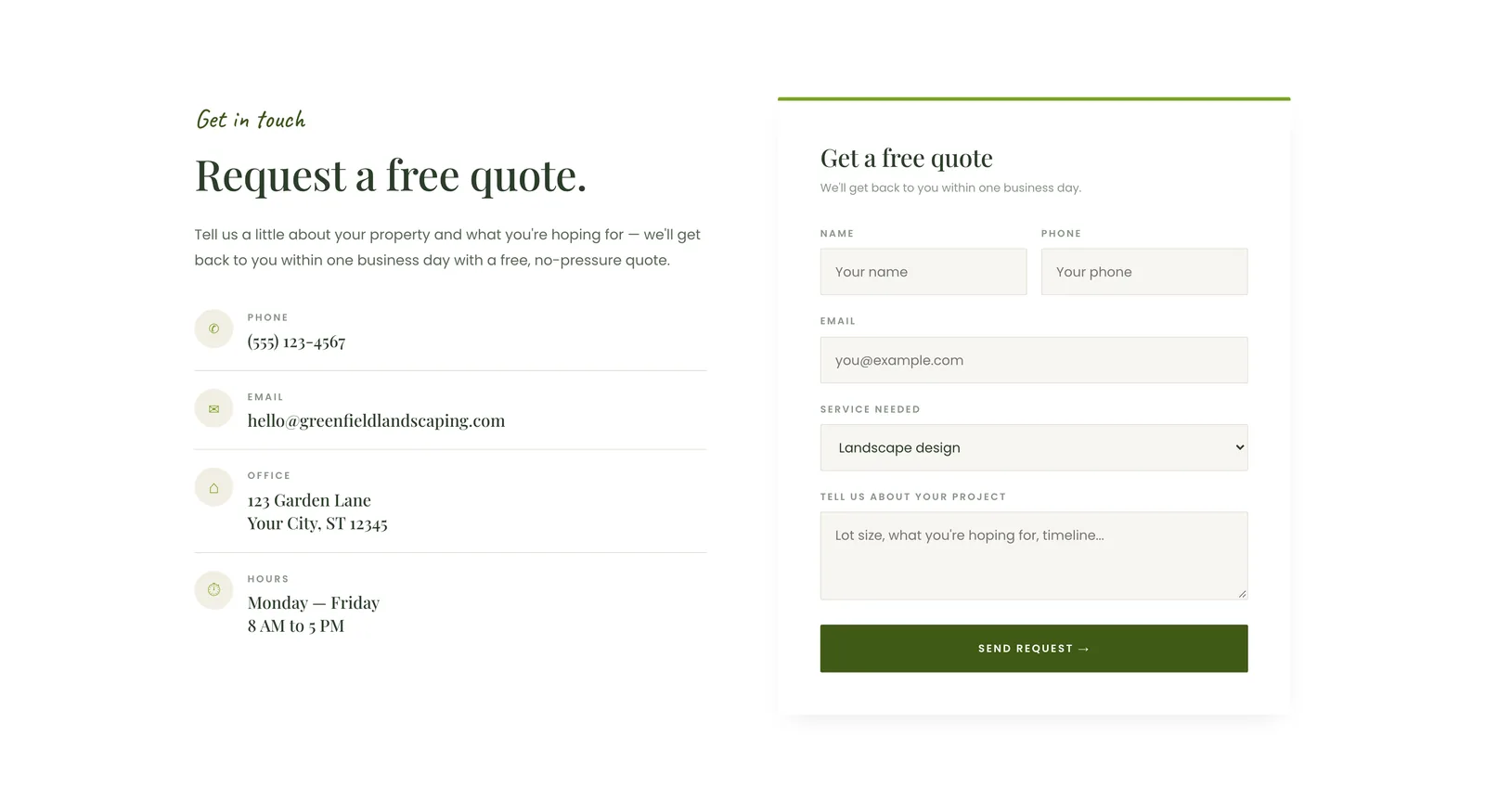
Request a free quotePhone, email, address and hours on the left, a short quote form on the right: name, phone, email, service, message. In the template the form is a placeholder; it is connected to the owner's email when the site is customized. 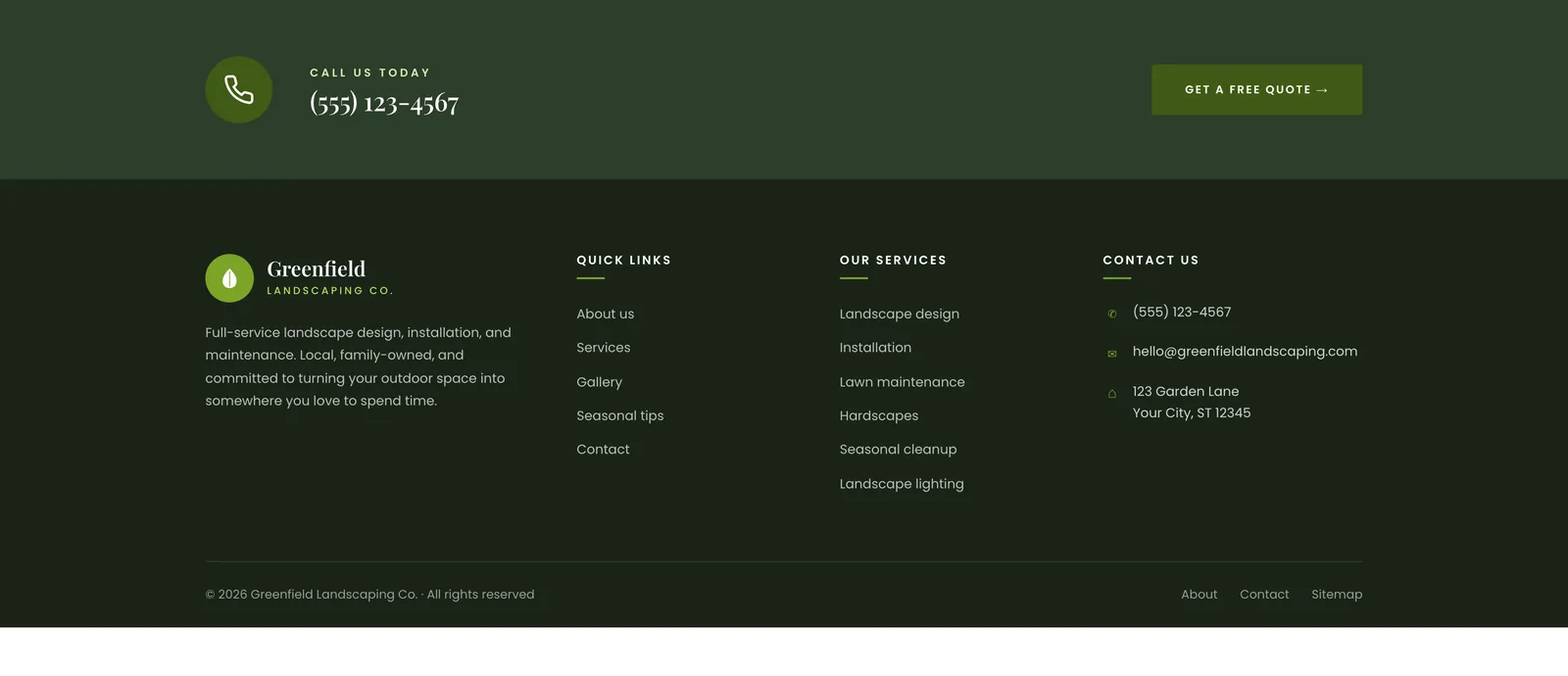
Call strip and footerThe phone number one more time in a dark strip, then a footer with quick links, services and contact details.
The three templates
Three looks at the same business. Template 1 is classic with a serif headline, template 2 is bold with a boxed uppercase headline over a lawn photo, template 3 is centered and airy in green and cream.
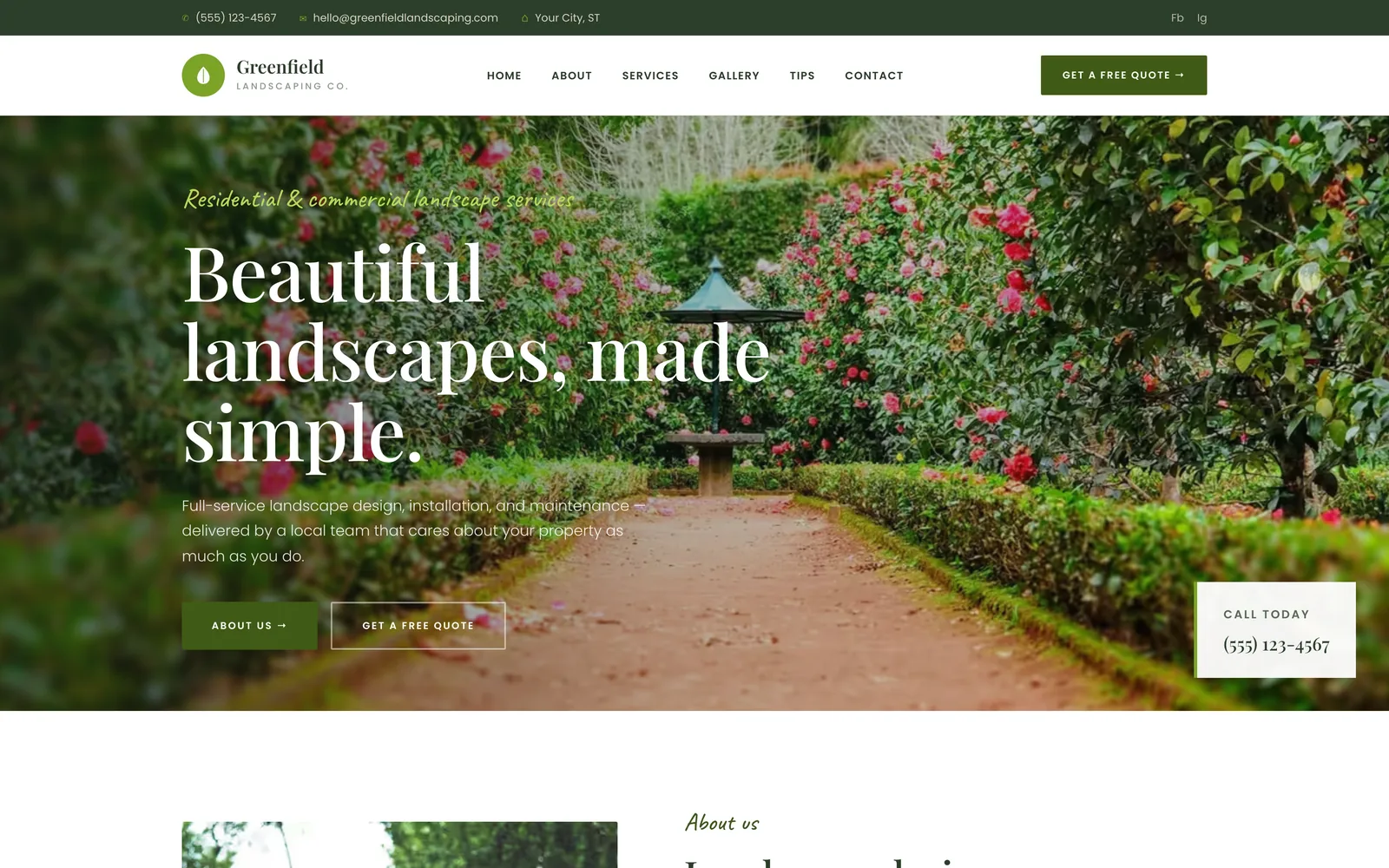
Template 1: classic. 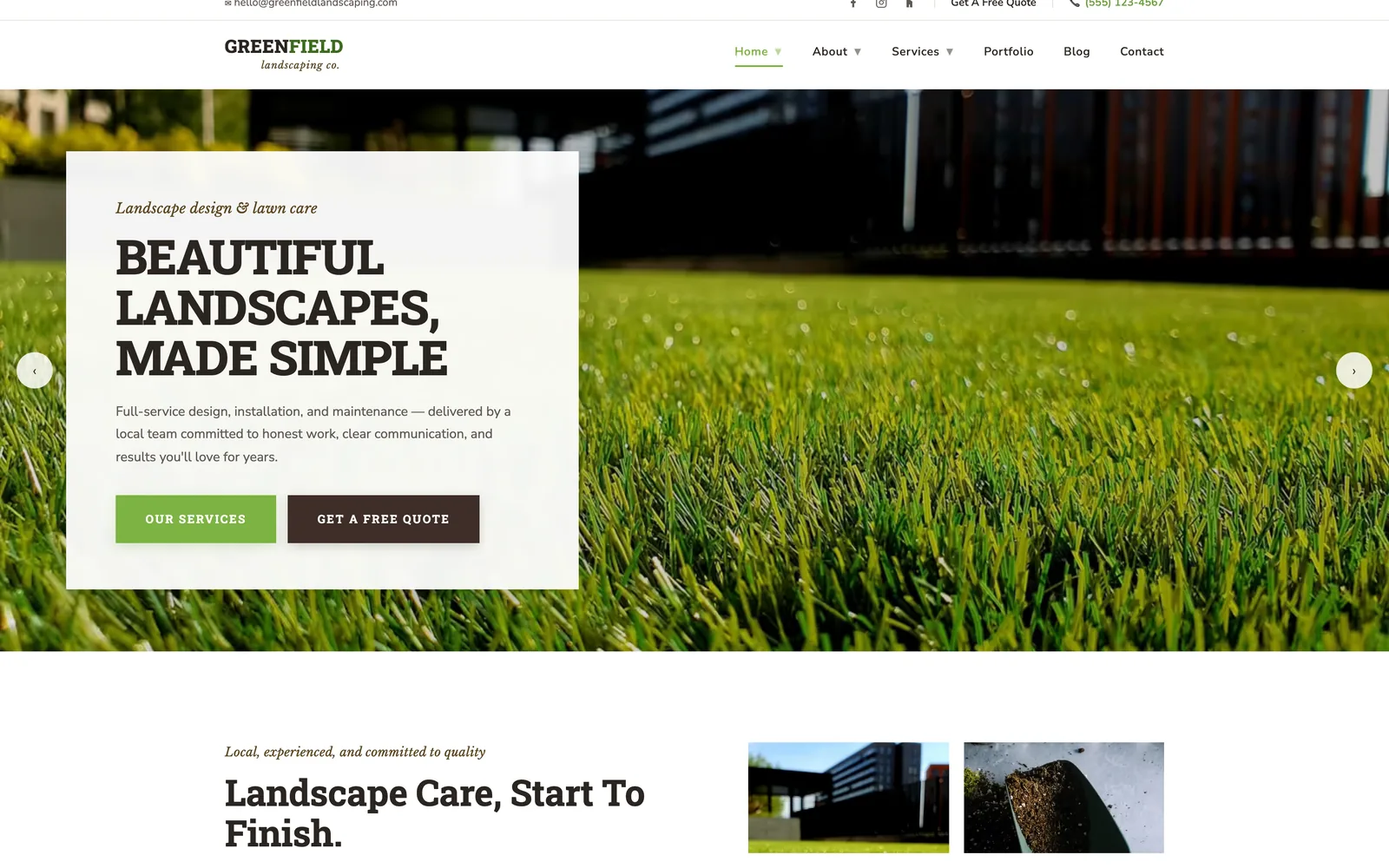
Template 2: bold. 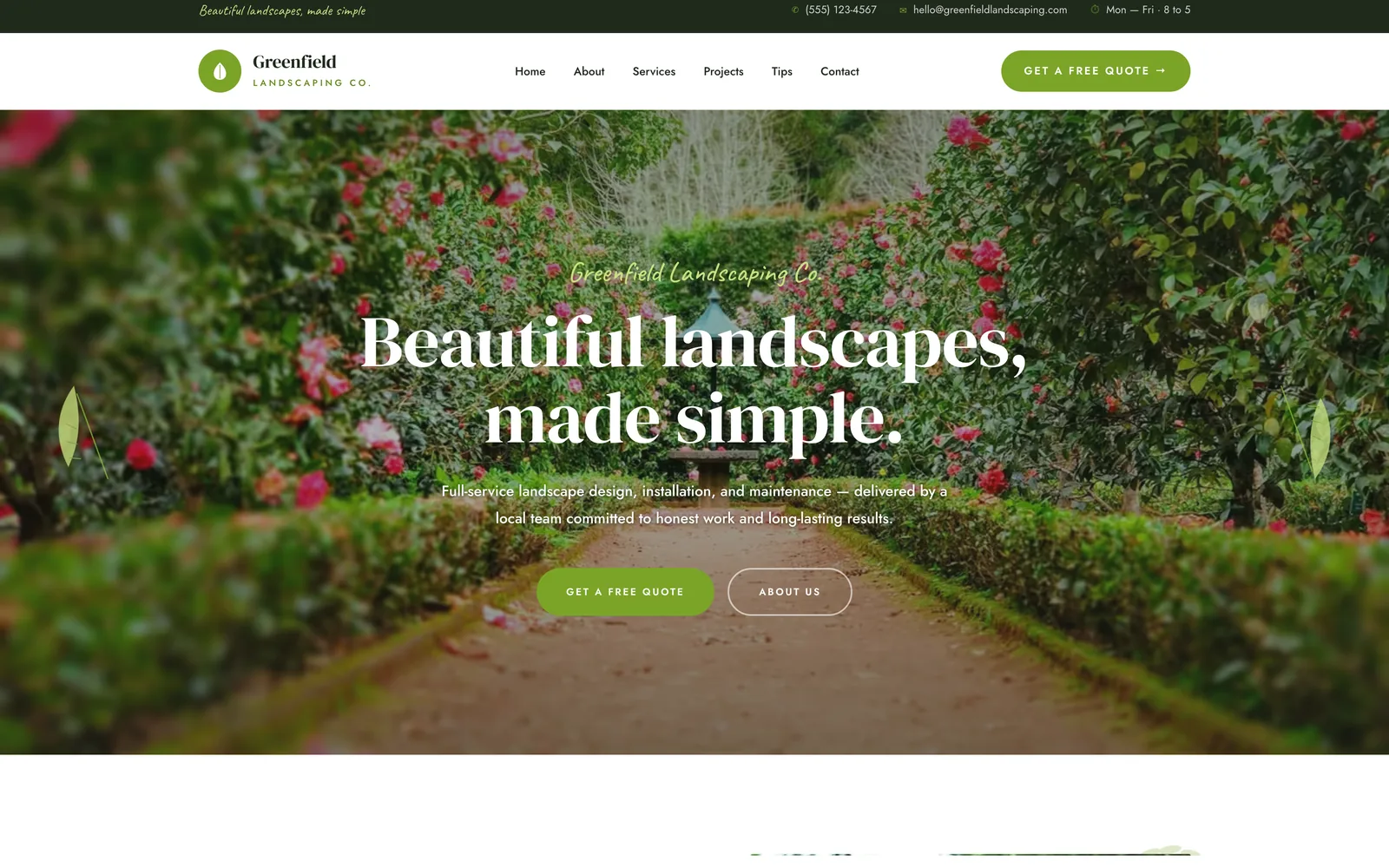
Template 3: centered.
On a phone
The templates at phone width: one column, photos first and a quote button on every screen.
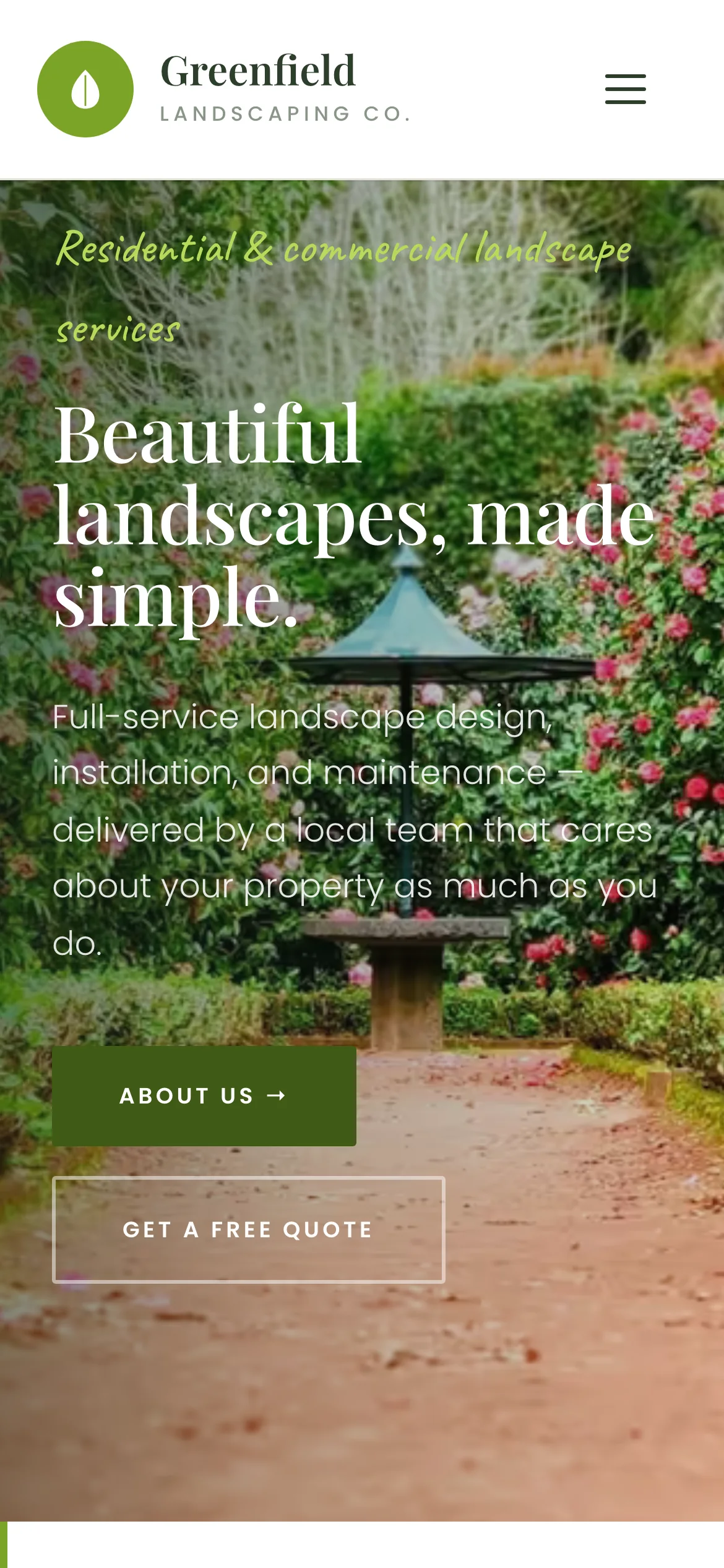
Template 1. The photo fills the first screen, with the headline and the quote button over it. 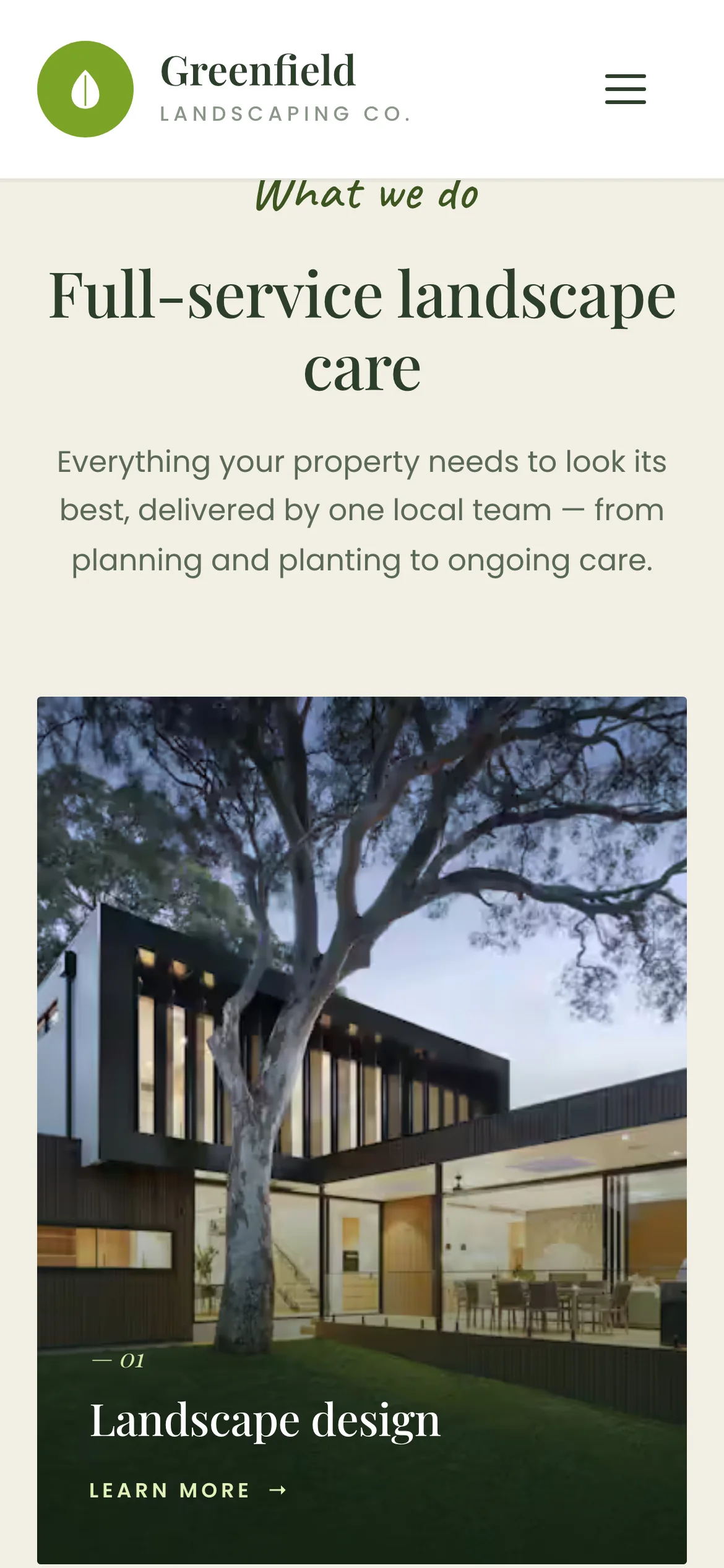
The service cards become one column, each photo full width. 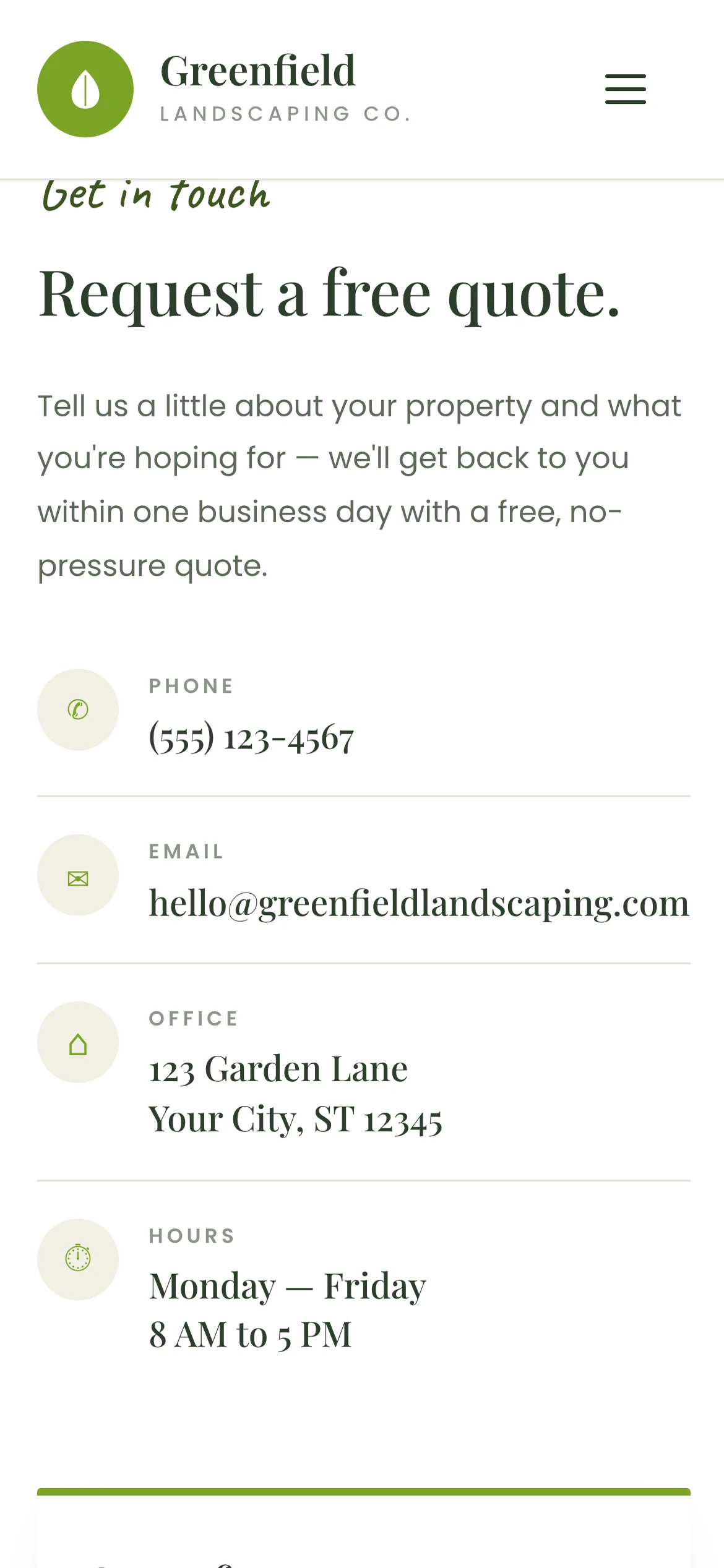
Phone, email, address and hours come before the form, so calling is always the easier option. 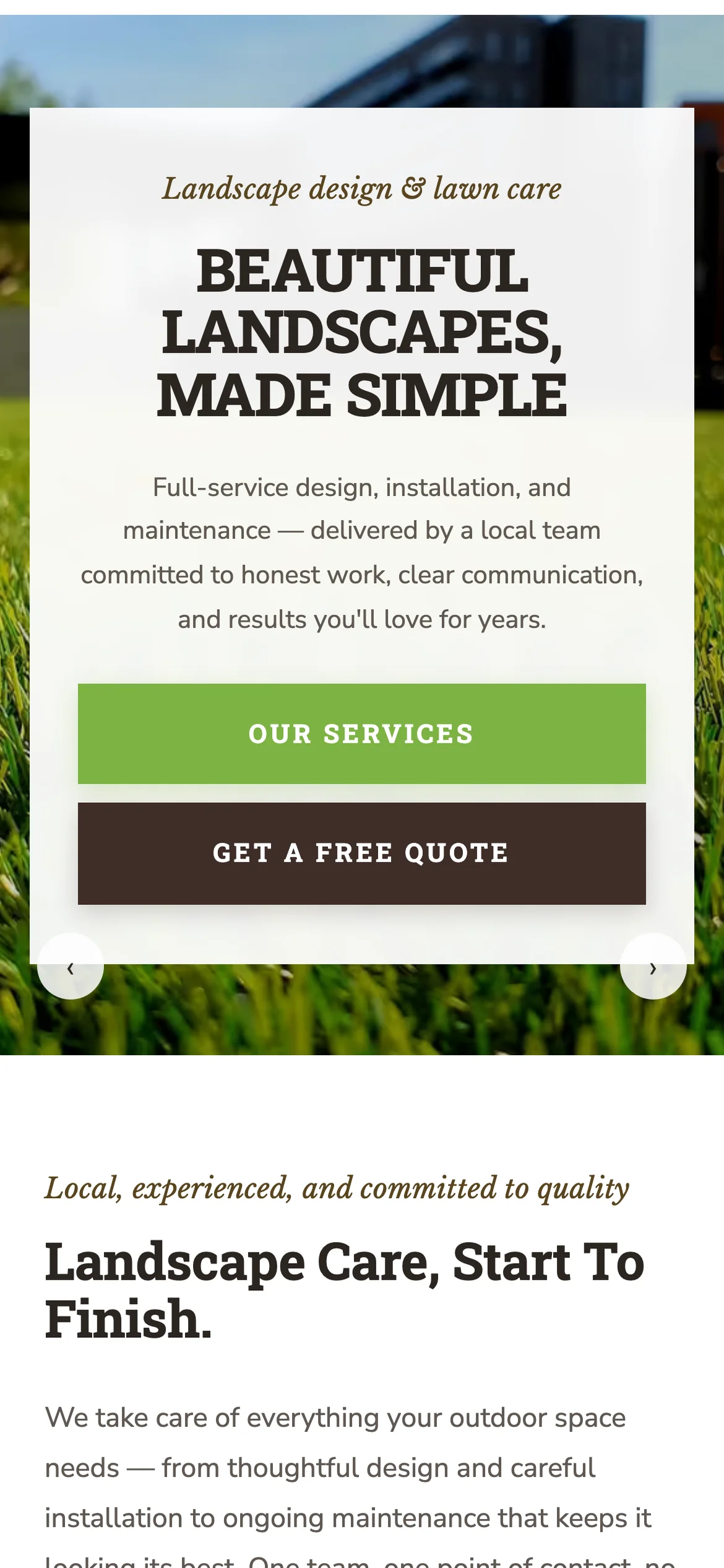
Template 2 at the same screen size.
What went into it
Design
- Three designs over the same content, so the owner can compare real layouts.
- On a desktop the phone number sits in the top bar and in the hero. On every screen size it comes back in the call strip above the footer.
- Photos do the selling, and the text is short.
- Generic on purpose, so an owner can picture their own business in the structure.
Build
- Hand-coded HTML, CSS and JavaScript. No framework, no page builder, no plugins.
- The switcher is a fixed bar linking the three pages, so any template is one tap away at any point in the page.
- Sections fade in as they scroll into view, with a small IntersectionObserver script. The whole page is under 50 KB of HTML.
- Hosted free on Netlify. A finished client site costs nothing to run.
Tools used
- HTML & CSS
- JavaScript
- Netlify
- Figma
- Photoshop