Landing page
Sunny Sky's Animal Rescue
Someone who wants to adopt, someone who wants to volunteer, someone who wants to donate and someone checking the hours all arrive at once, and the Sunny Sky's Animal Rescue homepage made every one of them scroll to find out what they could do. I redesigned and built it in 2026 without being asked. Their story, photographs, links and details are theirs; the structure, the design and the code are mine. Press Show notes on the live page to see what changed in each section and why.
- Client
- Sunny Sky's Animal Rescue, a 501(c)(3) in Graham, Washington (unsolicited concept, not commissioned)
- My role
- Design and front-end development
- Year
- 2026
- Format
- One-page site
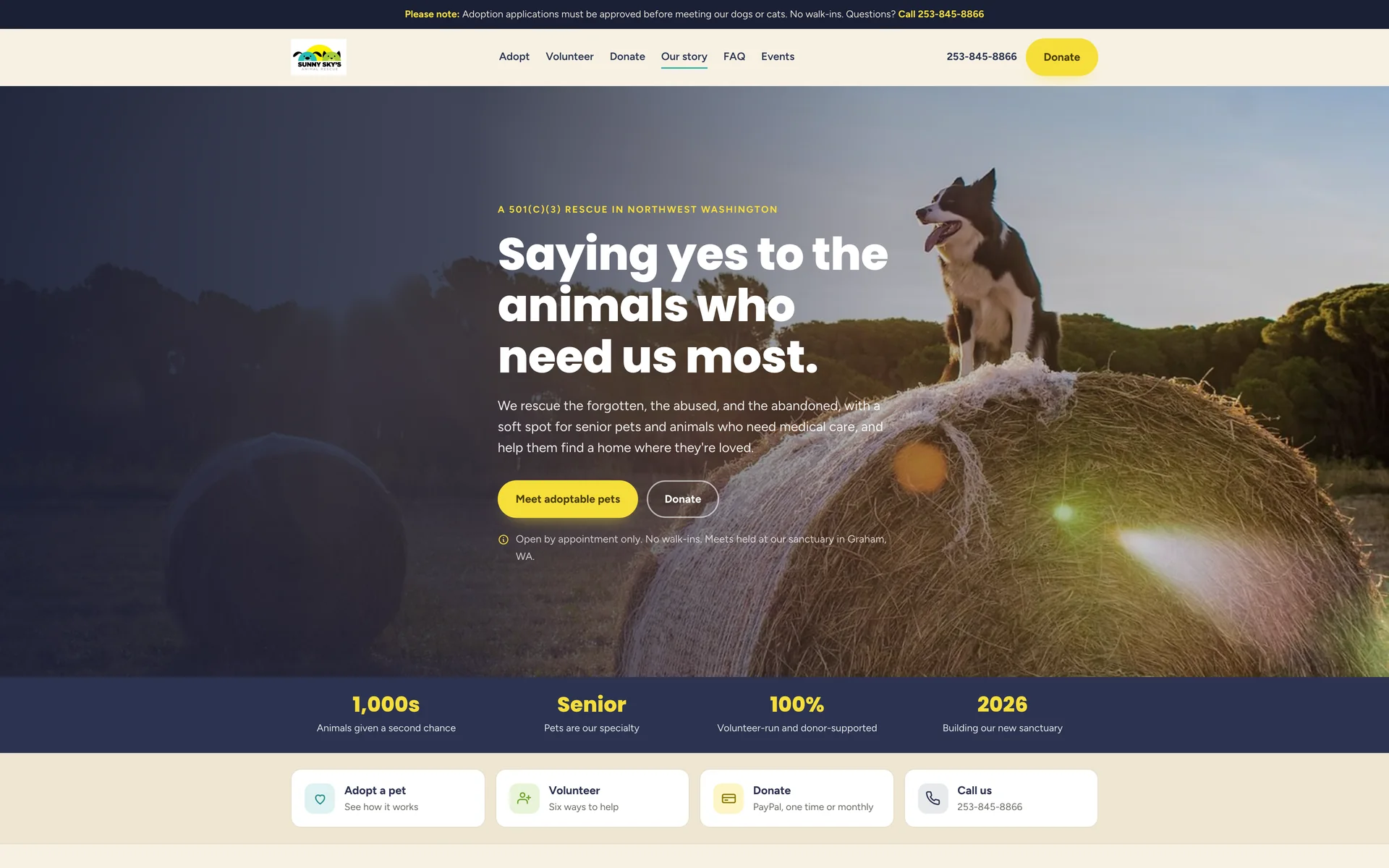
- Help in one tapAdopt, volunteer, donate and call are all reachable from the first screen
- Nothing inventedTheir story, photographs, links and tax ID, with every sample pet card labeled as a sample
- Scattered answers collectedThe questions spread across their site and flyers put in one accordion
About the project
A rescue homepage has four different visitors arriving at once: someone who wants to adopt, someone who wants to volunteer, someone who wants to give money, and someone checking whether they can visit today. On the existing site all four have to scroll the whole page to find out what they can do. So this version puts a strip of four actions immediately under the hero, and gives each one a real section further down.
The rest is about removing wasted trips and wasted emails. Visits are by appointment only and applications have to be approved first, so that rule appears in the hero, again at the top of the adoption steps, and again in the footer. The questions that are currently spread across their site and their flyers are collected into one accordion. Adoption fees are printed on the page.
This was not commissioned and I am not affiliated with Sunny Sky's. Everything factual on the page is theirs: the 2021 fire and the sanctuary they are building in Graham, their PayPal and wishlist links, their drop-off locations, their tax ID and the children's book one of their adopters wrote. The adoptable pets are sample cards showing the layout, labeled as samples on every card, because their real animals live on Petfinder.
Section by section
The page, top to bottom.
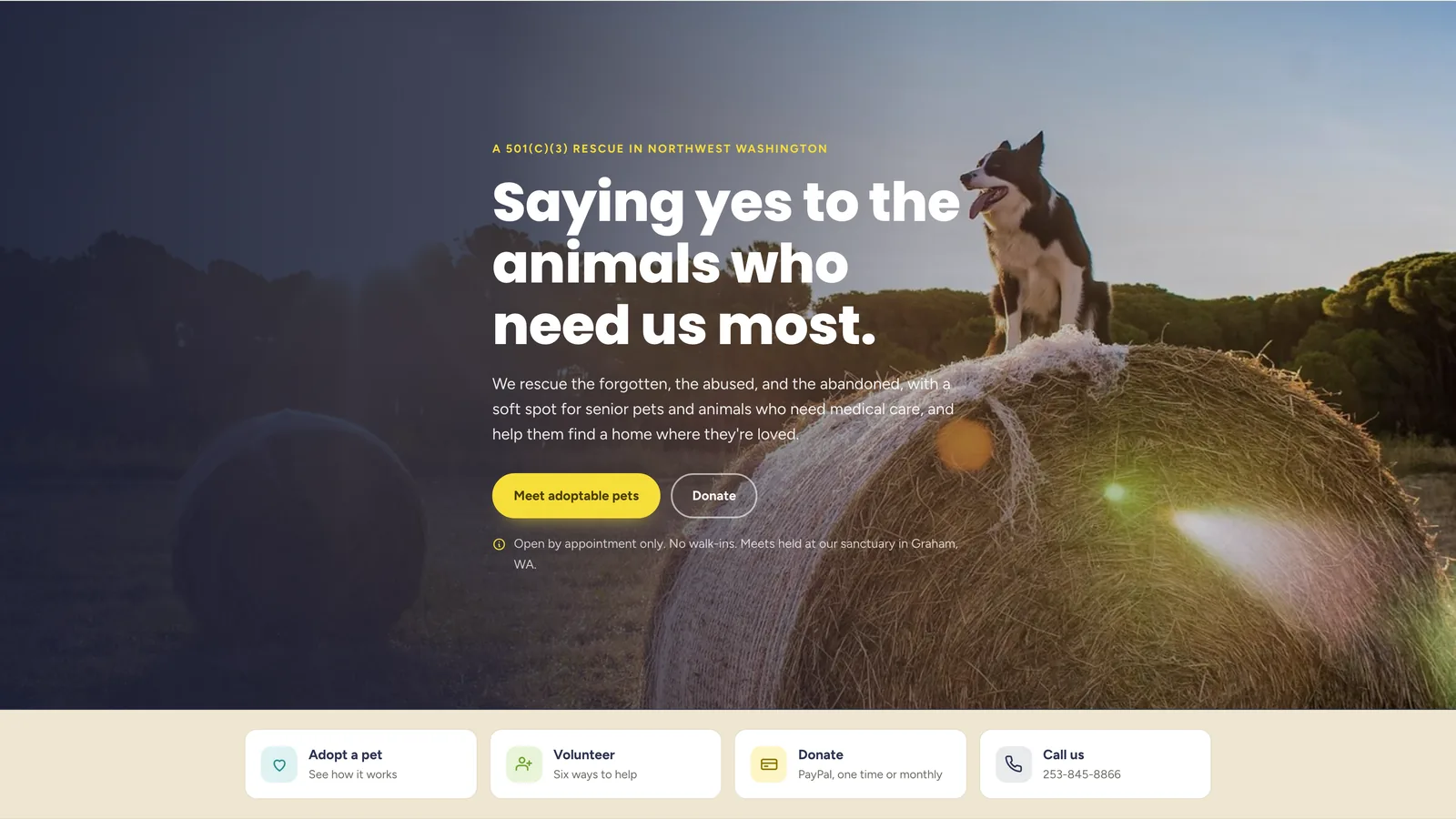
Header and heroTheir photograph, their tagline, and the two things most visitors came to do. The line under the buttons is the one that saves everyone time: by appointment only, no walk-ins, and where the meetings happen. The strip below gives the other two audiences somewhere to go immediately. 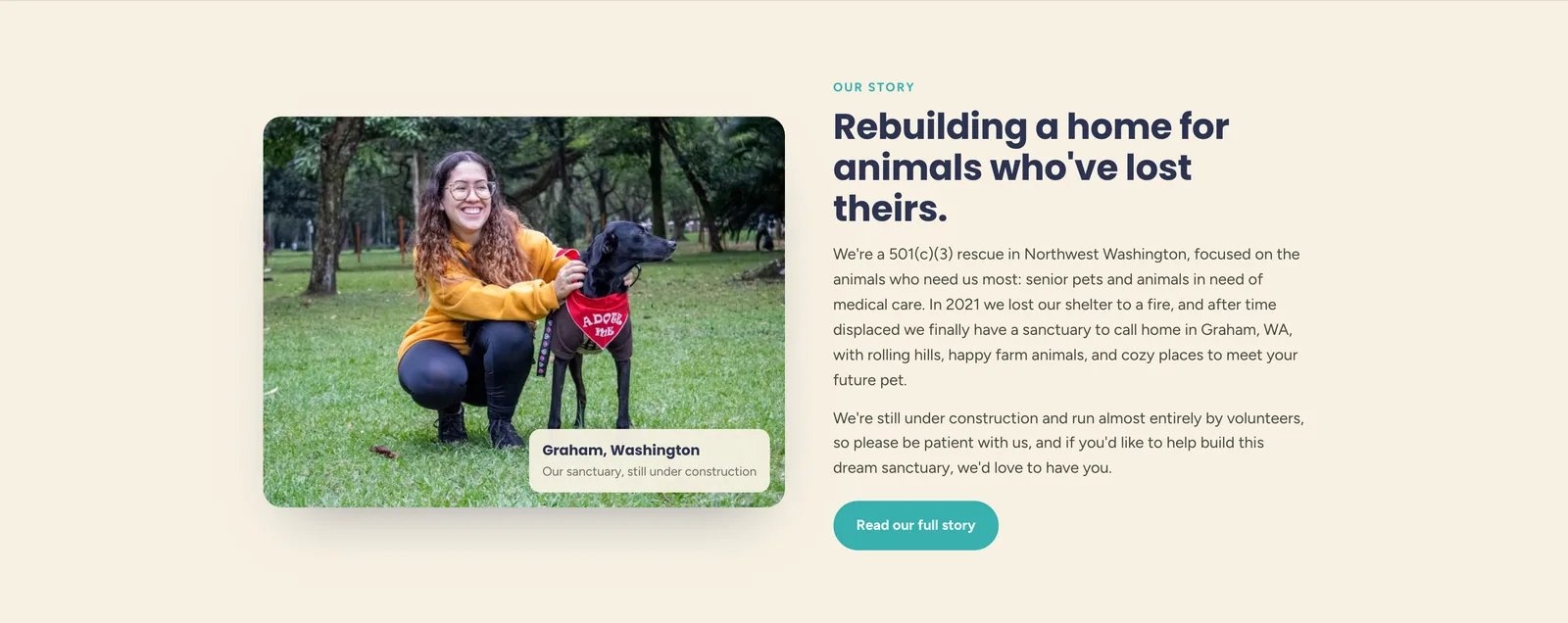
Our storyThe 2021 fire, the years displaced, and the sanctuary they are building now. It was hard to find on the original site, so it moves to a section near the top with their own photograph and a link to the full version. 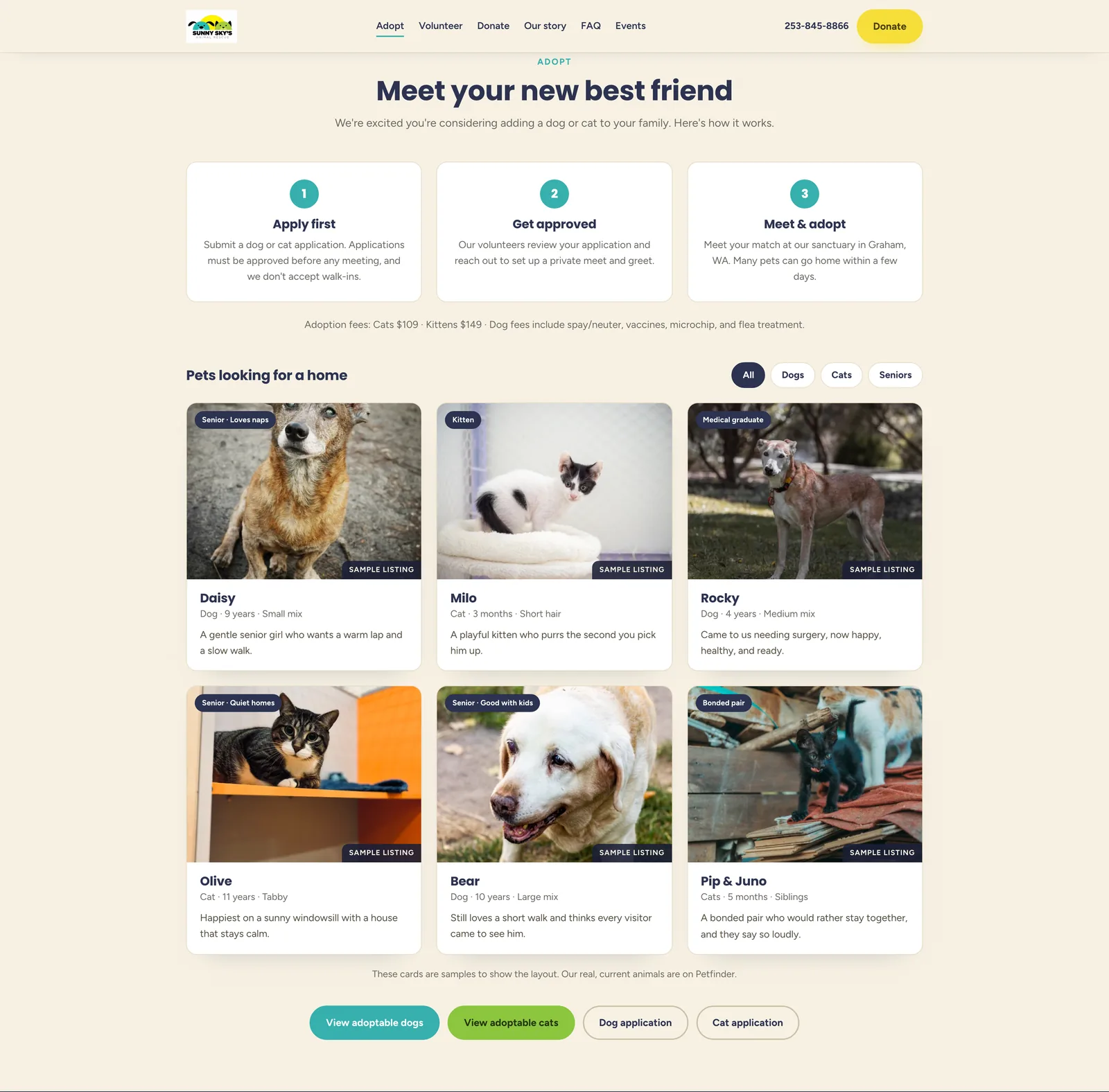
AdoptTheir adoption process as three numbered steps, with the approved-first and no-walk-ins rule in step one where it cannot be missed. Adoption fees are listed. The pet cards are filterable and every one carries a sample listing label, with a line underneath pointing to Petfinder for the real animals. 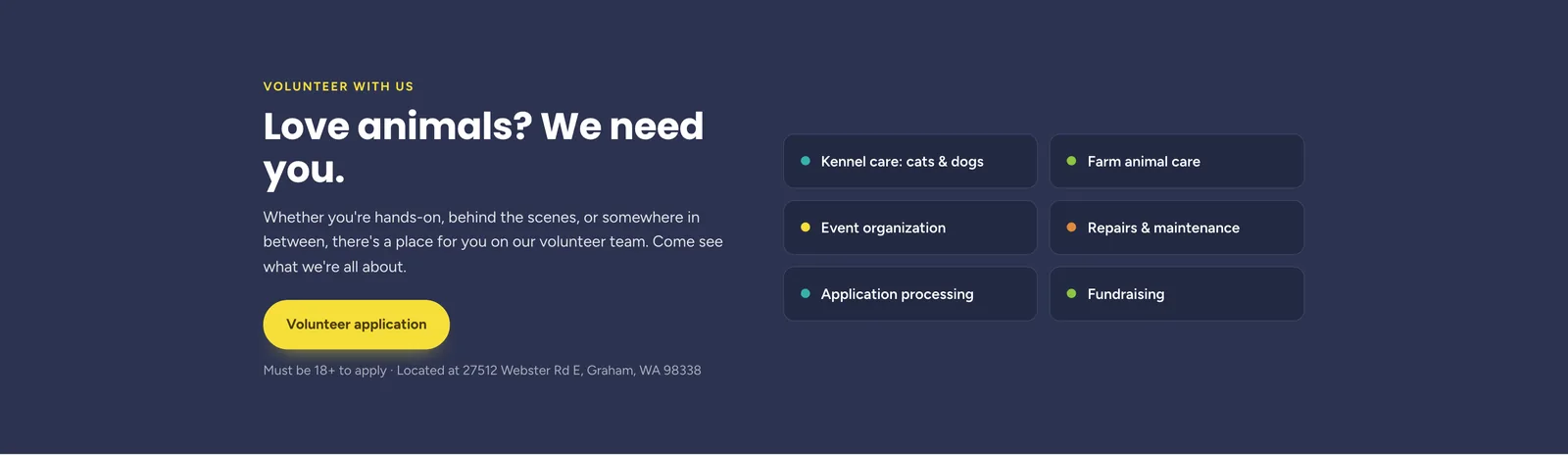
VolunteerA rescue this size runs on volunteers, so it gets a full section. The six areas are the specific ones they need help with, taken from their own volunteer material, and the age requirement and the address are stated up front. 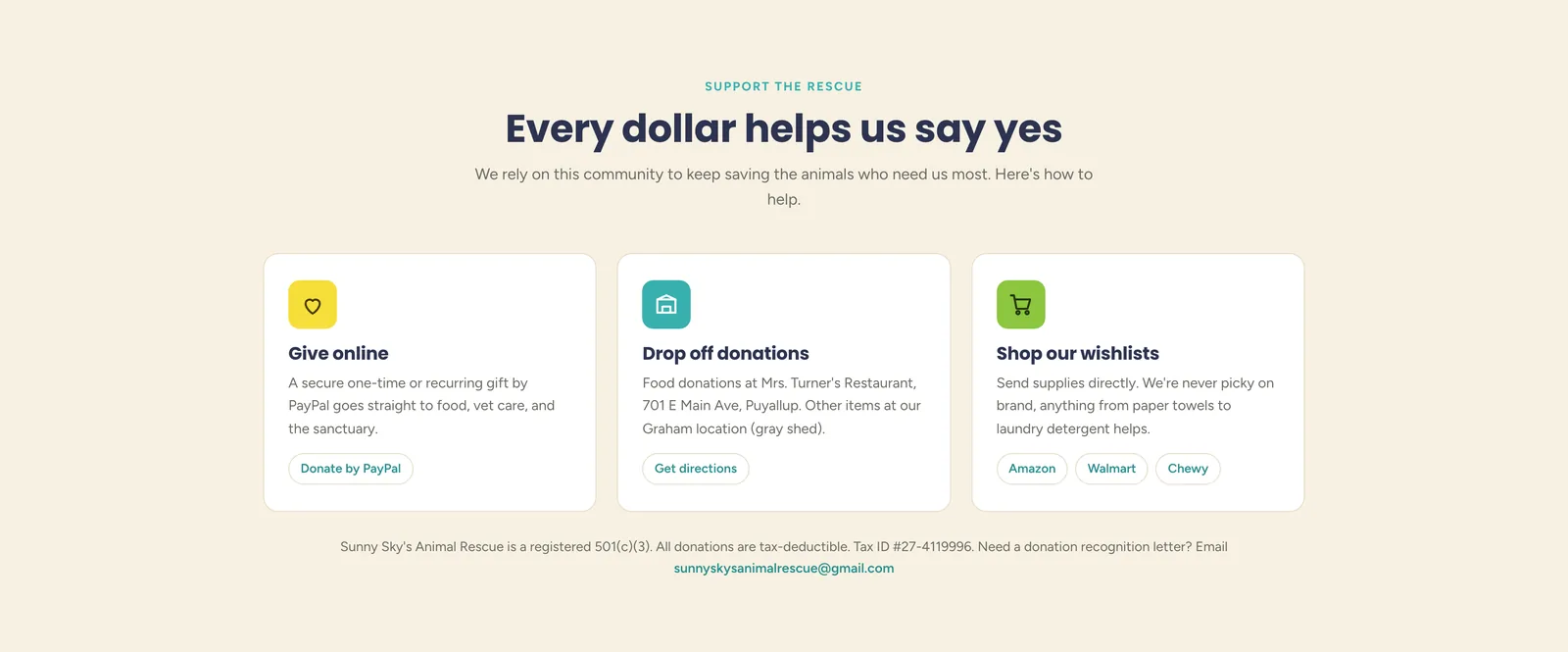
Support the rescueEvery way of giving in one place: online through their PayPal, in person at their two drop-off points, or through their wishlists at three retailers. The 501(c)(3) line with the tax ID sits underneath, because donors going through an employer match need it and currently have to ask. 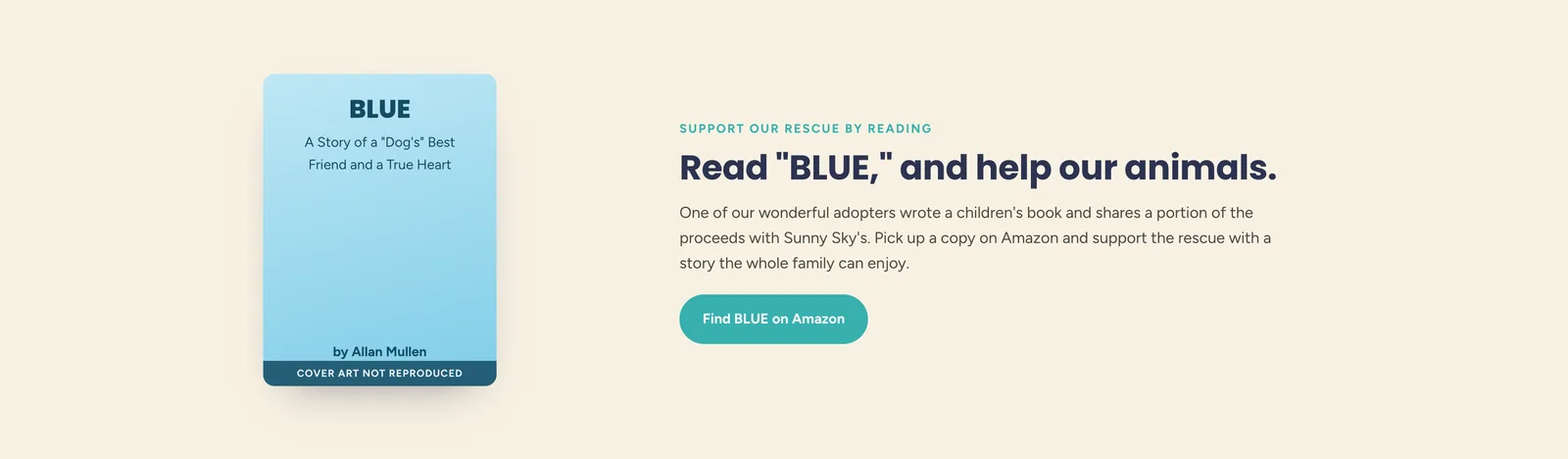
The BLUE bookOne of their adopters wrote a children's book and gives them a share of the proceeds. The cover is a stand-in that says so, because the artwork belongs to the author and was not mine to recreate. 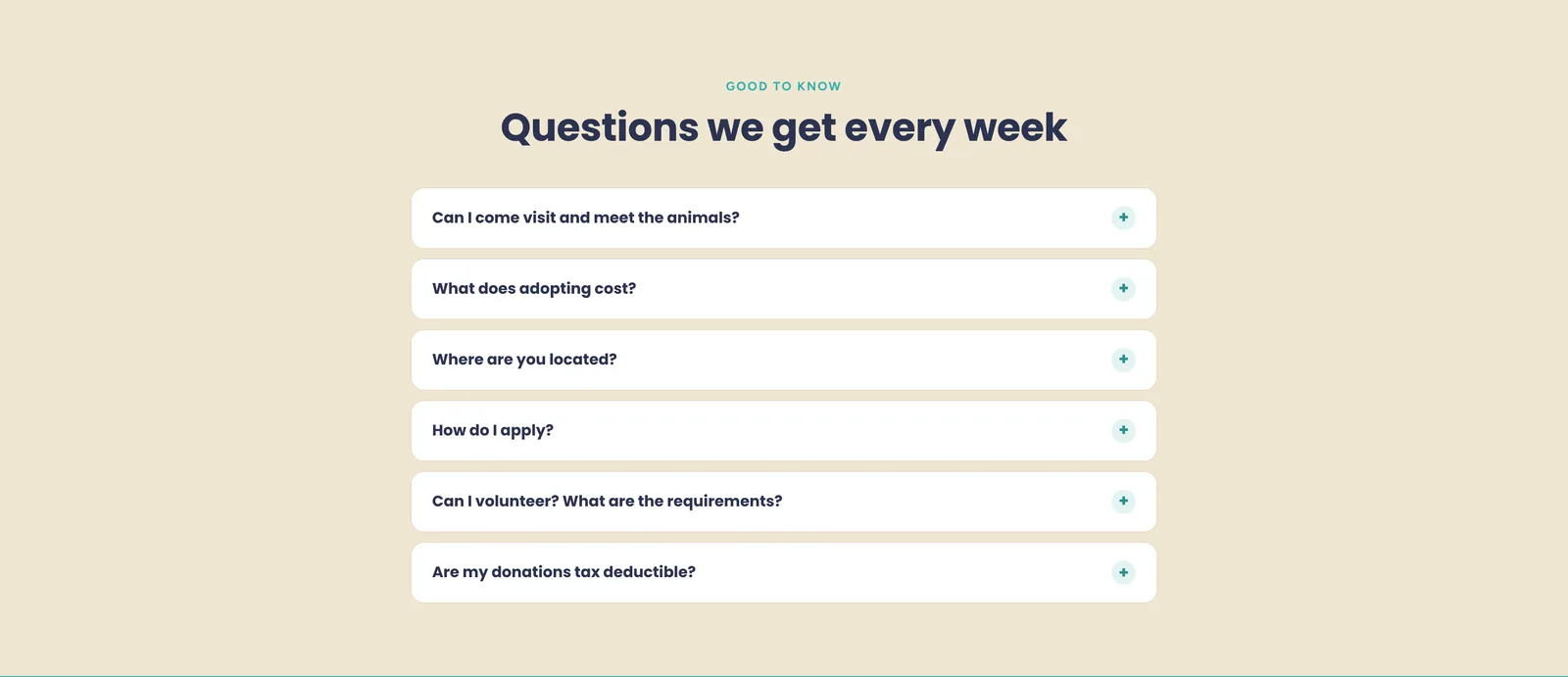
Good to knowSix questions in an accordion. Every answer already existed somewhere on their site or their flyers; the work was collecting them. Visiting, cost, location, applying, volunteering and whether donations are deductible. 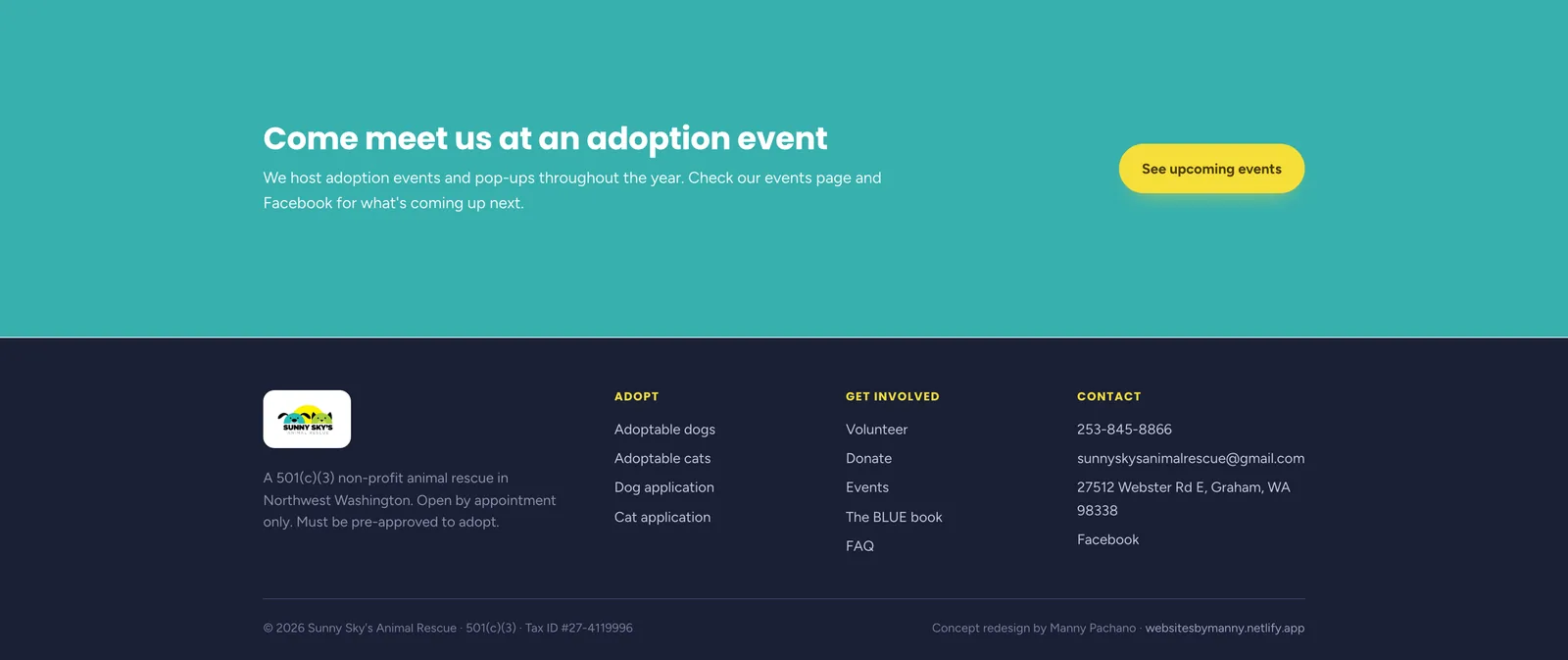
Events and footerThey run adoption events and pop-ups through the year, and those live on their events page and Facebook, so a short banner points at both. The footer repeats the appointment rule one last time.
The process document
A second document at /process shows how the redesign was made: the brief, the reading order, the wireframe beside the finished build, the changes and the component system. The finished page runs live inside the document.
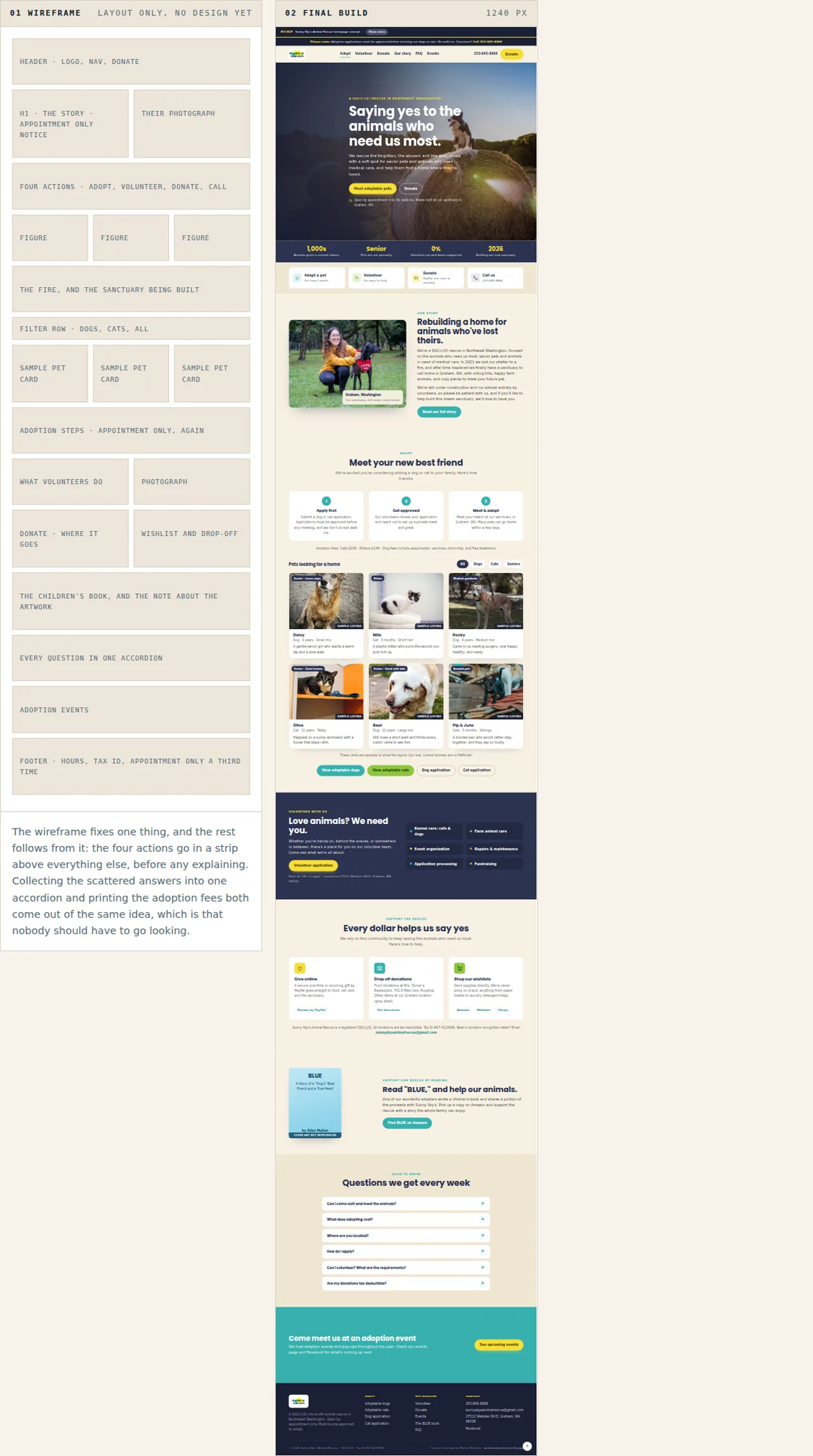
The wireframe on the left and the finished page on the right, running live in the document at 1240 pixels. 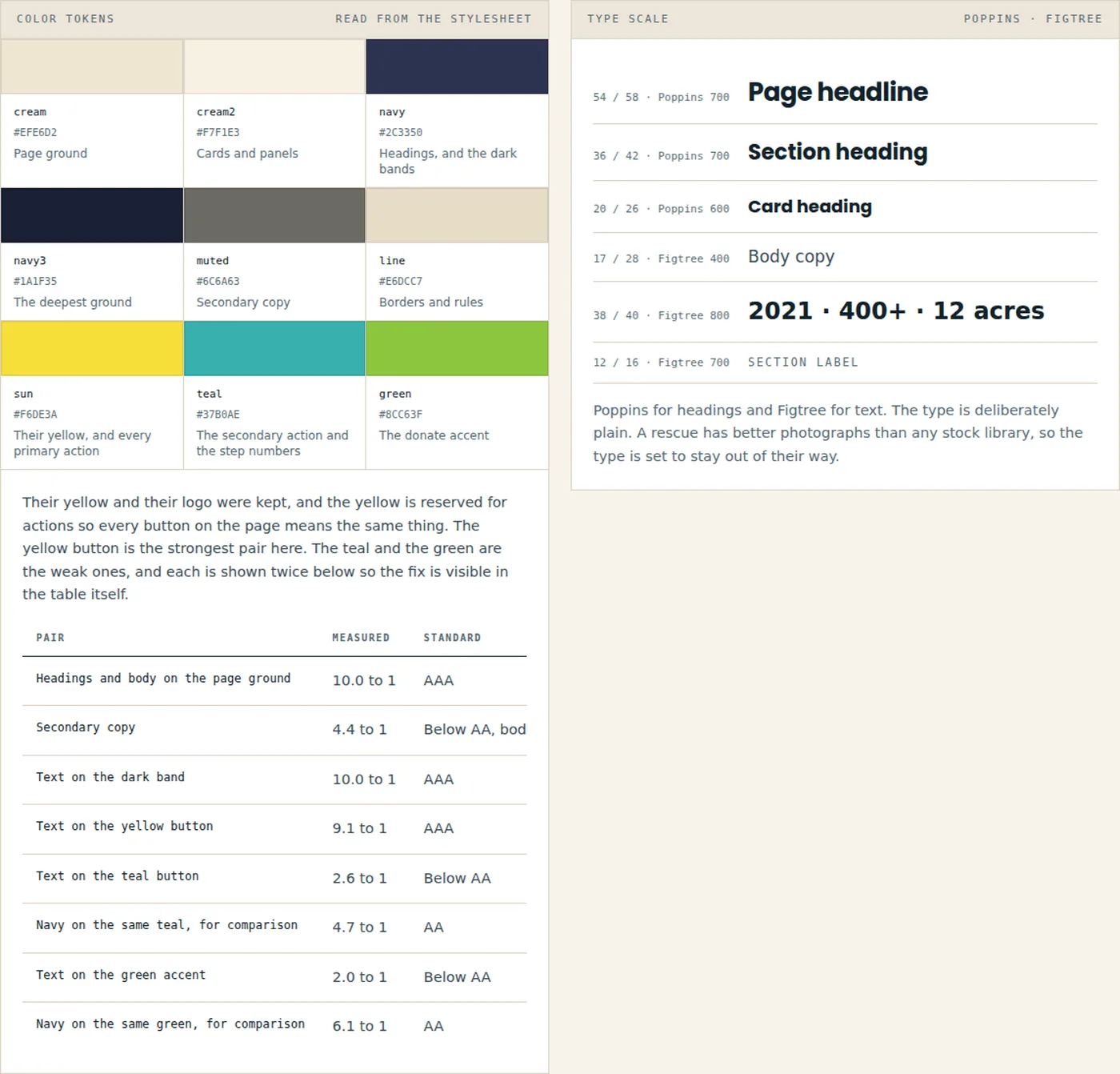
The swatches and the contrast table are read out of the page stylesheet when the document is built. Navy on their yellow measures 9.09 to 1, so the button people use most is one of the strongest pairs on the page, while white on the teal measures 2.63. 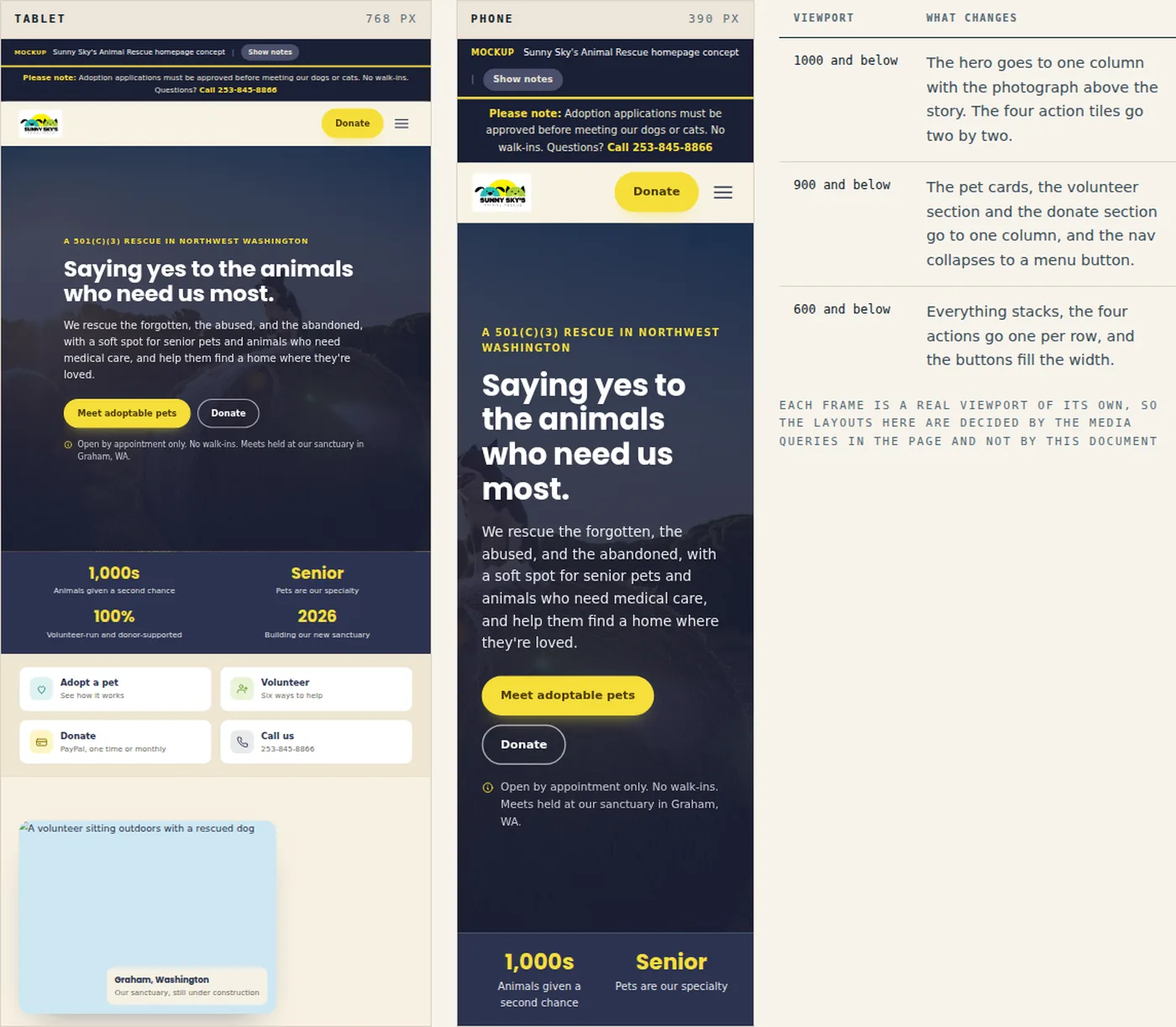
Both frames show the live page at its own width. The table lists the three breakpoints in the stylesheet.
On a phone
The page on a phone. Rescue traffic comes off Facebook, so most of it arrives here.
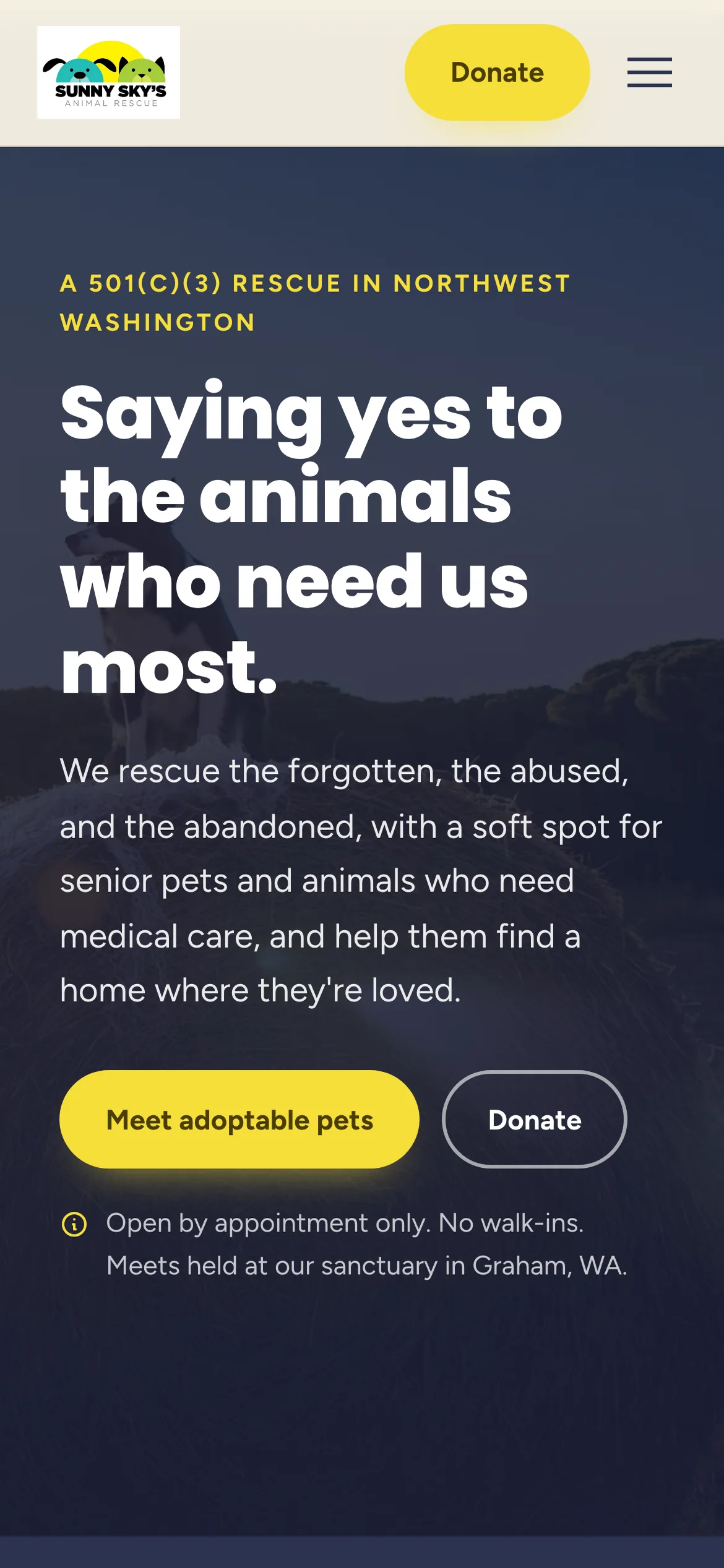
The two buttons go full width and the appointment rule stays directly under them. 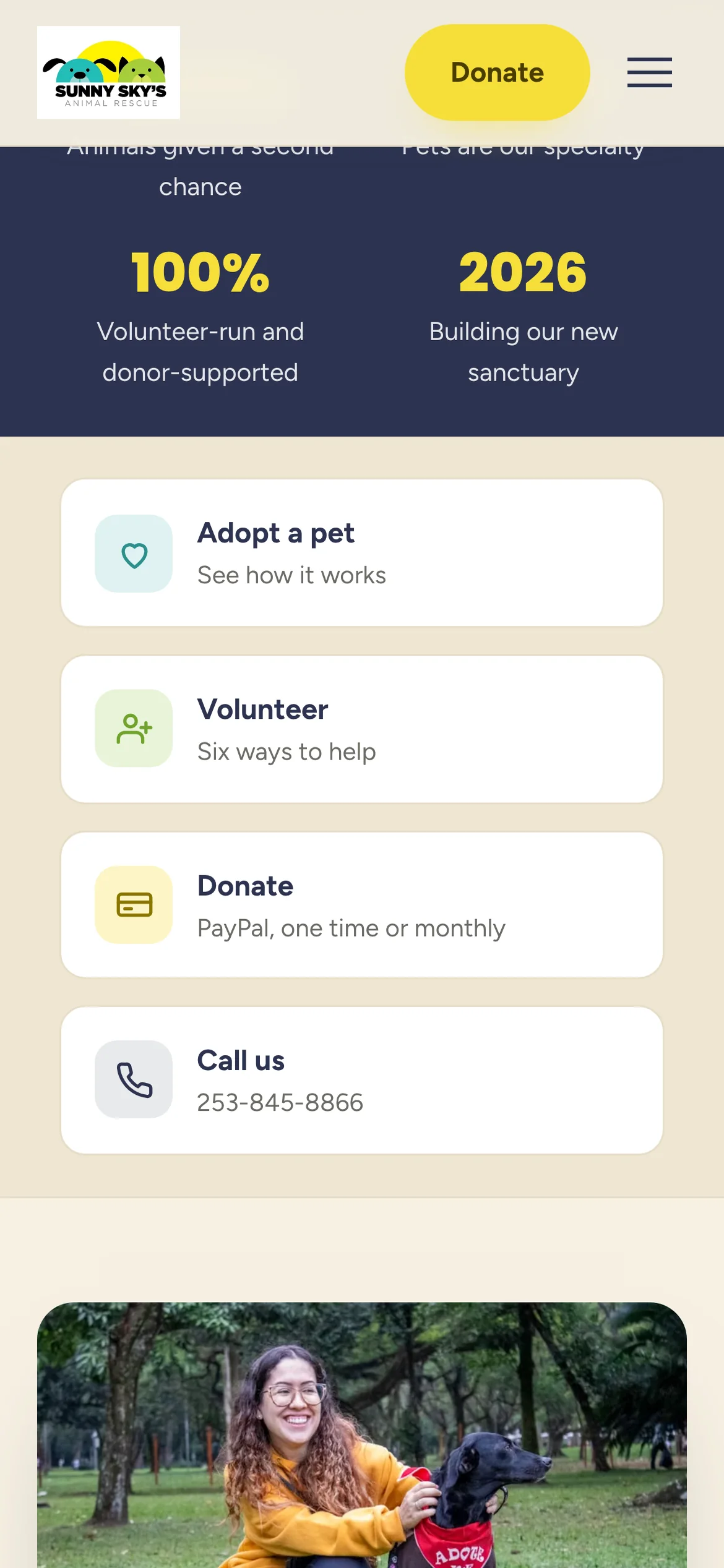
The four actions stack into a tappable list at phone width. 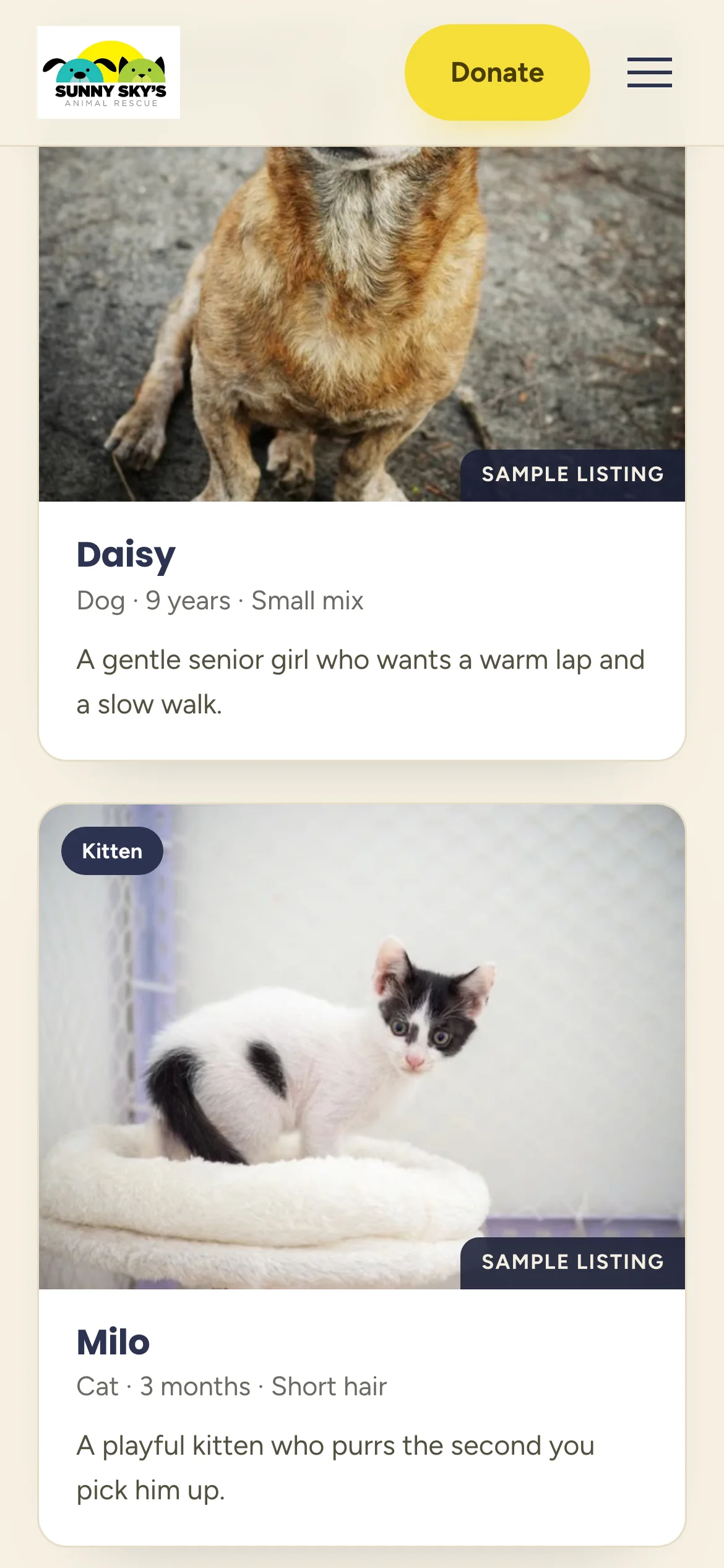
Pet cards go one per row, and the sample listing label stays on every photograph. 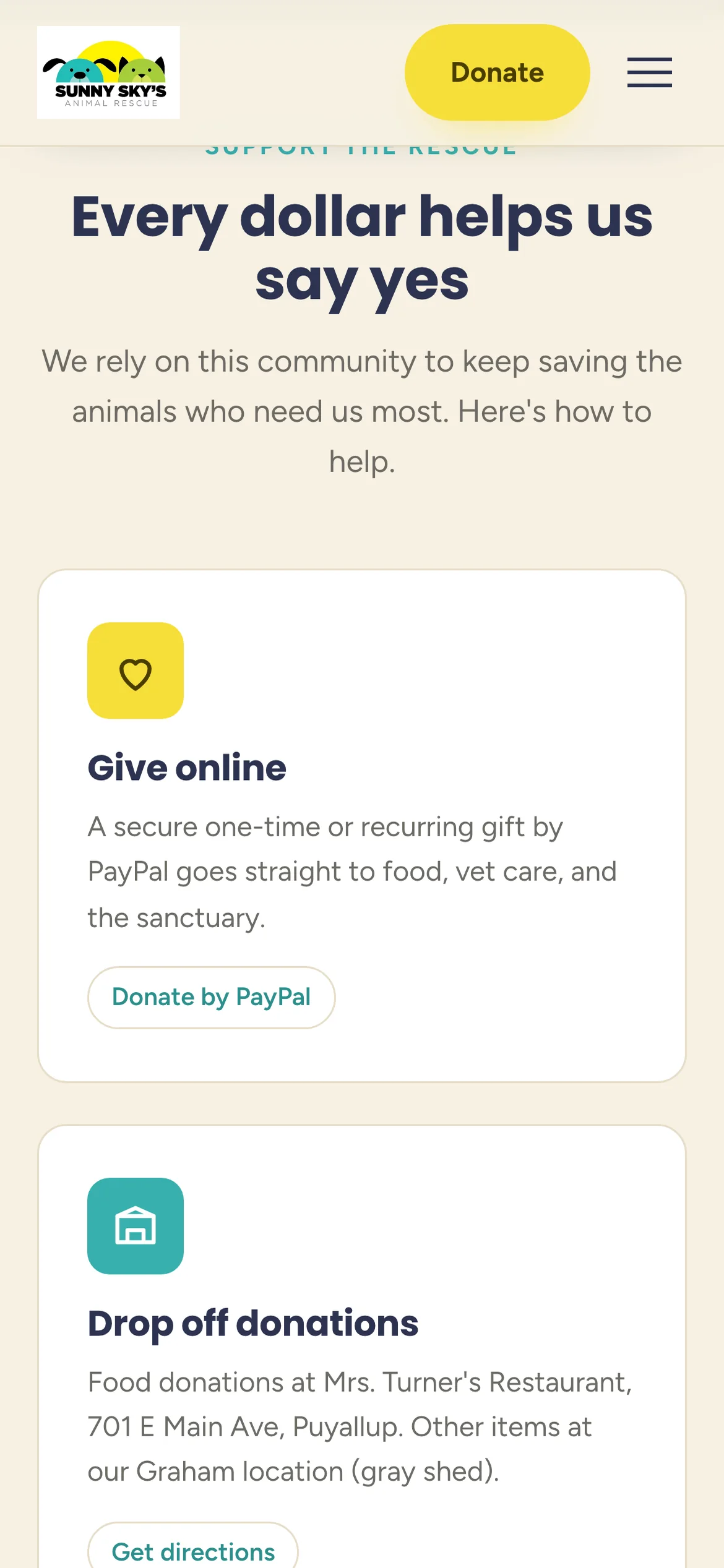
Giving options stack with their buttons intact, so no one has to pinch to find PayPal.
What went into it
Design
- Their yellow and their logo stayed. The yellow is used for actions only, so every button on the page means the same thing.
- Their own photographs carry the page. A rescue has better pictures than any stock library.
- Four actions immediately under the hero, because a rescue homepage has four different visitors arriving at once and making all of them scroll costs the rescue money.
- The appointment-only rule appears three times: in the hero, in the first adoption step and in the footer. Repetition here saves somebody a drive.
- Every sample pet card is labeled as a sample, and the book cover says the artwork was not reproduced. Nothing on the page pretends to be something it is not.
Build
- One HTML file, about 561 KB. Most of that is their photographs embedded directly in the file.
- Hand-written CSS and JavaScript, no framework and no build step.
- The pet cards filter on a data attribute, and the FAQ uses native details elements so it works before the JavaScript runs.
- Reveal on scroll and four counting figures run on IntersectionObserver, and both switch off for anyone who prefers reduced motion.
- Three breakpoints, 1000, 900 and 600 pixels. The layout stays fluid below 600, which matters because rescue traffic includes a lot of old phones.
- The annotation layer is part of the file: a Show notes button reveals a note on every section explaining what changed. It is off by default. Deployed on Netlify.
Tools used
- HTML & CSS
- JavaScript
- SVG
- Google Fonts
- Netlify