Landing page
Rythm
A monthly blood test taken at home is a product most people have never heard of, and it raises two objections at once: a needle, and where the health data goes. I designed and built this concept homepage in September 2026 to see whether one page could answer both and still land on a single action. It is not a client project and I am not affiliated with Rythm.
- Client
- Rythm Health (concept, not commissioned)
- My role
- Design and front-end development
- Year
- 2026
- Format
- One-page site, light and dark
About the project
Rythm sells a monthly at-home blood test. The page has to explain the product to someone who has never heard of it, give them reasons to trust it, and get them to press one button: Get started. Everything on the page is there for one of those three jobs.
The order of the sections follows how people decide. First the offer and the price, then proof from people they recognize, then how the test works, then the numbers, then the product card. After that comes the detail for people who keep reading: the science, the dashboard, the use cases, privacy, reviews and questions. The page ends with one last call to action. The same red button appears in the header, the hero, the product card and the end.
The design uses two typefaces, Space Grotesk for headlines and Manrope for text, one accent color and a lot of space. One word in the main headline is red. The dark version is the default. The light version is the same layout with nine color variables swapped.
Section by section
Thirteen sections, top to bottom. Use the switch to see them in the other version.
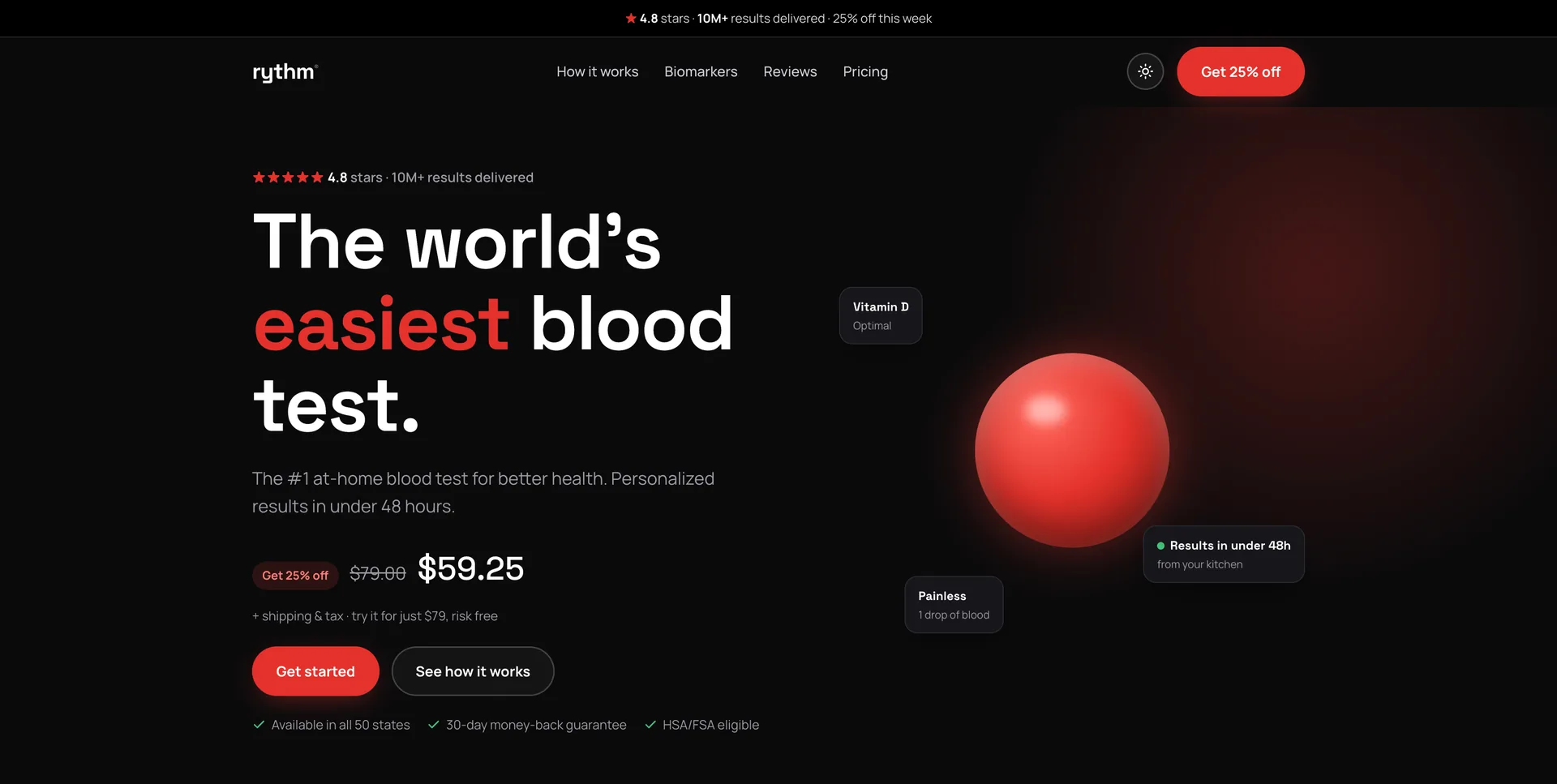
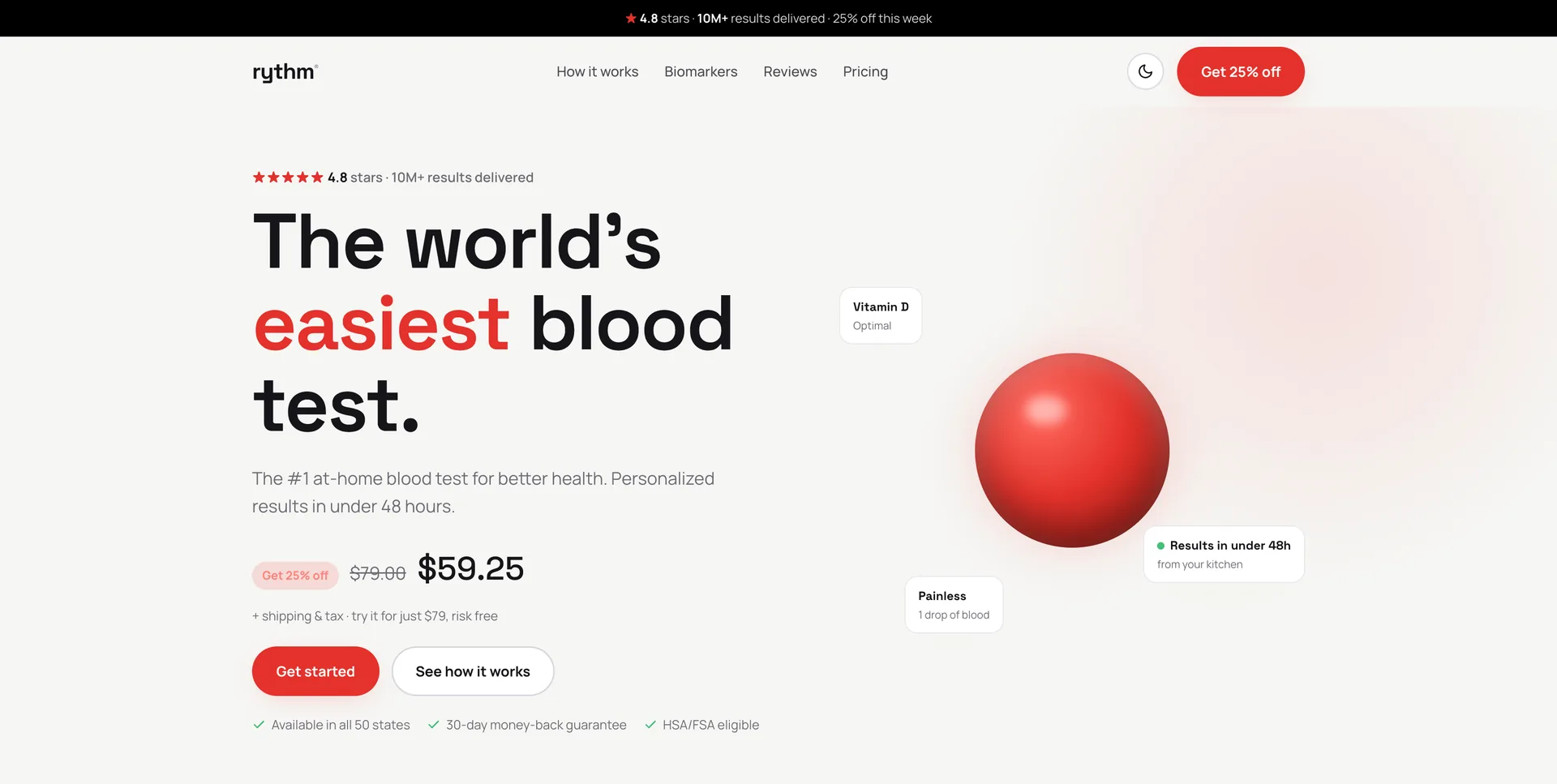
Announcement bar, header and heroThe offer is on screen before anyone scrolls: the headline with one word in red, the discounted price, two buttons and three trust points. The red sphere floats, three result badges float around it, and the text rises in one line at a time when the page loads. 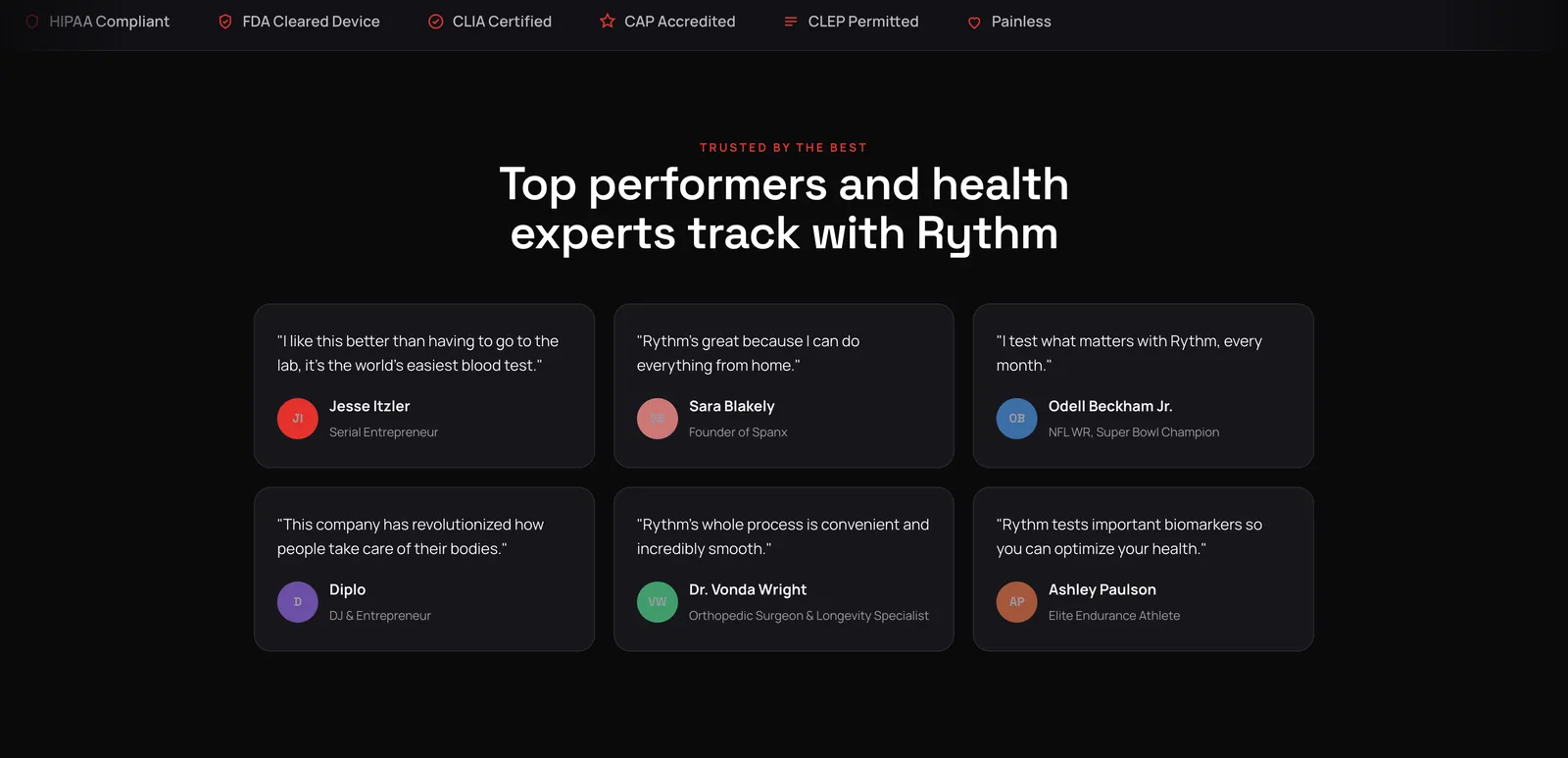
Trust strip and quotesA strip of certifications scrolls by on a loop (HIPAA, FDA, CLIA, CAP). Below it, six short quotes from athletes, founders and a surgeon, each with initials in a colored circle. 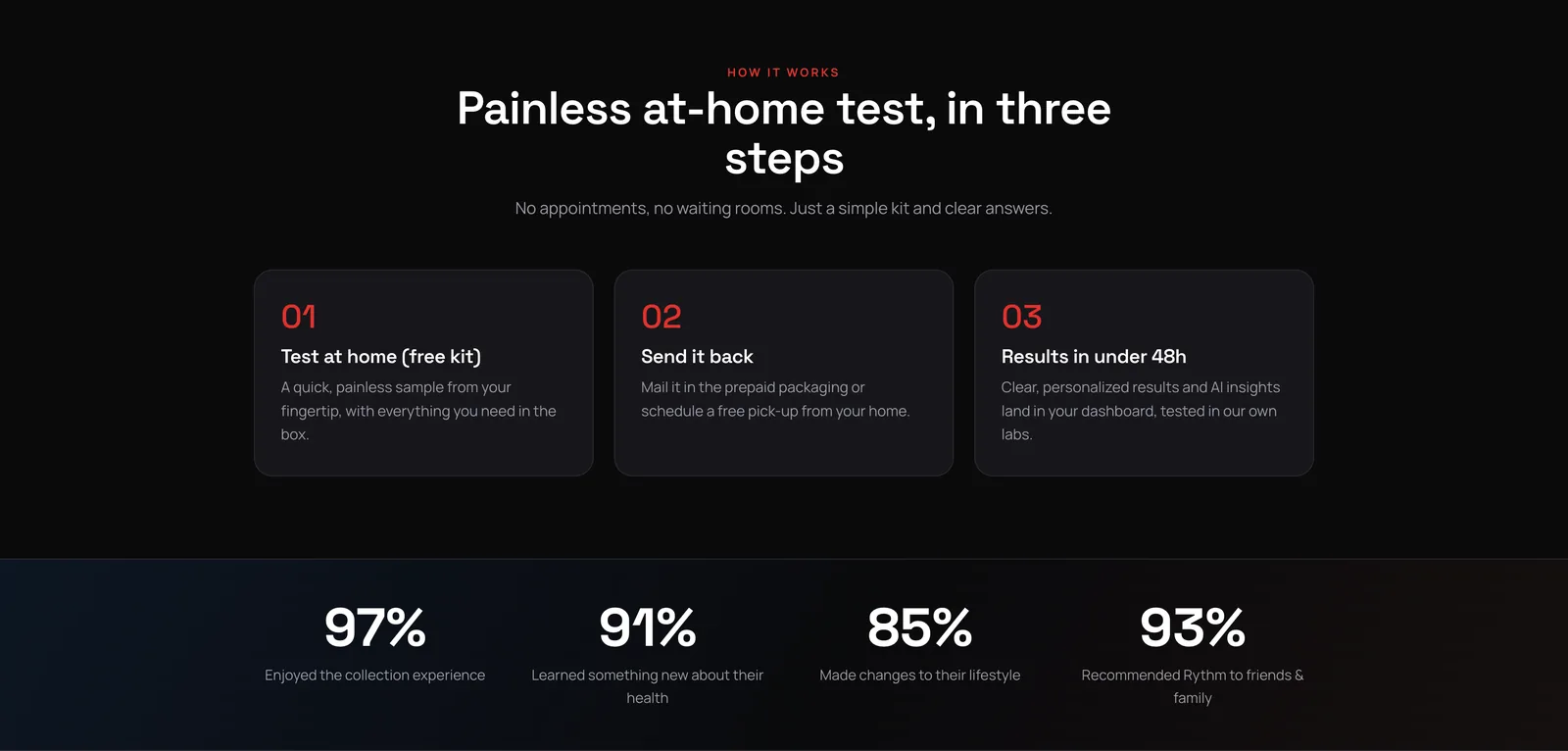
How it works, and the numbersThree numbered steps in one row, then four percentages. The numbers count up from zero the first time they scroll into view, with an IntersectionObserver and requestAnimationFrame. 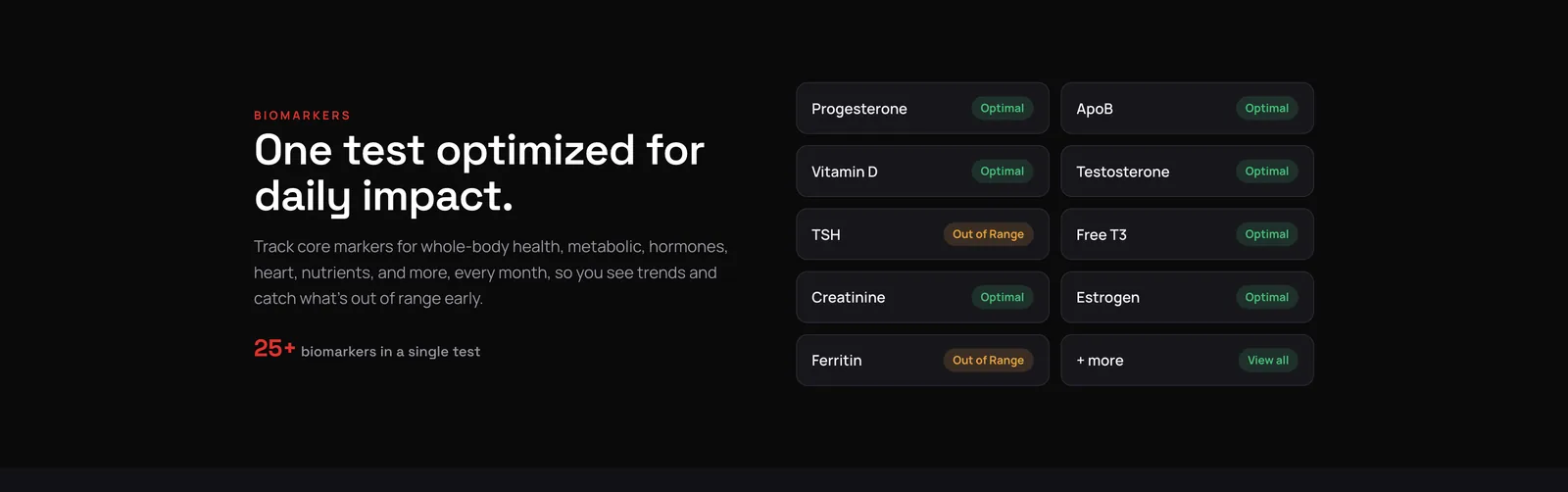
BiomarkersThe text says what the test measures. The grid lists markers with Optimal or Out of range pills, green and amber, so the reader gets the idea of the product without reading a paragraph. 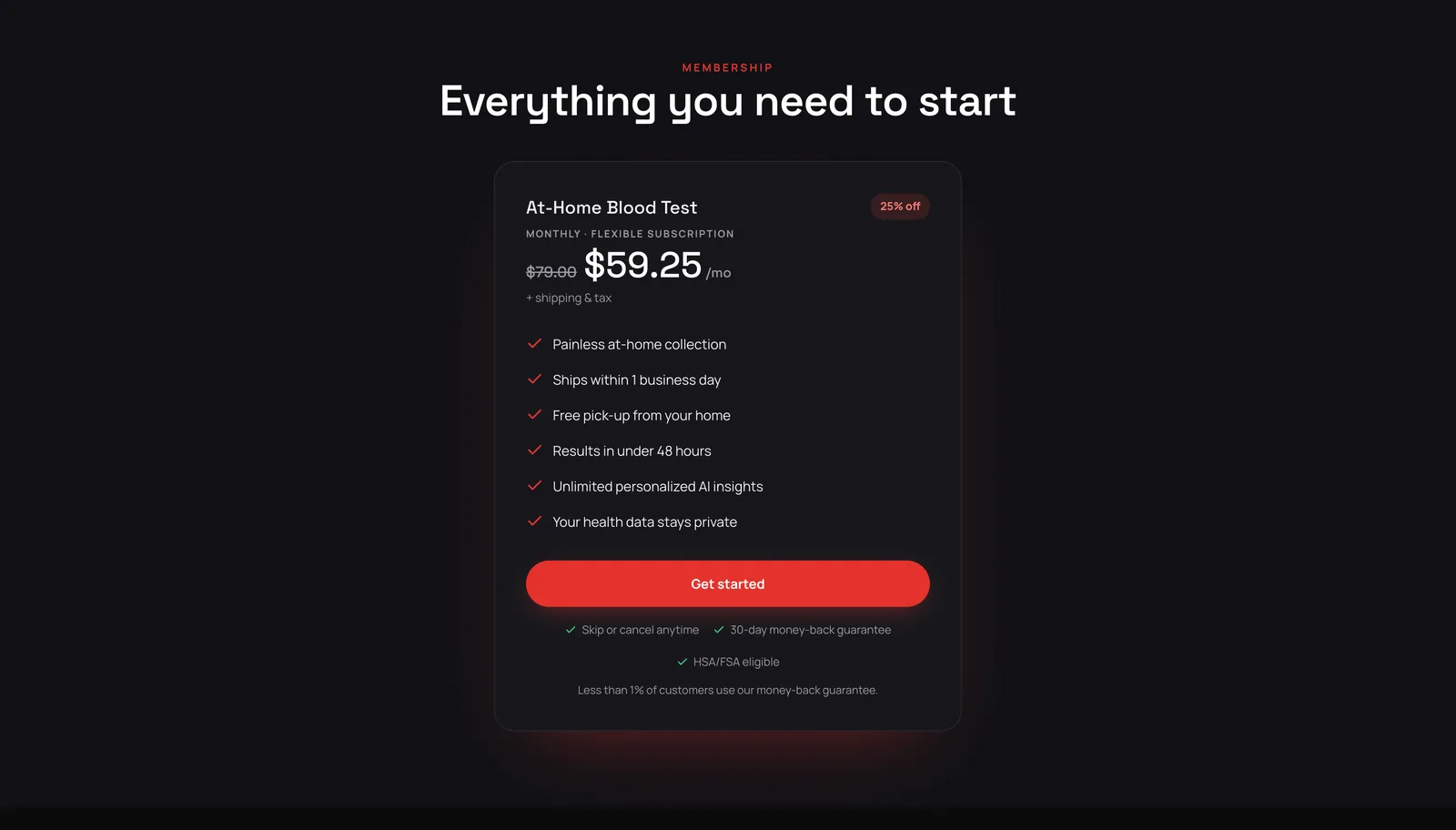
Membership cardOne product, one card. The original price crossed out, the discount badge, six included items with check marks, the button, and the guarantee lines underneath, where people look for the catch. 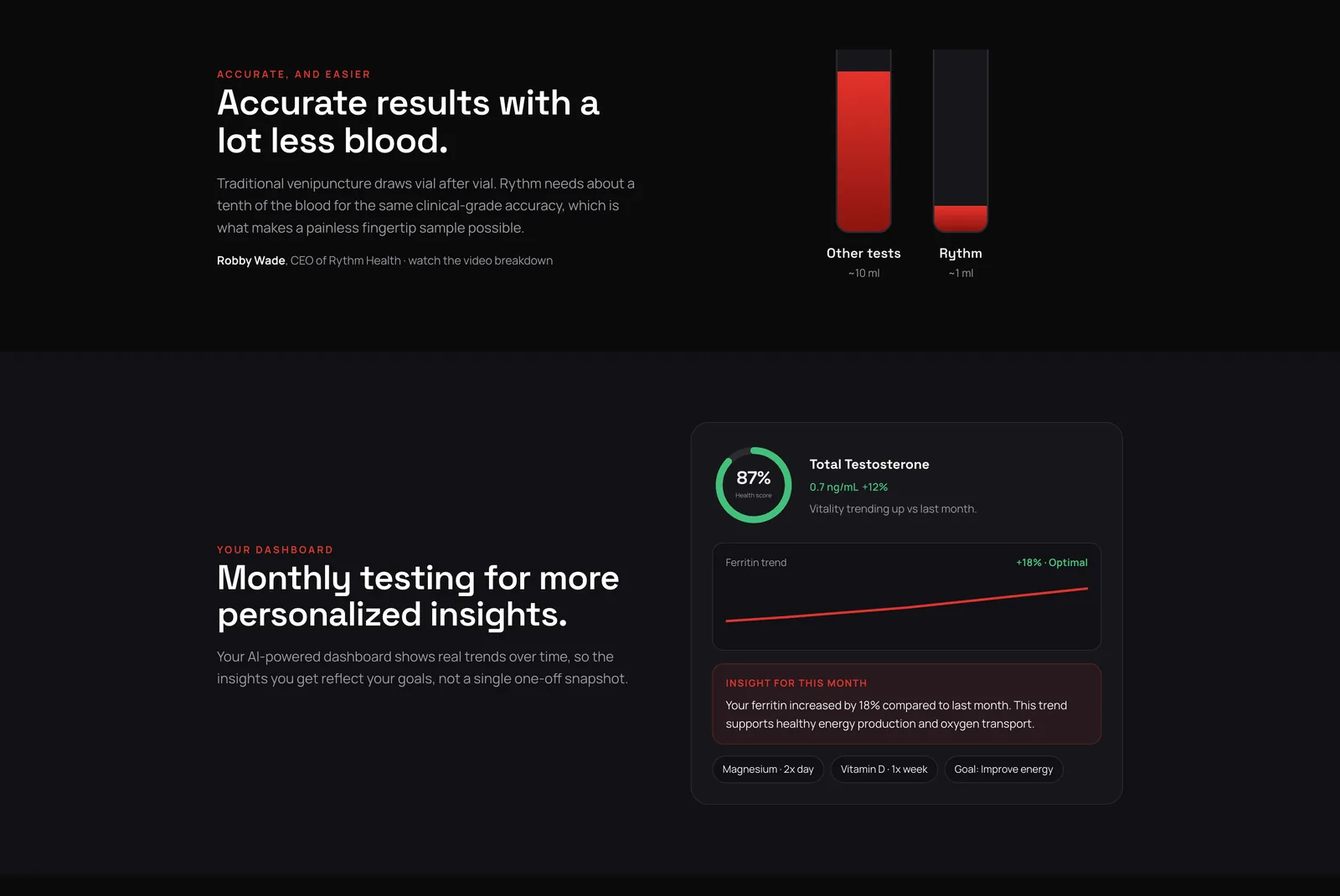
Less blood, and the dashboardTwo bars drawn with CSS compare about 10 ml to about 1 ml. Below that, a mock dashboard with a health score ring, a trend line and an insight card, all built with HTML, CSS and inline SVG, with no screenshots. 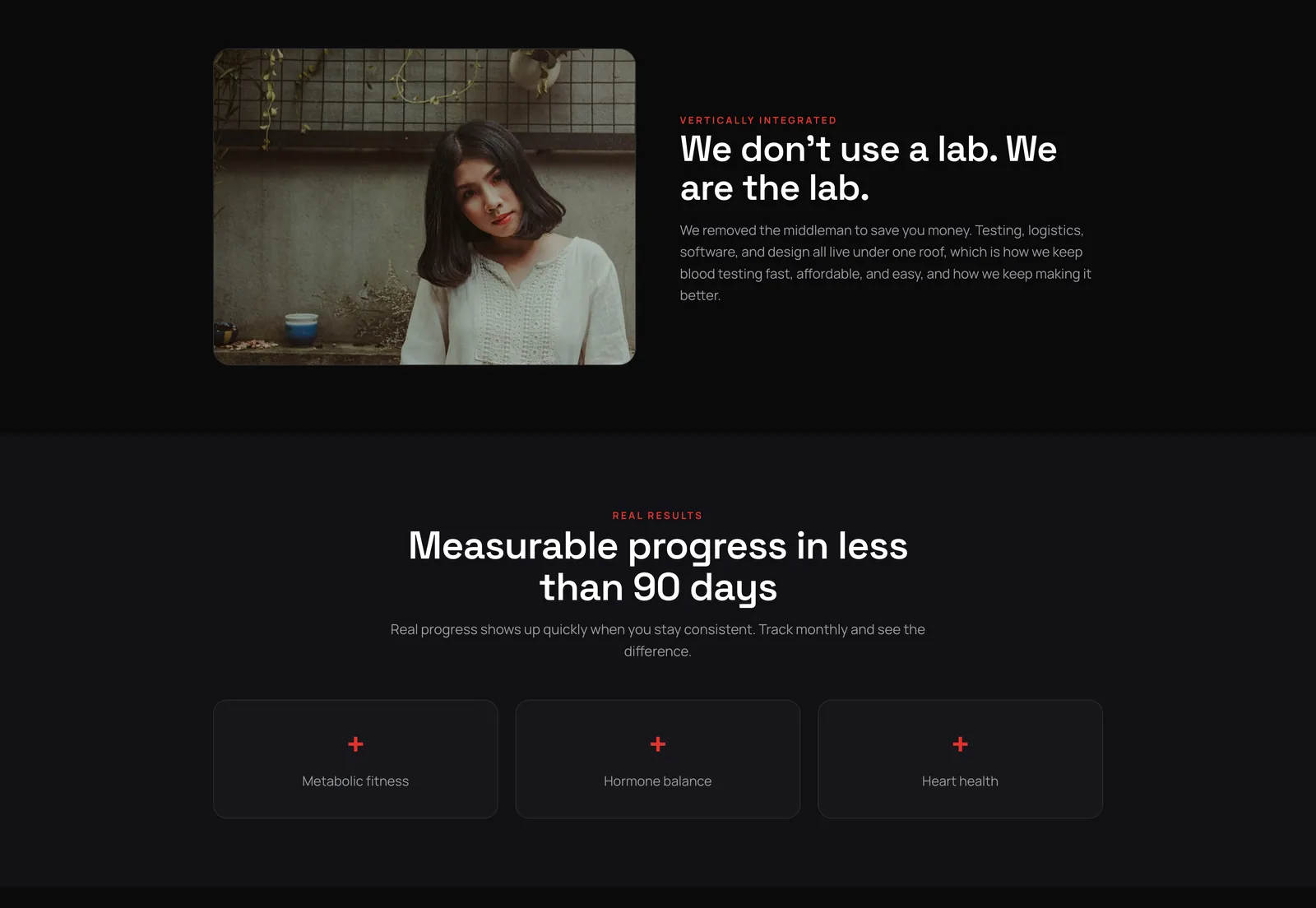
The lab, and real resultsA photo next to a short statement, then three plain cards. It breaks up the product sections with something human before the page gets into detail again. 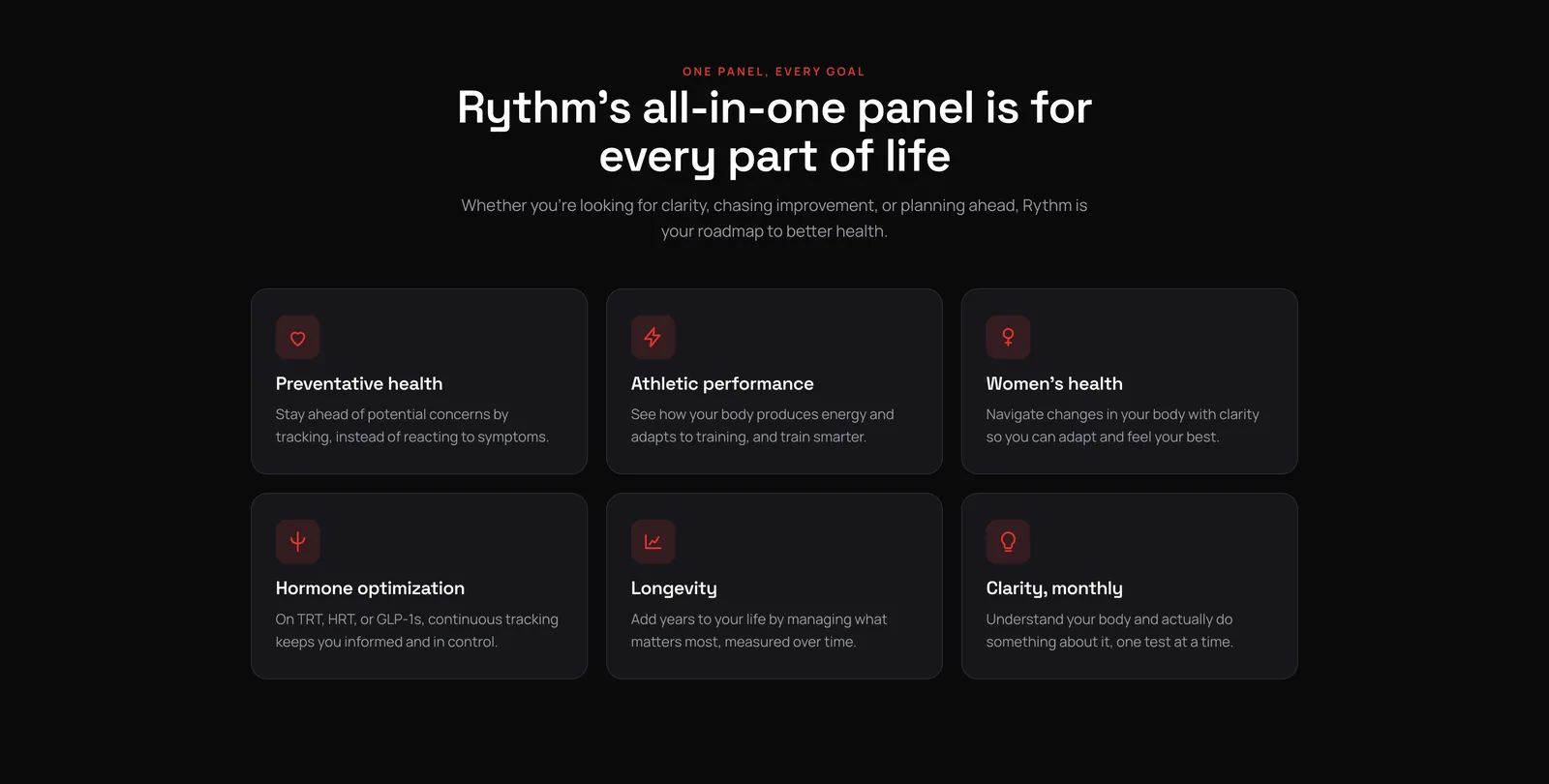
Six use casesOne grid, six cards, one icon each. It is the same card component as the steps and the security section, so the page stays consistent and the CSS stays short. 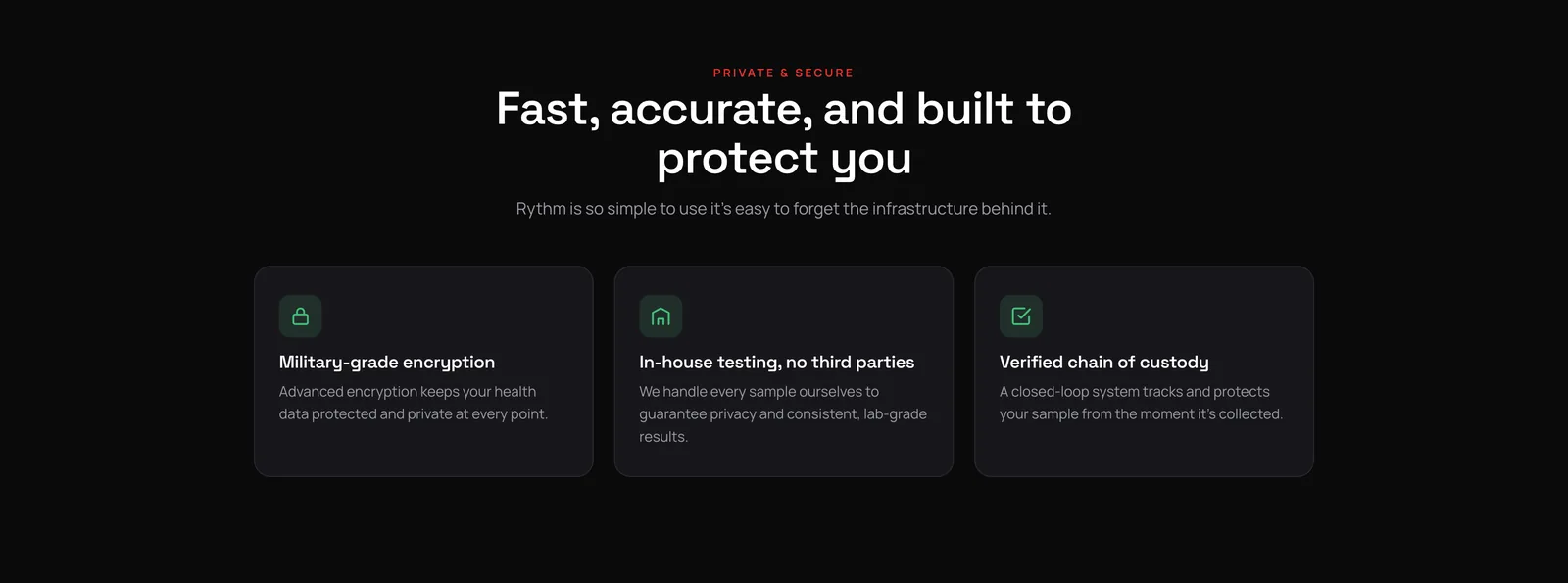
Privacy and securityThree cards with green icons. Health data is the obvious objection for this product, so it gets its own section before the reviews. 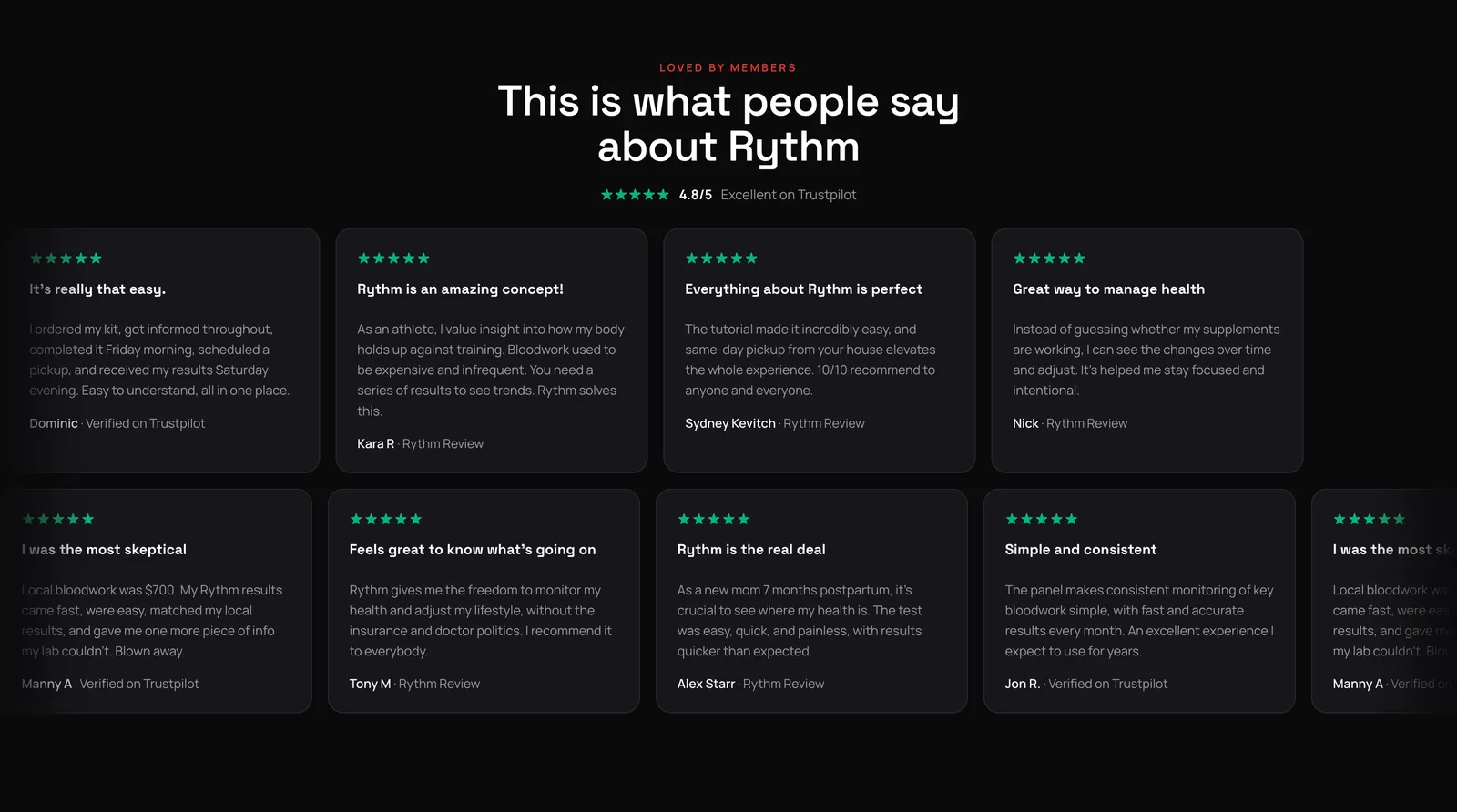
ReviewsTwo rows of review cards scroll in opposite directions and pause when you hover. Each row is duplicated once in JavaScript so the loop never shows a gap. 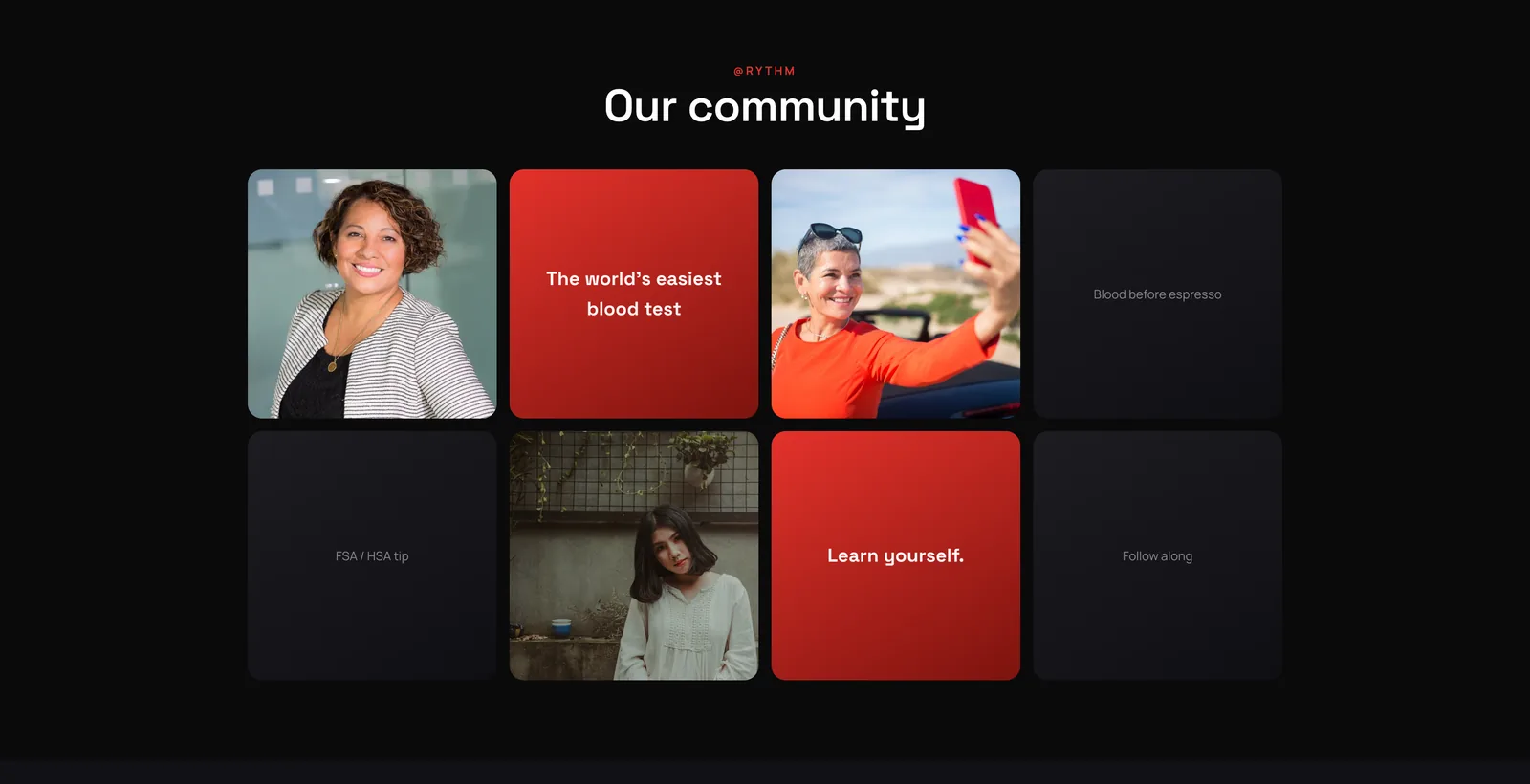
CommunityA photo grid for the social feed with tiles in the brand red. The tiles scale up slightly on hover. 
FAQSeven questions in an accordion. One answer is open at a time and the height animates, so the page never jumps. 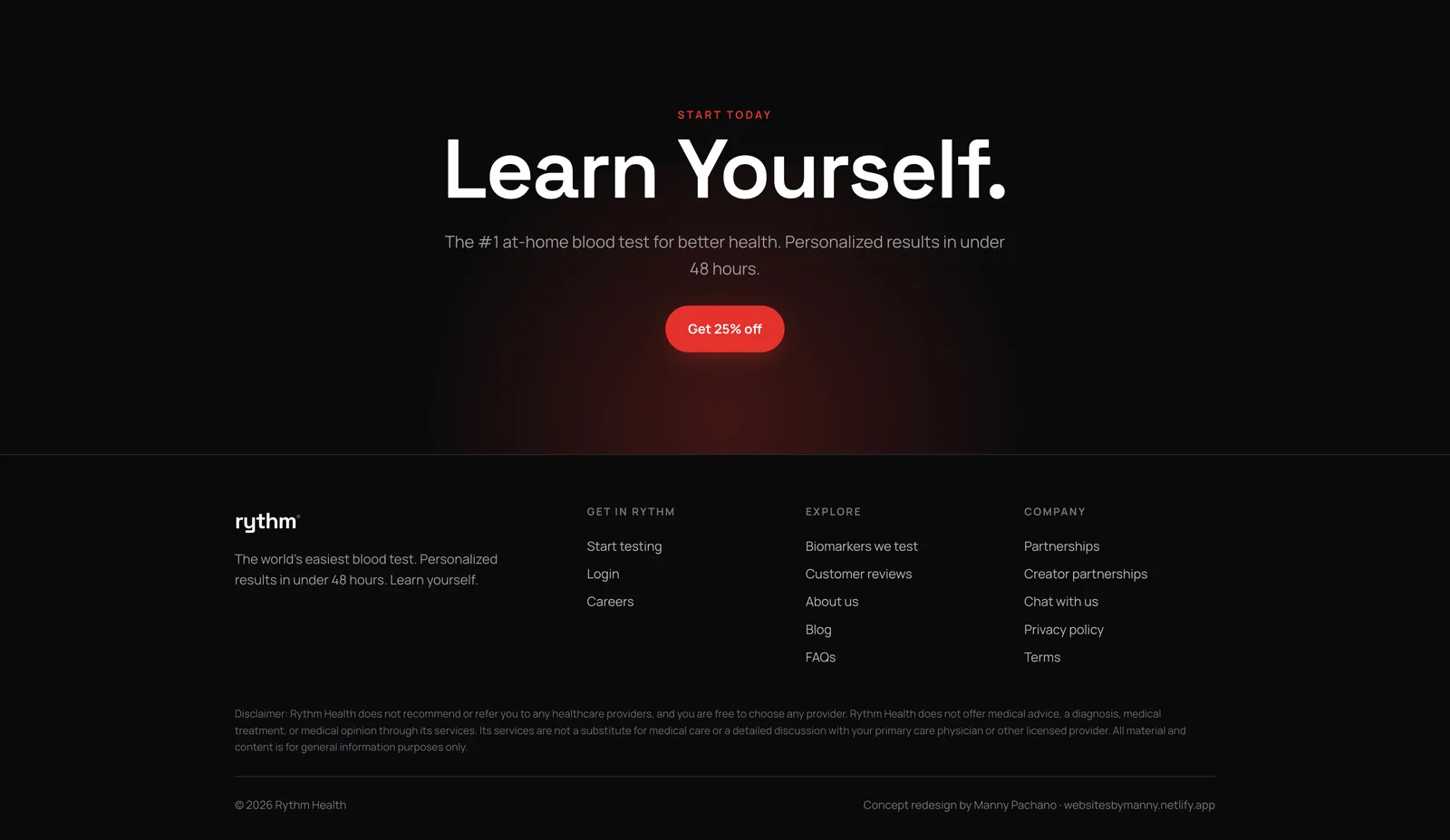
Final call to action and footerThe brand line, one sentence, one button, then a four-column footer with the legal text. The last line credits the concept to me.
The process document
A second document at /process shows how the page was made: the brief, the reading order, the wireframe beside the finished build, the decisions and the component system. The finished page runs live inside the document.
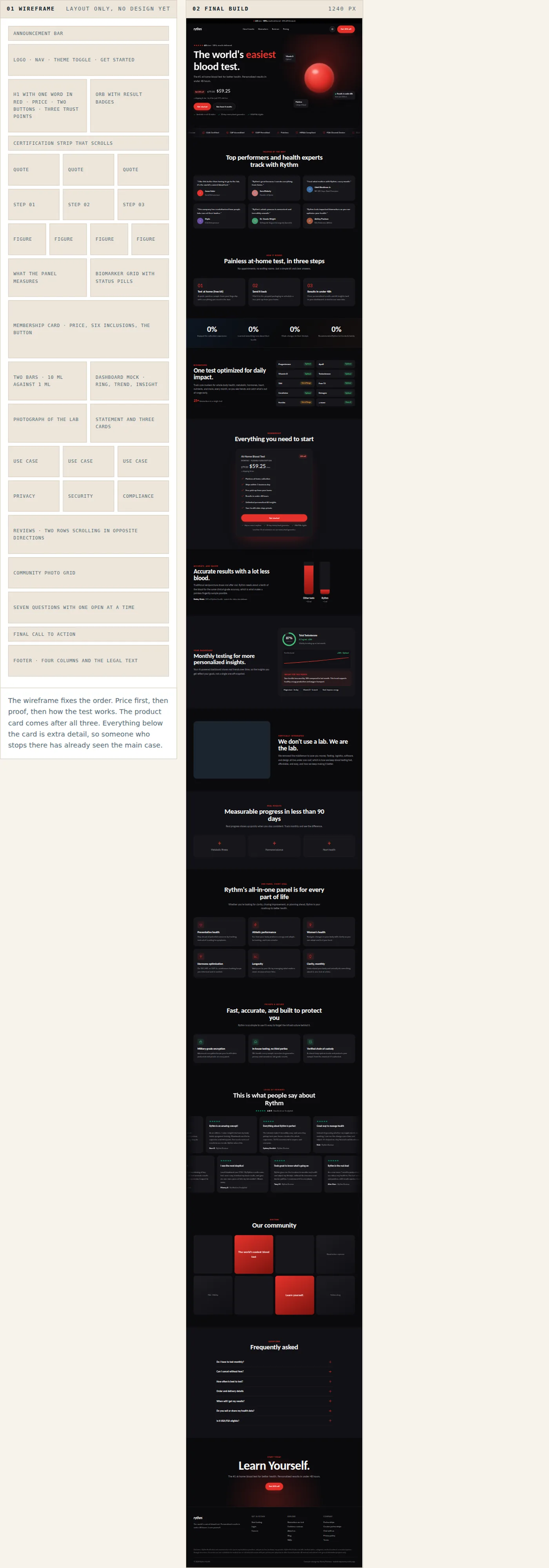
The wireframe on the left and the finished page on the right, running live in the document at 1240 pixels. 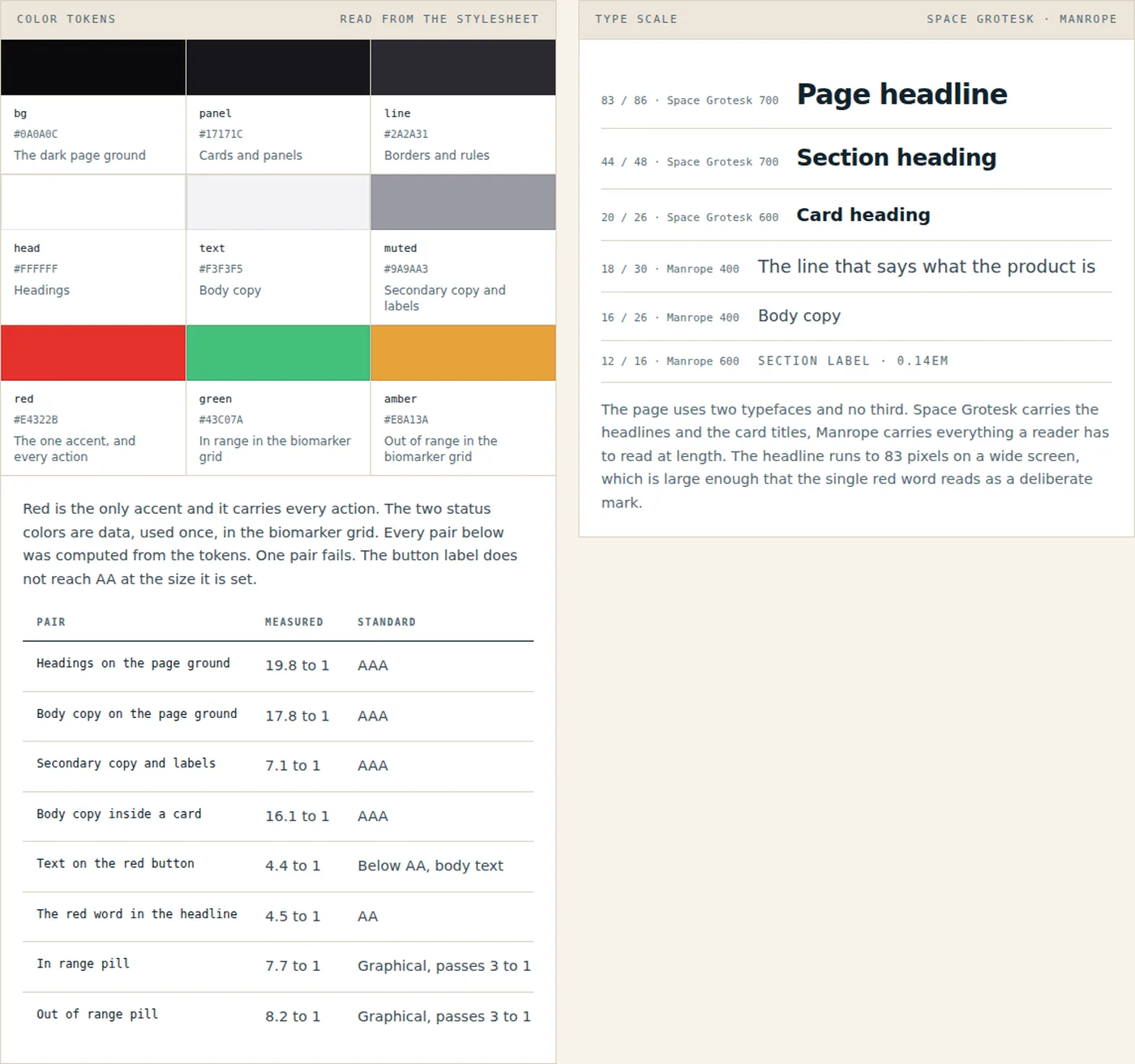
The swatches and the contrast table are read out of the page stylesheet when the document is built. White on the red button measures 4.38 to 1, which is the one pair on the page that misses AA at body size. 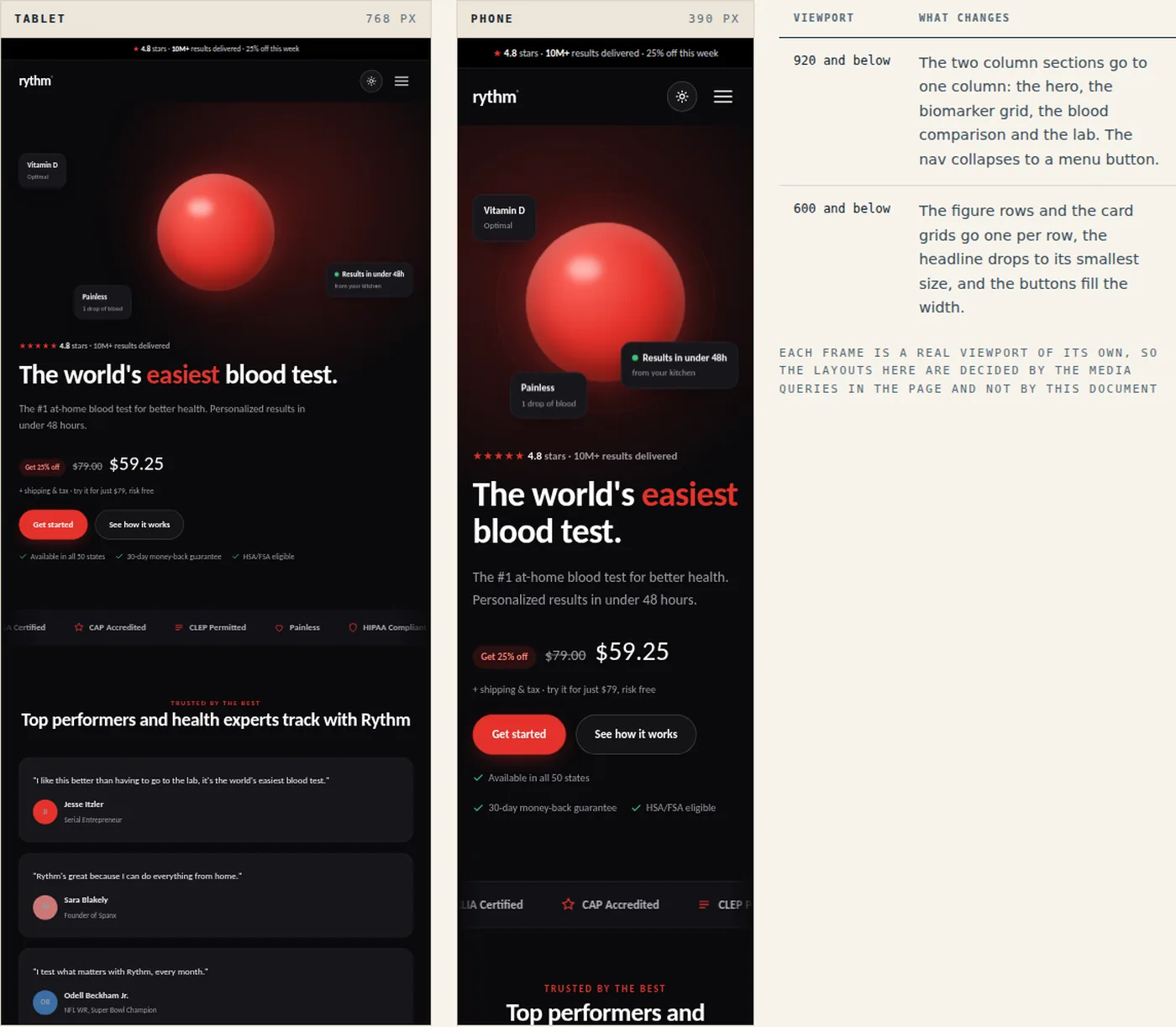
Both frames show the live page at its own width. The table lists the two breakpoints in the stylesheet.
On a phone
Below 920 pixels the page goes to one column, the header menu becomes a full-screen overlay and the buttons go full width. These are four screens from the light version at 480 pixels wide.
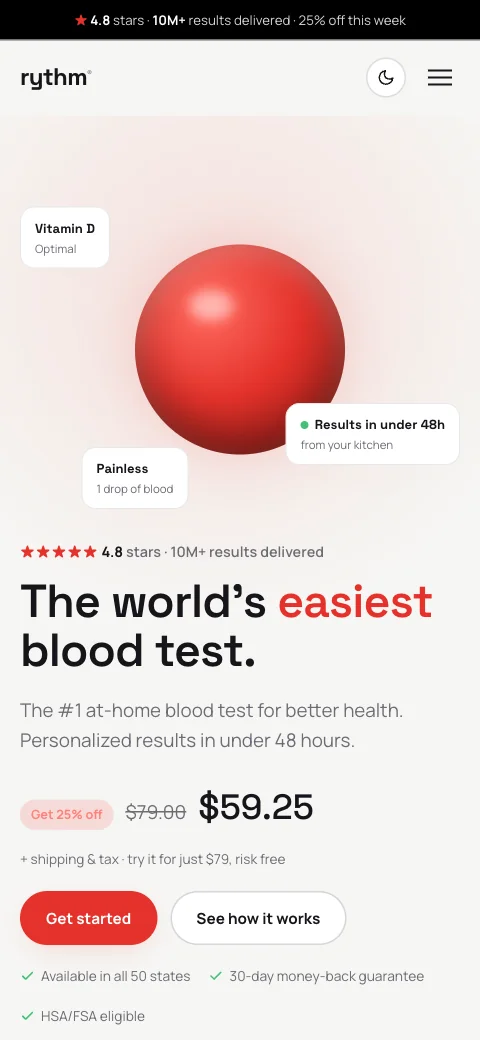
The hero: the sphere first, then the headline, the price and the buttons. 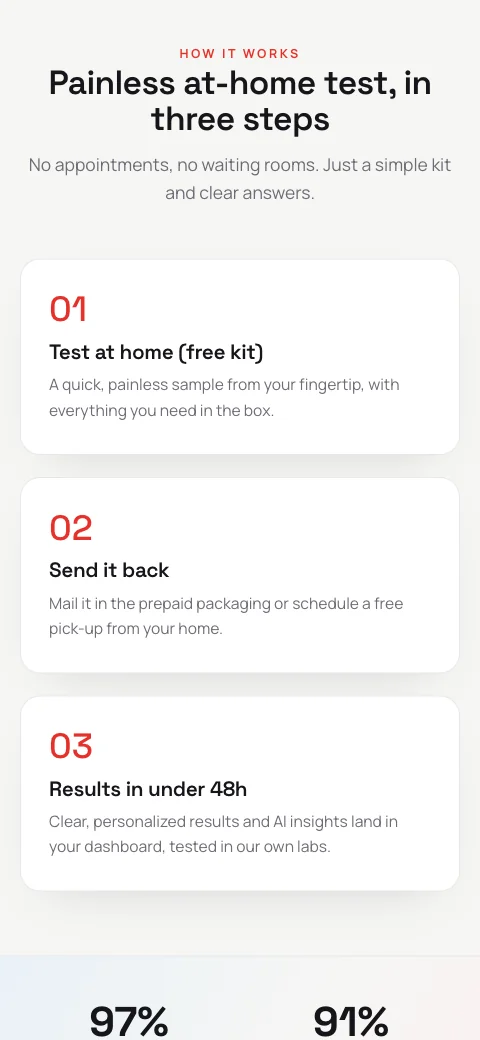
How it works: the three steps stack, then the numbers. 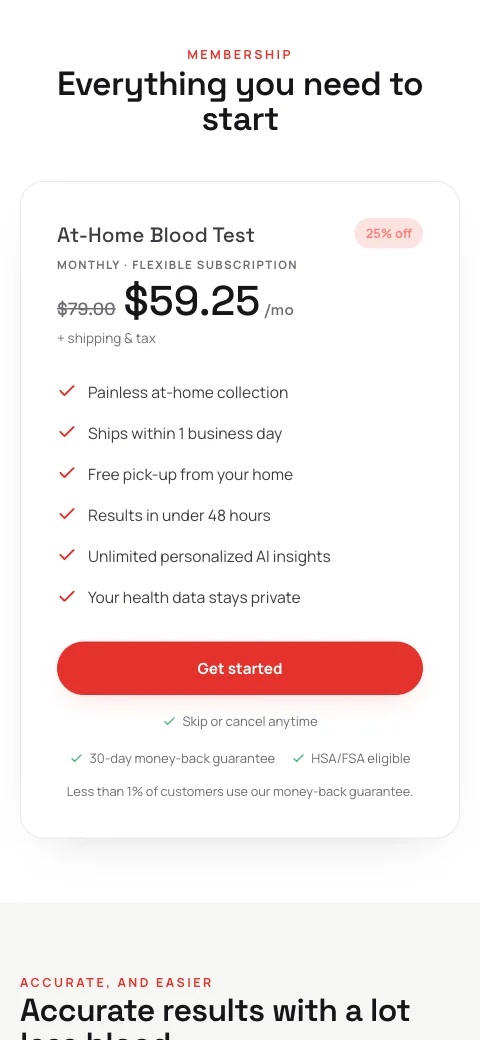
The membership card fills the width. 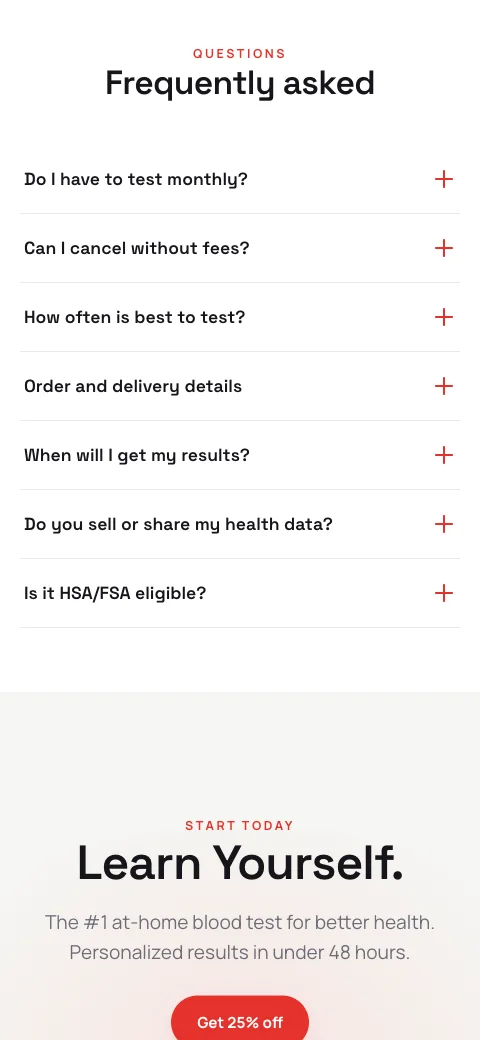
The FAQ and the final call to action.
What went into it
Design
- Two typefaces: Space Grotesk for headlines, Manrope for text. Headlines run up to 83 pixels on desktop.
- One accent color. Red is used for one word in the main headline, the buttons and the small labels above section titles.
- Two themes from one set of CSS variables. The dark version is the default; the light version swaps nine variables.
- Every section has one job, and the sections that matter most end in the same button.
- Cards, pills and buttons share the same corner radius and border treatment, so the components stay consistent across the page.
Build
- One HTML file, about 70 KB, with hand-written CSS and JavaScript. No framework and no build step.
- All icons and graphics are inline SVG or plain CSS. The only image files are three stock photos.
- Reveal on scroll, the count-up numbers and the review marquee run on IntersectionObserver and CSS animations, and all of it switches off for people who prefer reduced motion.
- The theme toggle, the mobile menu, the accordion and the count-up add up to about 40 lines of JavaScript.
- Two breakpoints, 920 and 600 pixels. Deployed on Netlify.
Tools used
- HTML & CSS
- JavaScript
- SVG
- Google Fonts
- Netlify