Landing page
Rise Talent Advisors
Rise Talent Advisors listed five industries on their homepage, which does not tell a hiring manager whether the firm has filled their role before, and the page had nothing at all for candidates. I redesigned and built it in 2026 without being asked. Their copy, brand and client logos are theirs; the structure, the design and the code are mine. Press Show notes on the live page to see what changed in each section and why.
- Client
- Rise Talent Advisors, a staffing and recruiting firm in Lehi, Utah (unsolicited concept, not commissioned)
- My role
- Design and front-end development
- Year
- 2026
- Format
- One-page site
- What happens nextFour steps from intake call to signed offer, with the day or week each one lands in
- Both audiencesCompanies and candidates each get their own section
- Specific rolesTwelve named job titles, so a hiring manager can tell if the firm has filled their role before
About the project
A staffing firm competes on trust more than on price, and trust here comes from specificity. The existing page said what Rise does and which industries they serve, but a hiring manager reading "IT, Fintech, Accounting, Construction and Operations" still cannot tell whether these people have placed their role before. So the redesign names twelve actual job titles, and puts a four-step process on the page saying exactly what happens after the form goes in.
The second change is that the page now has two audiences. The original spoke only to companies, which means a candidate who lands on it has nowhere to go, and a staffing firm without candidates has nothing to sell. The candidate section sits low on the page, below everything a company needs, with a list of recently posted roles and a way to send a resume without applying to anything.
This was not commissioned and I am not affiliated with Rise. Their copy, their navy and orange, their gradient and their real client logos all stayed. The structure, the three new sections and the code are mine. The live page keeps a Show notes button that explains each change in place, which is how it was sent to them.
Section by section
The page, top to bottom.
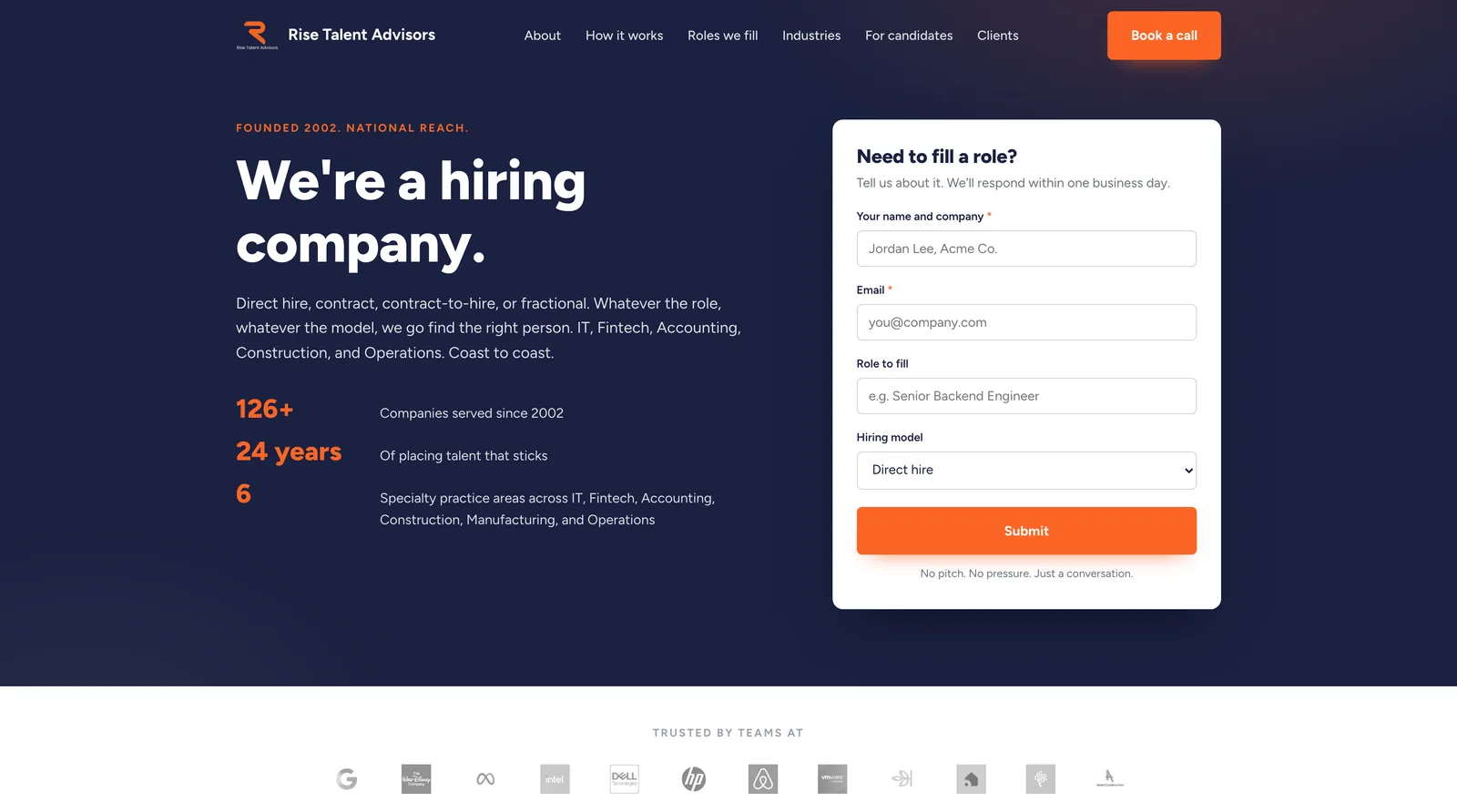
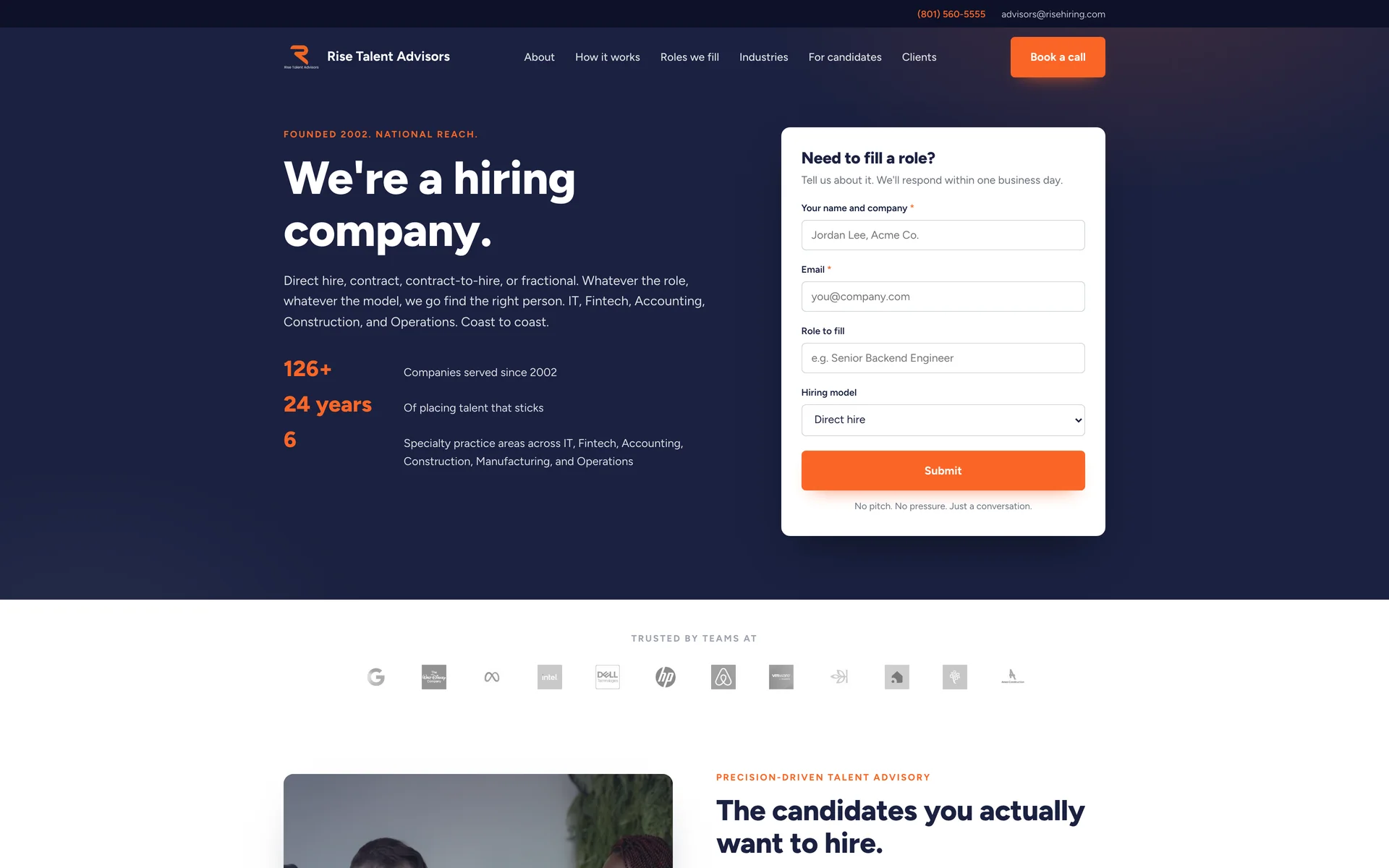
Header and heroThe headline is theirs and it is the right one, so it stayed. The form sits beside it and asks four things. Underneath, the client logos are in grayscale, so they read as proof and do not compete with the orange. 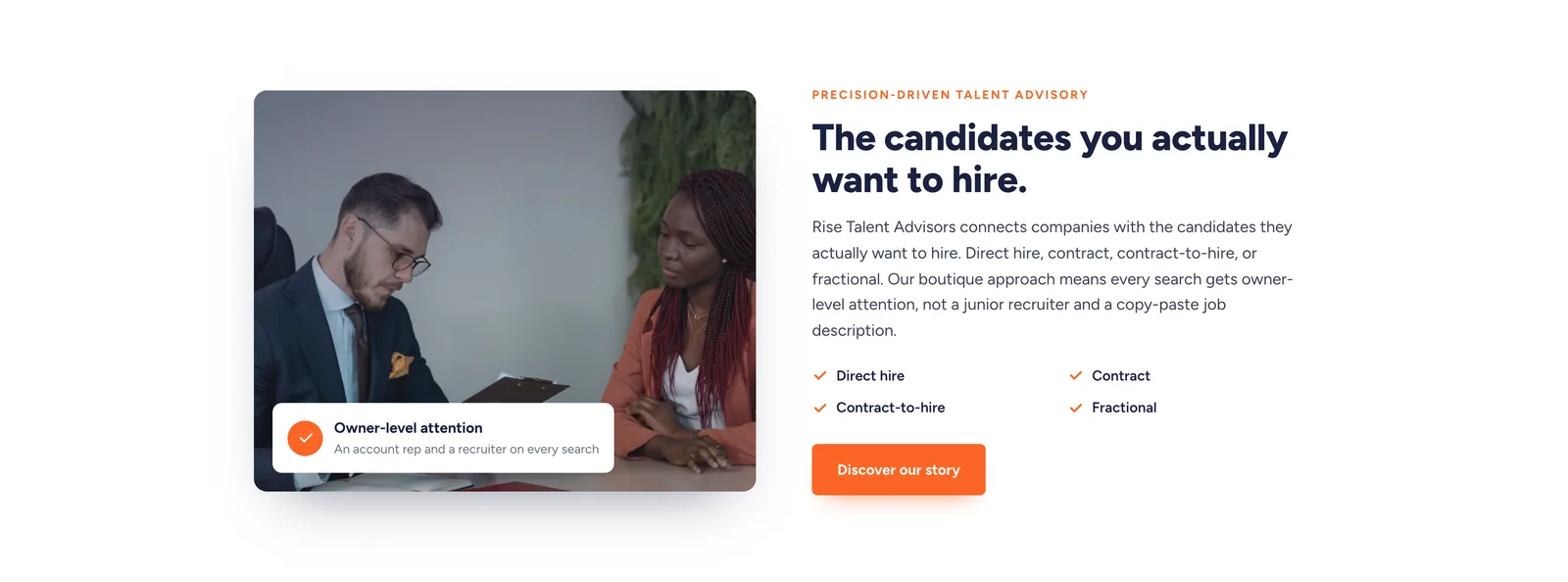
Precision-driven talent advisoryTheir positioning, their button, their copy. What changed is the image treatment: one photograph with a small floating card on it. The four hiring models sit as checked items so a reader can find theirs in a second. 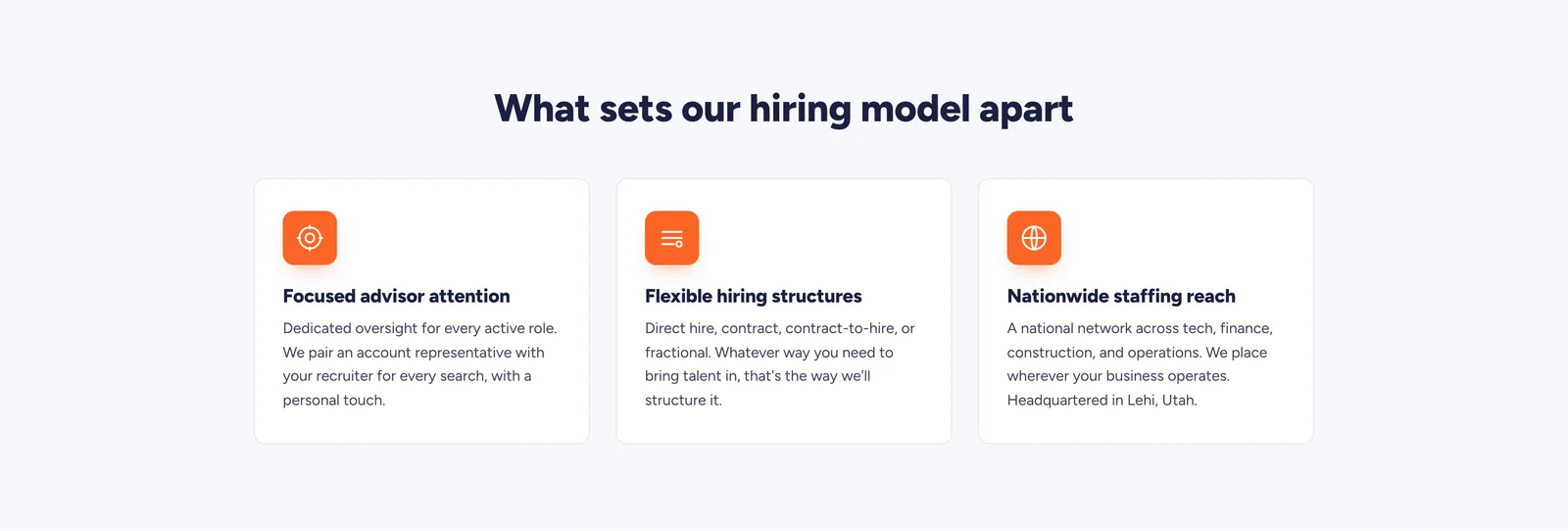
What sets our hiring model apartTheir three differentiators, each on a clean card with an orange icon tile. The copy is unchanged. Three claims of equal weight should look equal, which they did not before. 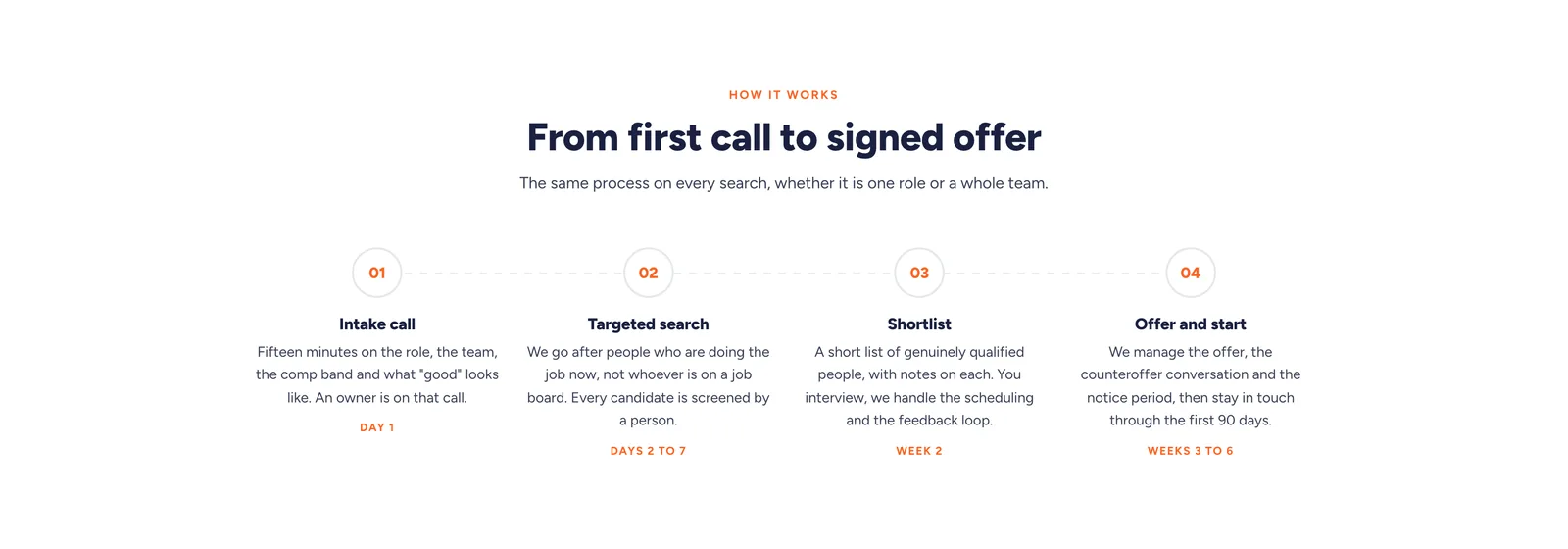
How it worksA new section. The original page said what Rise does but never what happens after someone fills in the form. Four steps, each with the day or week it lands in, ending with staying in touch through the first ninety days. 
The numbersTheir navy band with orange numbers, kept in substance and tidied in spacing, with the figures counting up as the band comes into view. The original had a fourth stat reading "Days" with no number in front of it, which looks like an unfinished placeholder, so it is left out until they supply the figure. 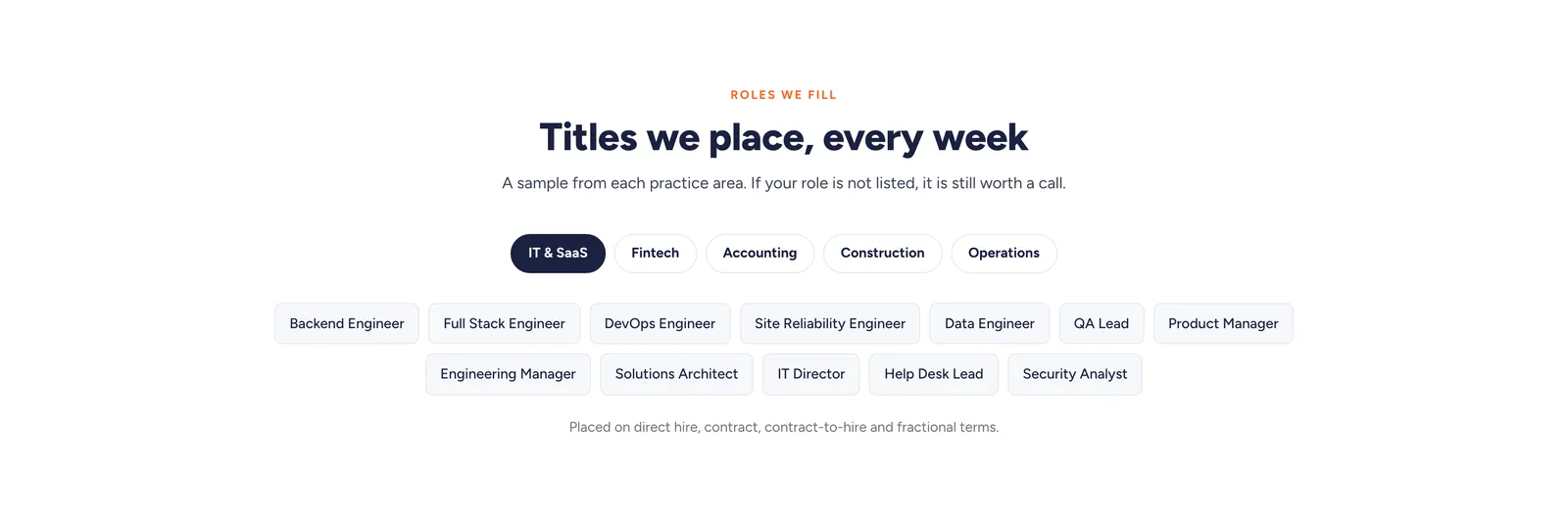
Roles we fillA new section. Five practice areas as filters, and behind each one the actual job titles they place. Naming the titles tells a hiring manager whether the firm has filled their specific role, which a category label alone does not. 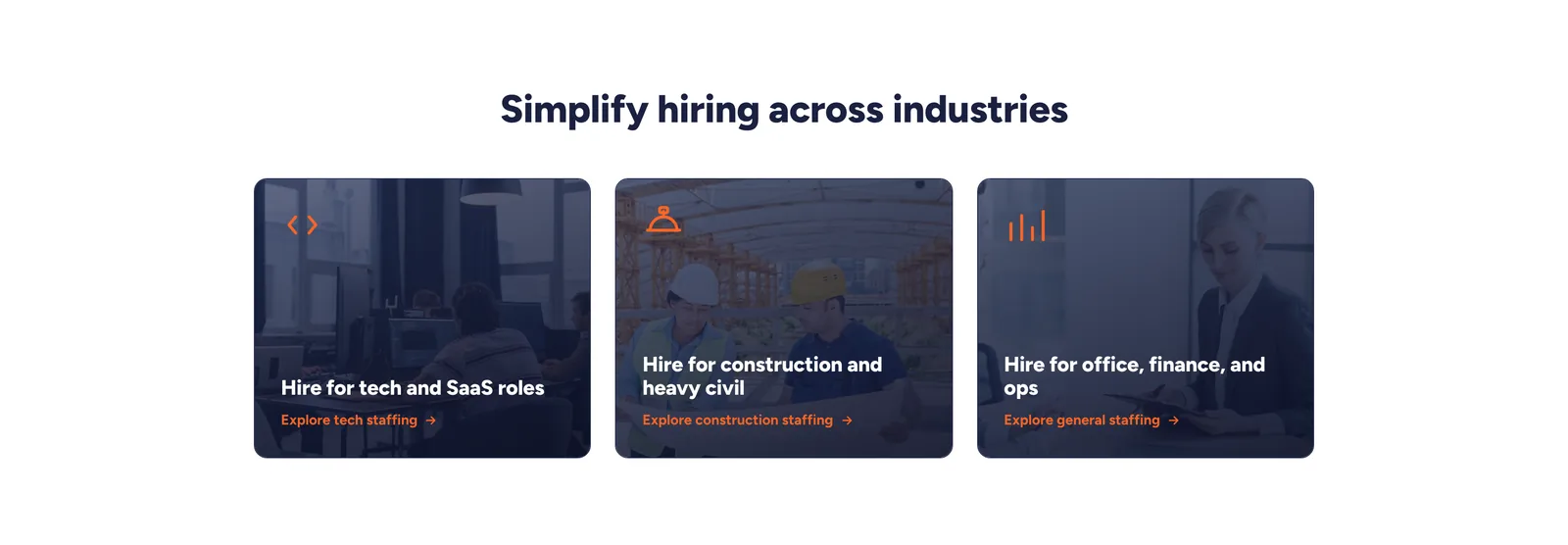
IndustriesThe three links to their existing industry pages, kept. They are photo cards with the text set into the image, which holds the row together at every width. 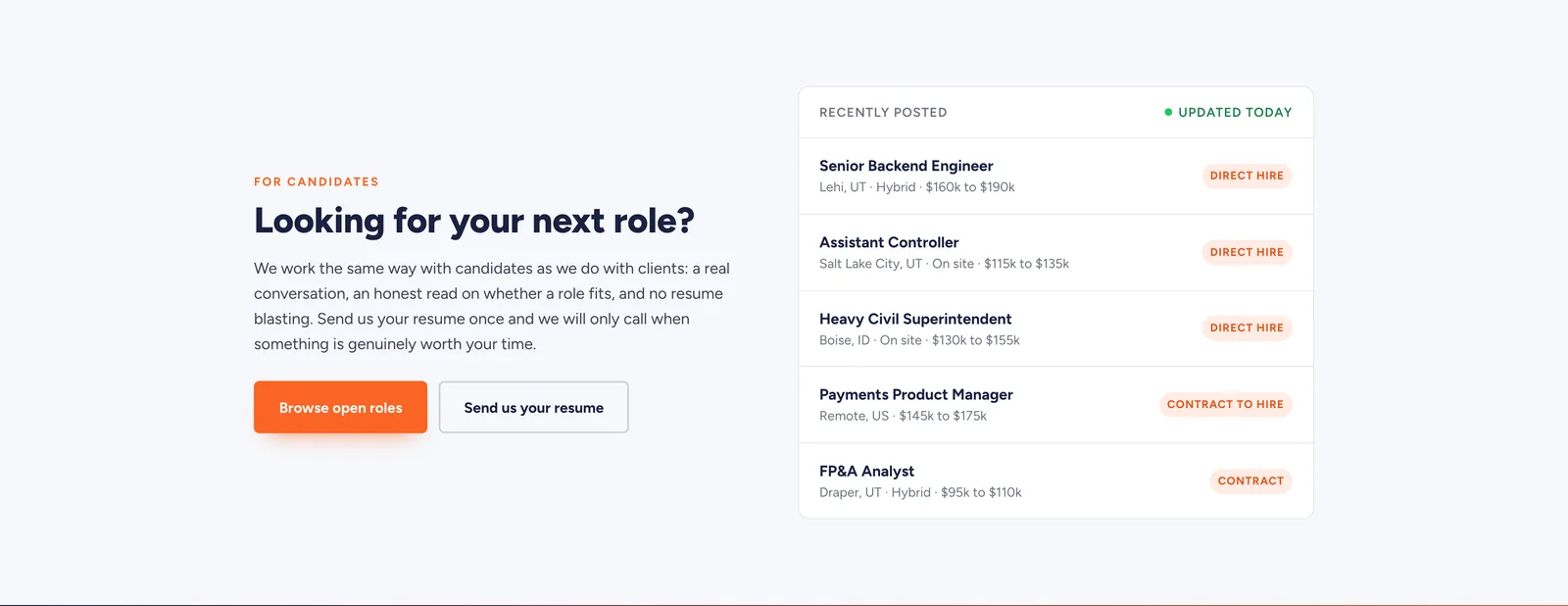
For candidatesA new section, placed after everything a company needs. Recently posted roles with location, working model and pay range, plus a way to send a resume without applying to anything specific. 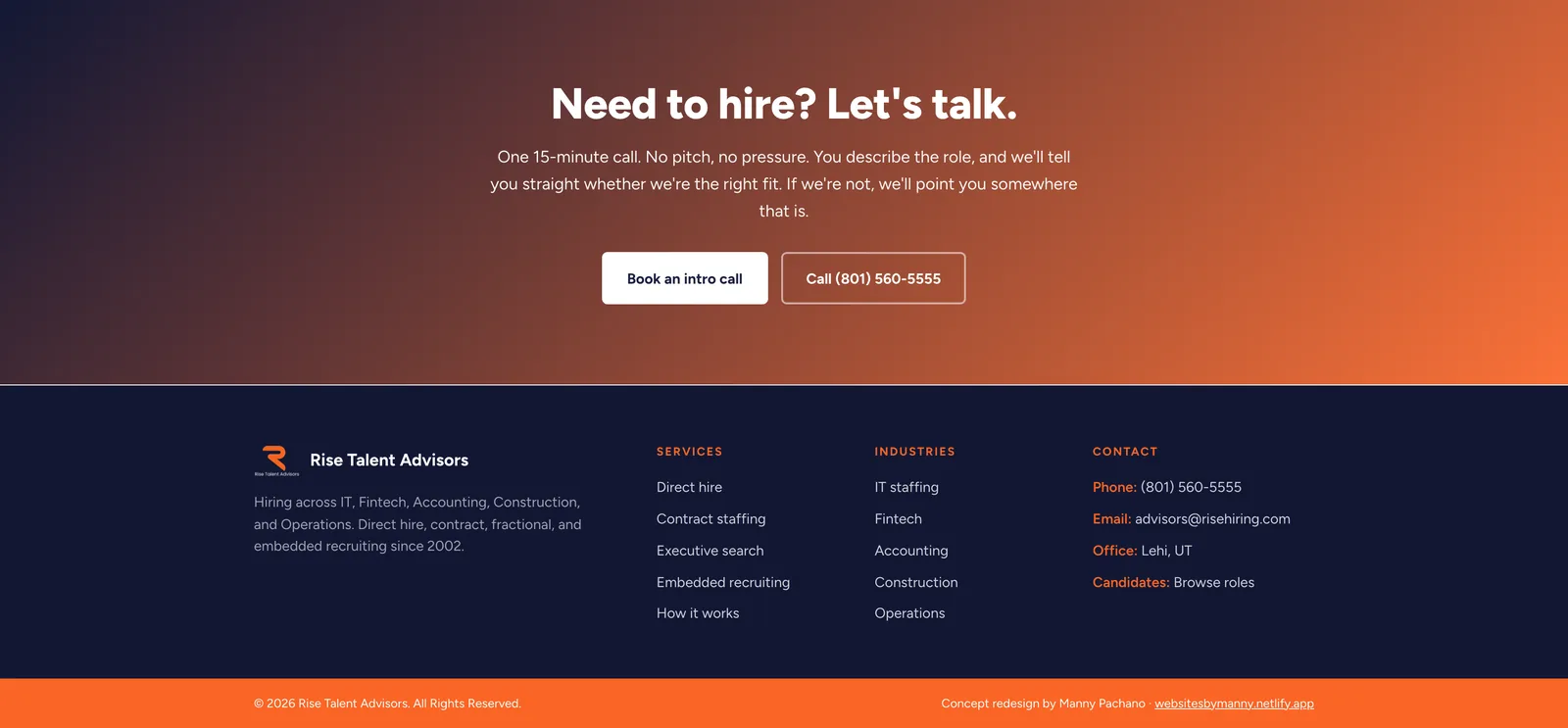
Closing and footerTheir navy to orange gradient and their copy, kept, because it is one of the strongest parts of the current site. It offers a fifteen-minute call and a phone number, and says out loud that they will tell you if they are not the right fit. The footer repeats the practice areas and the industries.
The process document
A second document at /process shows how the redesign was made: the brief, the reading order, the wireframe beside the finished build, the changes and the component system. The finished page runs live inside the document.
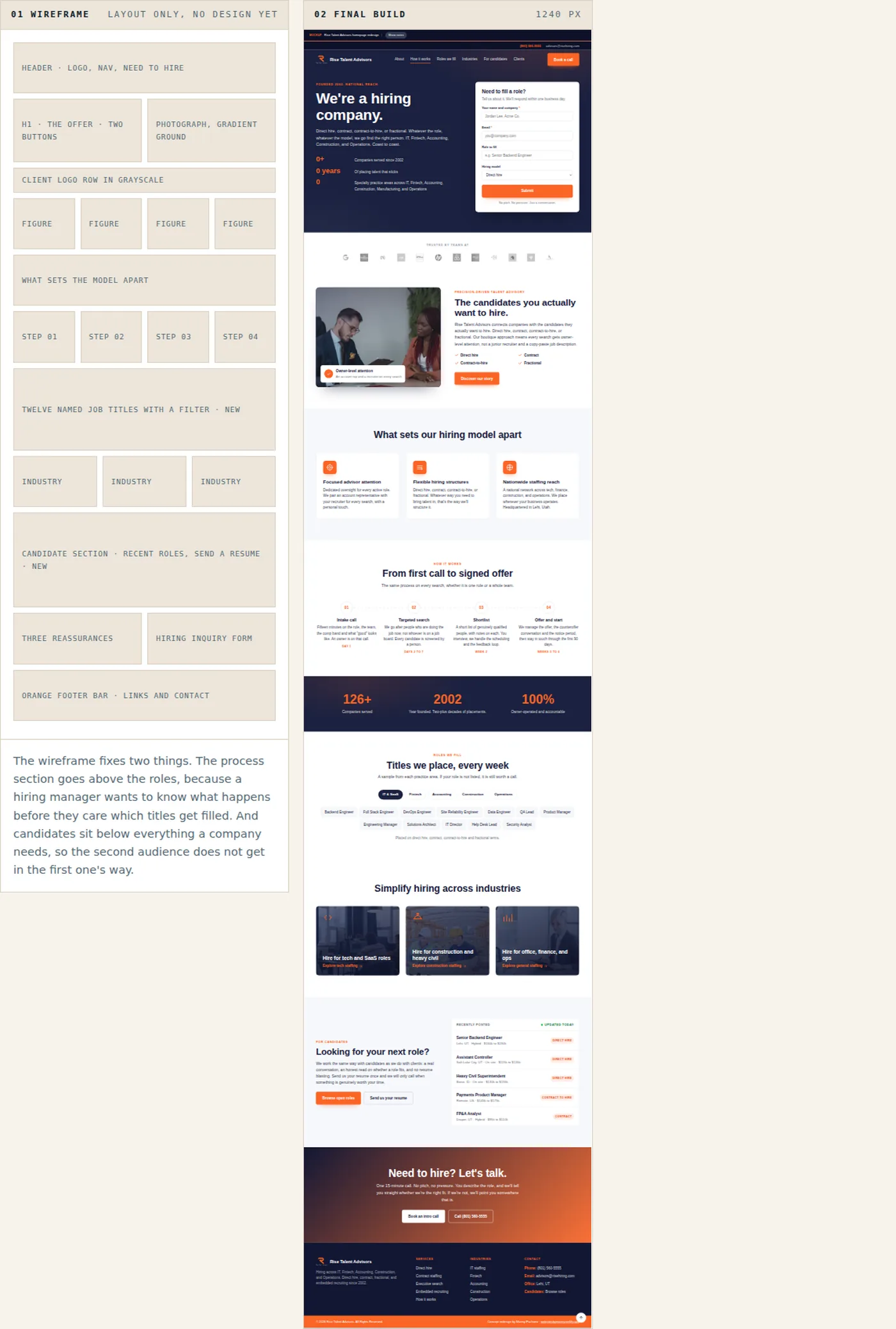
The wireframe on the left and the finished page on the right, running live in the document at 1240 pixels. 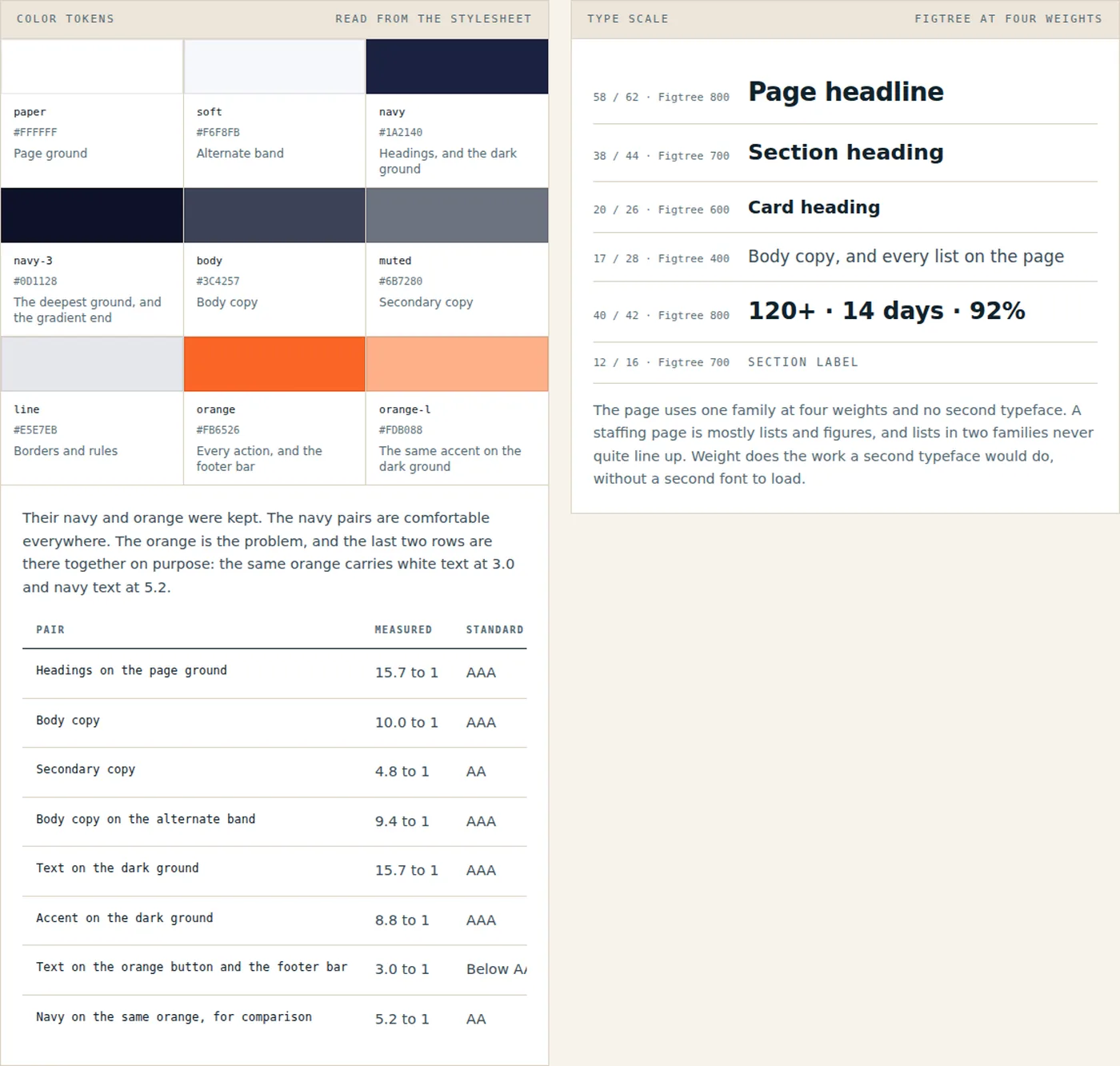
The swatches and the contrast table are read out of the page stylesheet when the document is built. White on the orange measures 3.00 to 1, the largest miss across the six pages, while navy on the same orange measures 5.23. 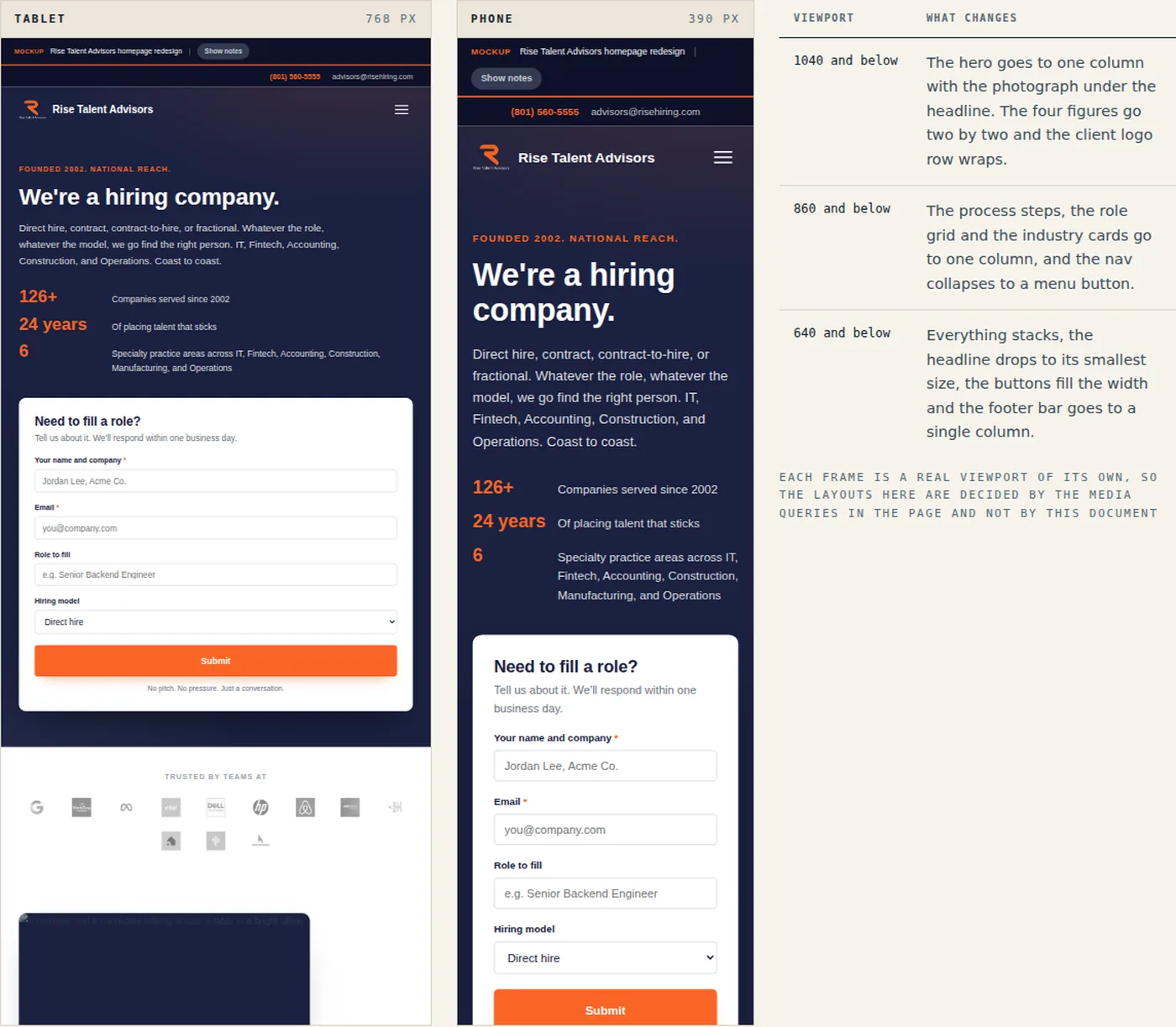
Both frames show the live page at its own width. The table lists the three breakpoints in the stylesheet.
On a phone
The page on a phone. A hiring manager checking a recommendation is usually doing it between meetings.
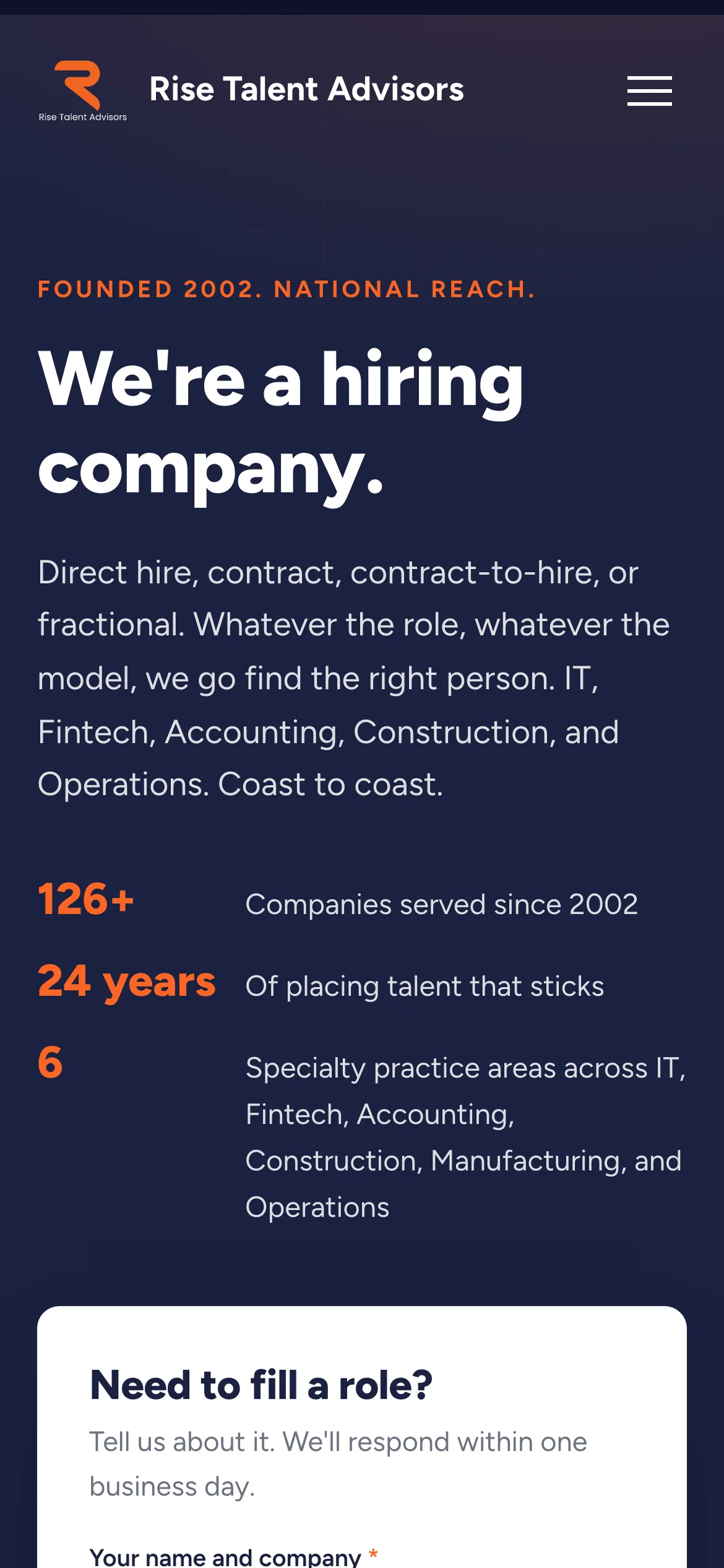
The figures stack with the label beside each number, so the column stays short and the form stays close. 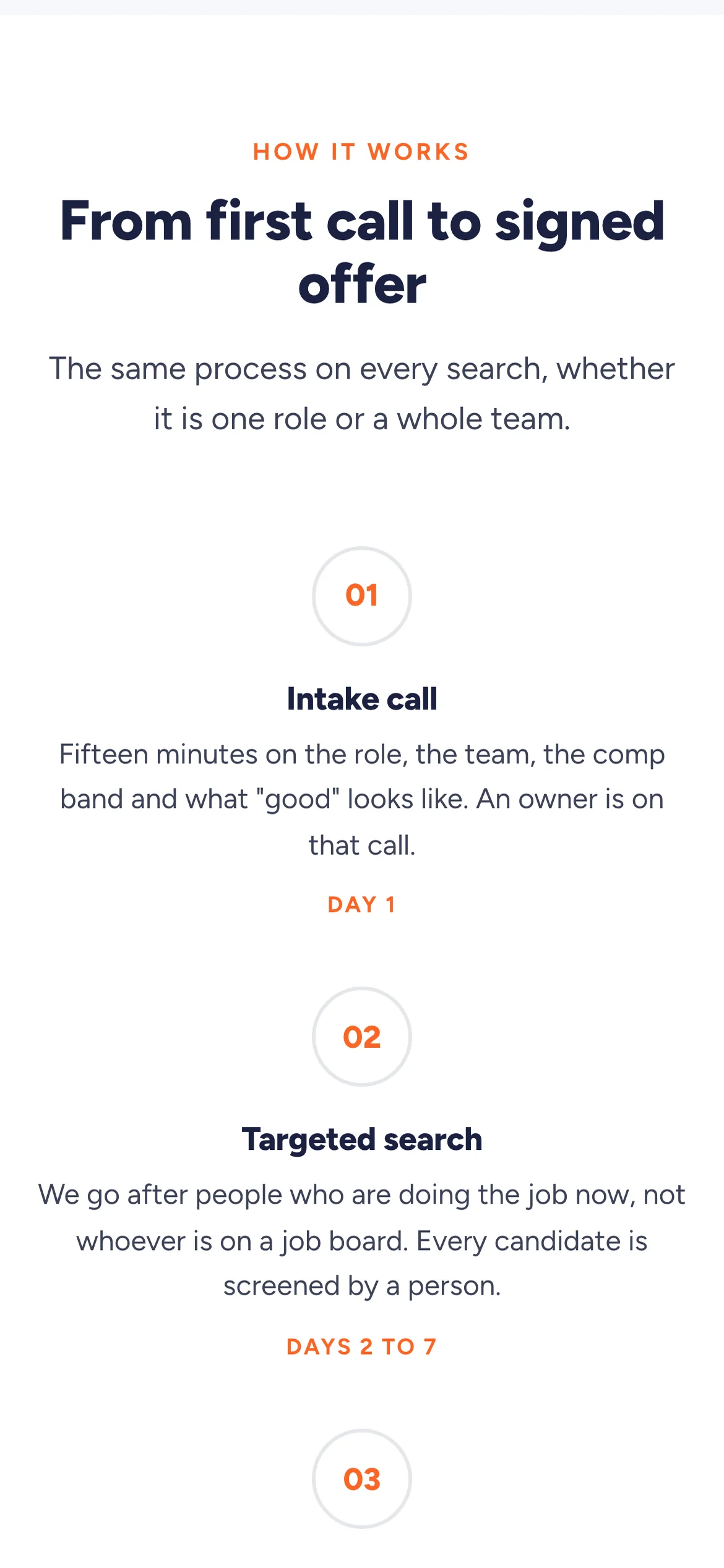
The process runs down the center, with the timeframes acting as the rungs between steps. 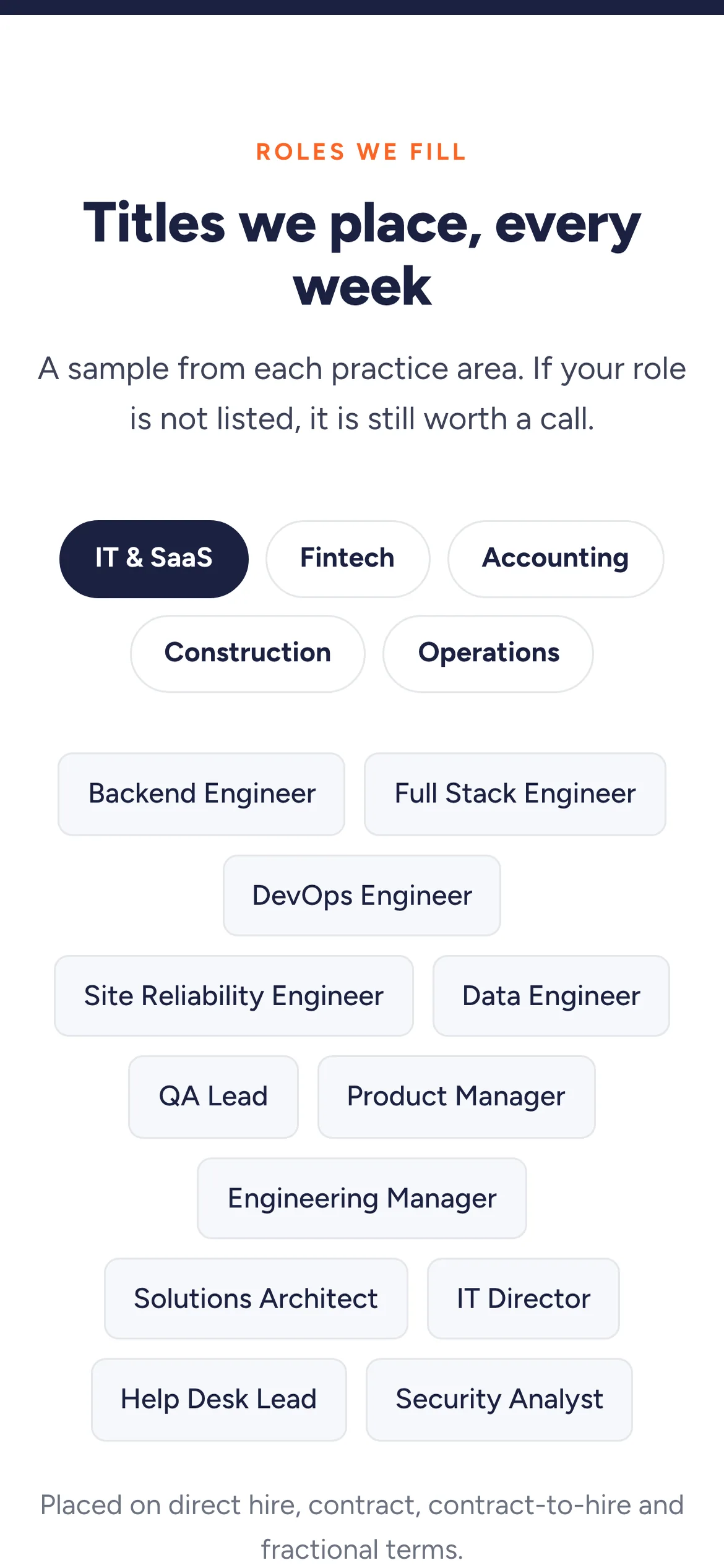
The practice area filters wrap onto three lines, so every one is visible without swiping. 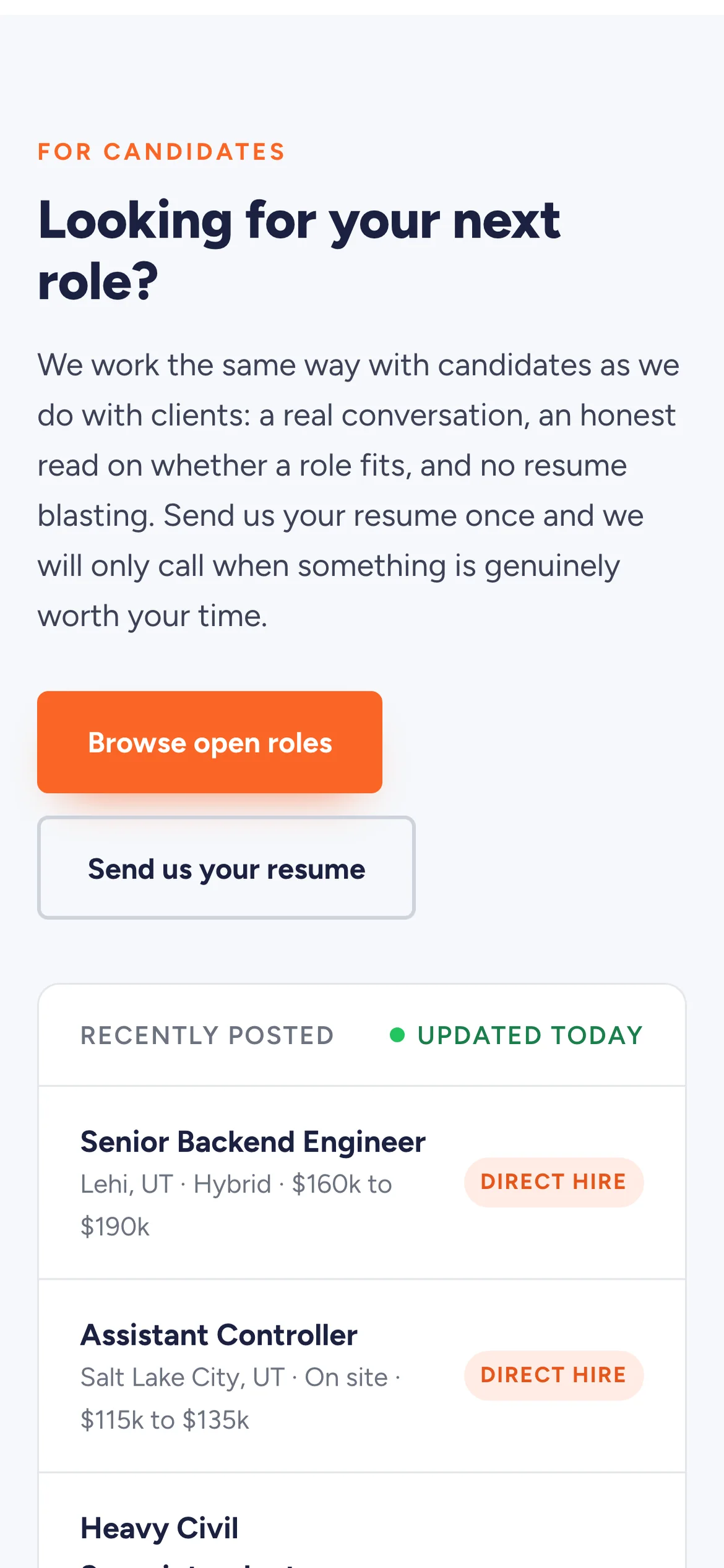
The open roles list keeps its pay ranges at phone width, which is the part candidates scroll for.
What went into it
Design
- Their navy, their orange, the navy to orange gradient and the orange footer bar all stayed. The brand was not the problem.
- Client logos are grayscale so they read as proof and stop competing with the accent color.
- One typeface, Figtree, at four weights. A staffing page is mostly lists and figures, and one family keeps them aligned.
- The two audiences are separated by depth: everything a company needs comes first, and candidates get the section below it.
- Twelve named job titles say more than five industry words.
Build
- One HTML file, about 415 KB. Most of that is the client logos and photographs embedded directly in the file, so the page has no external image requests of its own to fail.
- Hand-written CSS and JavaScript, no framework and no build step. Their current site runs on a page builder, which is where a lot of the weight on it comes from.
- The role filters swap the visible tags on a data attribute and update aria-pressed, so the state is announced to screen readers.
- Eight figures count up on IntersectionObserver and hold their final value for anyone who prefers reduced motion.
- Three breakpoints, 1040, 860 and 640 pixels.
- The annotation layer is part of the file: a Show notes button reveals a note on every section explaining what changed. It is off by default. Deployed on Netlify.
Tools used
- HTML & CSS
- JavaScript
- SVG
- Google Fonts
- Netlify